

GlossAi ✓
Repurpose video & audio content into engaging snippets.
Verdict
A quick read before you dig into the full page.
- Best if
- Repurpose video & audio content into engaging snippets
- Skip if
- Might oversimplify complex content
- Pick this when
- Content repurposing
Considering ContentRadar instead? Compare side by side
Overview
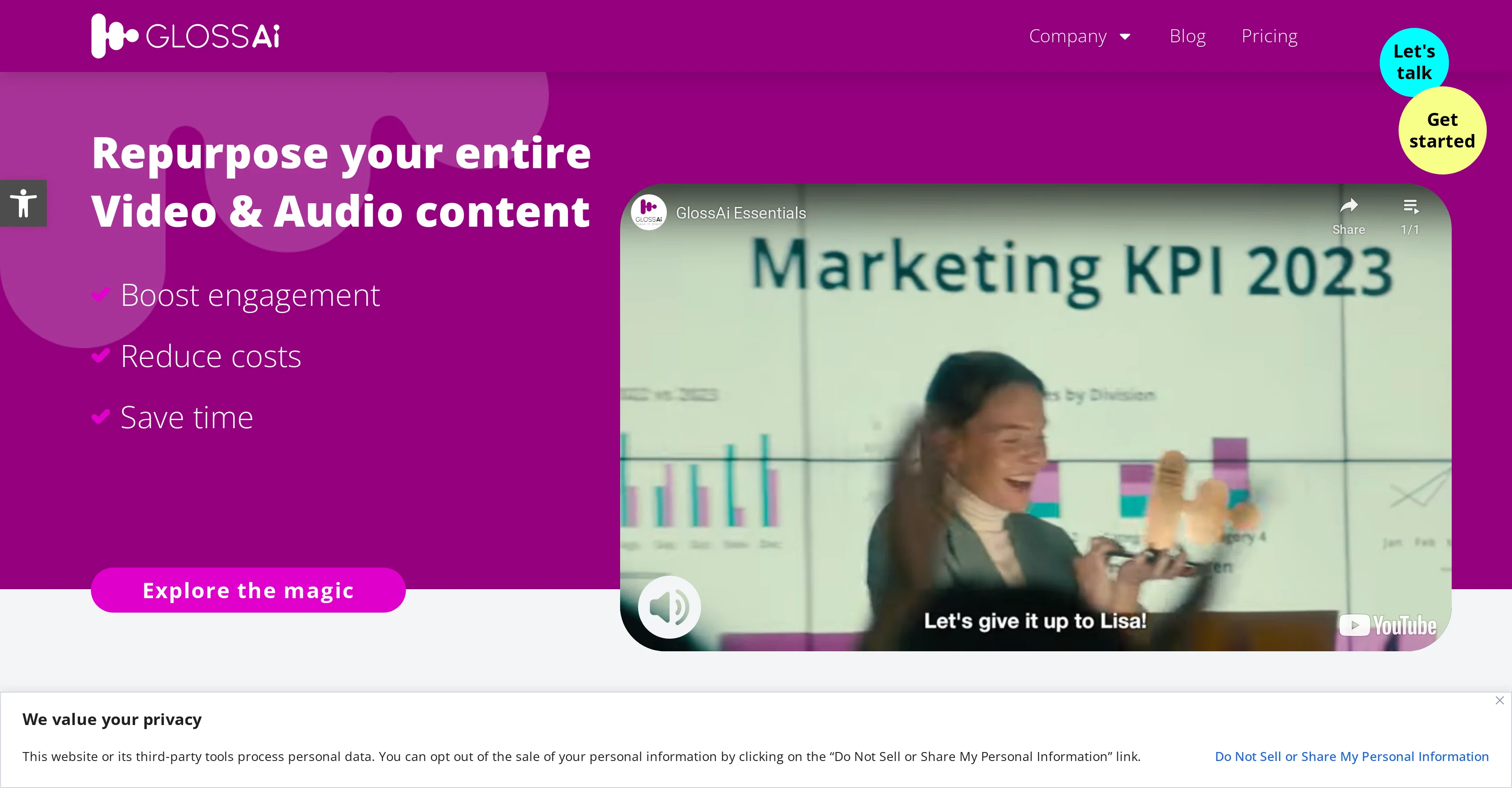
GlossAi is a comprehensive AI-powered tool that repurposes video and audio content to enhance user engagement, reduce costs, and save time. The tool specializes in transforming long-format content into numerous single or multi-moment snippets designed specifically for various social media platforms, thus enabling the generation of multi-channel digital and organic campaigns.
GlossAi also offers multi-format repurposing that allows users to engage their audience through alternative channels such as blogs, emails, and websites.
It provides functionalities to generate additional content forms like eBooks, newsletters, and blog posts. To facilitate globalization and accessibility, GlossAi provides transcription, dubbing, and translation features, supporting over 200 languages.
It also comes with an inbuilt editing software for text-based and timeline editing, aligning the auto-generated content with the user's brand. Unique to GlossAi, users can instruct the AI system to create specific content as if directing a production studio.
Furthermore, GlossAi integrates with more than 100 existing systems, providing an end-to-end automated workflow from content creation to distribution.
Access & connections
Where you can use GlossAi.
Platforms
Capabilities
What this tool accepts, produces, and is strongest at.
Input
- Video
- Audio
Output
- Video
- Text
Pros & cons
Pros
- Content repurposing
- Multi-format conversion
- Social media tailored content
- Multi-channel campaign generation
- Transcription feature
- Dubbing feature
- Translation in 200 languages
- Inbuilt text editing
Show 17 more
- Timeline editing
- Integrates with 100 systems
- Automated workflow
- Produces eBooks
- Newsletter generation
- Blog post creation
- Multiple content forms
- Localisation and accessibility
- Editing Wizard
- Prompt-based personalisation
- Trusted by 10,000 companies
- Vertical snippets for TikTok
- LinkedIn image carousel
- YouTube optimization
- 35% higher engagement
- 70% editing time saved
- 60% less editing spend
Cons
- Inbuilt editor limitations
- Depends on initial content quality
- Metatag repurposing not mentioned
- Limited personalization control
- May overlook contextual importance
- Might oversimplify complex content
- Translation accuracy for 200+ languages
- System integration complications
Show 1 more
- Lack of video formatting details
Compare alternatives
Similar tools in the catalog — with a clear reason to open each one.

ContentRadar ✓
FreemiumTurn long-form pieces into LinkedIn and X posts that match your brand
Why look Higher community rating
Full comparison
Vizard ✓
FreemiumCreate pro-grade videos from raw footage in minutes.
Free + from $29/mo
Full comparison



Releases 1
FAQ 12
What is GlossAi?
How does GlossAi repurpose video and audio content?
What social media platforms does GlossAi cater to?
What multi-format repurposing options does GlossAi provide?
What additional content forms can GlossAi generate?
What languages does GlossAi support for transcription and translation?
How does the inbuilt editing software of GlossAi work?
Can users instruct GlossAi to create specific content?
Does GlossAi integrate with other existing systems?
What does the end-to-end automated workflow of GlossAi entail?
How does GlossAi help to boost engagement and reduce costs?
How is content transformed for various social platforms through GlossAi?
Related tools
Recommended

Limecube ✓
FreemiumTransforming the way websites are created with AI.

Pineapple Builder ✓
FreemiumAI Website Building for Businesses

Eightify
UnknownAI-powered YouTube video summarizer extracting key ideas for quick content assessment.

B12 AI Website Builder ✓
FreemiumAI-powered website builder

Mindsmith ✓
FreemiumPlatform for building and sharing eLearning content

Gling - AI Video Editing Software for YouTube ✓
FreemiumAI-powered video editing for YouTube creators.