

Vizard ✓
Create pro-grade videos from raw footage in minutes.
Free + from $29/mo
Verdict
A quick read before you dig into the full page.
- Best if
- You are social media marketers and need: Repurposing webinars into social media content
- Skip if
- Limited to pre-selected layouts
- Pick this when
- Automatic video segmentation
Considering ContentRadar instead? Compare side by side
Overview
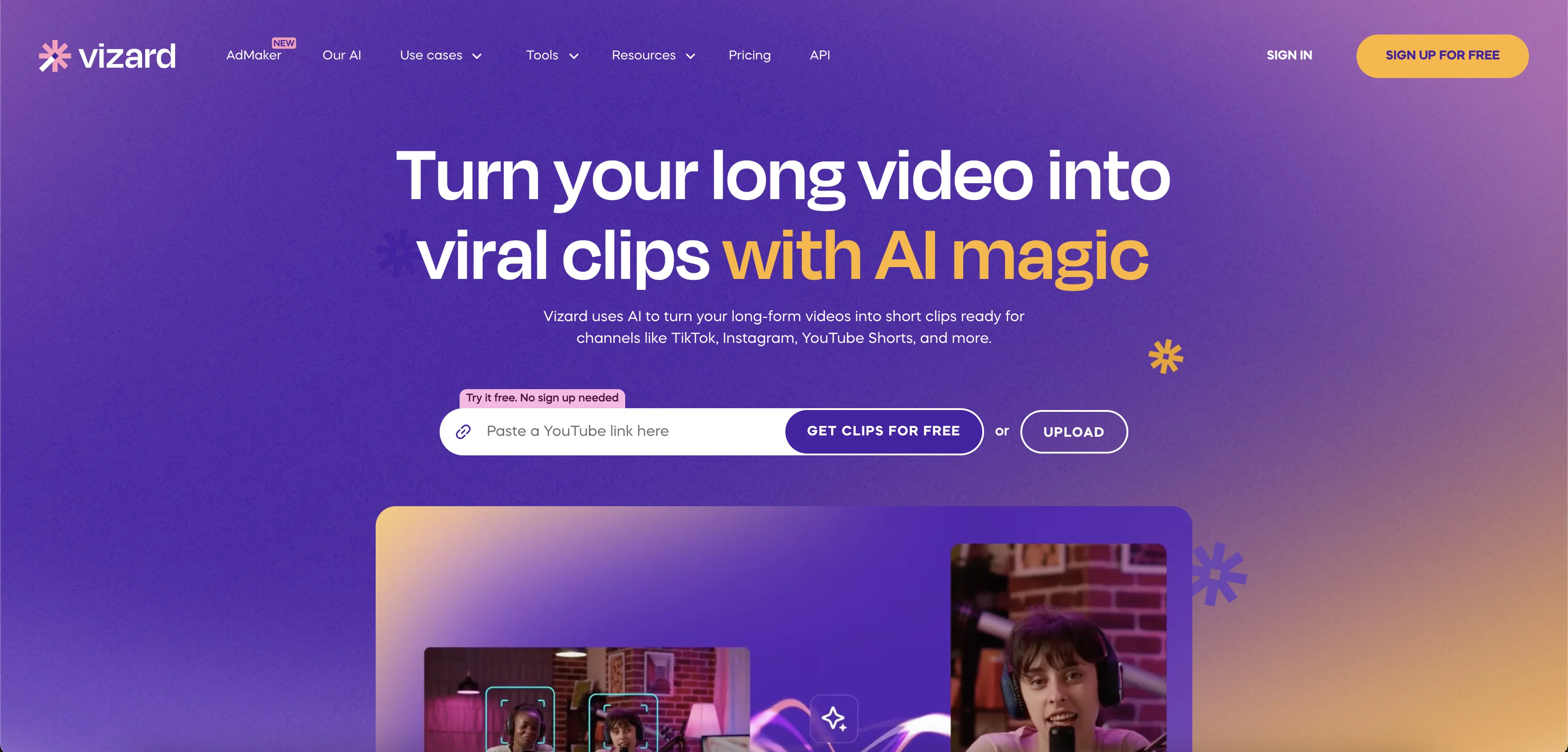
Vizard is an AI powered video editor and screen recorder that makes it easy to create professional-looking webinar, testimonial and conference recordings in minutes.
It can automatically segment video, allowing users to make changes to individual elements with ease. It also allows users to trim video by text, taking the guesswork out of making finer edits.
Additionally, users can design videos with pre-selected layouts and backgrounds, and add subtitles with an accuracy rate of over 97%. Vizard also integrates with Zoom, so users can edit recordings directly from the platform.
Vizard is designed for marketers and saves up to 80% of time and budget in video production. It is a great way to amplify event marketing efforts, generate multi-channel content and boost brand recognition.
Best for
Short scenarios where Vizard tends to shine.
-
Repurposing webinars into social media content.
Best for Social media marketers
-
Creating short clips from client calls and interviews.
Best for Content marketers
-
Turning long videos into clips for TikTok, Instagram, and YouTube Shorts.
Best for Performance marketers
Example outputs 1
Sample generations and before/after results for Vizard.
Access & connections
Where you can use Vizard, and what it plugs into.
Platforms
Capabilities
What this tool accepts, produces, and is strongest at.
Input
- Video
Output
- Video
Pros & cons
Pros
- Automatic video segmentation
- Text-based video trimming
- Integrated with Zoom
- 97% accuracy subtitle generation
- Saves 80% video production time
- Saves 80% video production budget
- Professional editing for novices
- Turn raw recordings to marketing content
Show 5 more
- Variety of pre-selected layouts
- Resize videos for any social channel
- Creates bite-sized social media clips
- Transform conversations into testimonials
- Produces high conversion content
Cons
- Requires JavaScript enabled
- Primarily designed for marketers
- Only integrates with Zoom
- Limited to pre-selected layouts
- No mention of 4K support
- No API mentioned
- No mobile app mentioned
- Auto-subtitles may lack context
Show 2 more
- Dependent on internet connection
- No offline editing feature
Compare alternatives
Similar tools in the catalog — with a clear reason to open each one.

ContentRadar ✓
FreemiumTurn long-form pieces into LinkedIn and X posts that match your brand
Why look Typically cheaper
Full comparison
VideoSnack ✓
FreemiumConvert videos to blog posts with AI in Google Docs
Why look Typically cheaper
Full comparison
RepurposingBot ✓
Free TrialTurn one article into dozens of posts.
Why look Typically cheaper
Full comparisonPeople also view
Tools that often show up alongside Vizard in collections and comparisons.
RepurposingBot ✓
Free TrialTurn one article into dozens of posts.
ContentRadar ✓
FreemiumTurn long-form pieces into LinkedIn and X posts that match your brand
VideoSnack ✓
FreemiumConvert videos to blog posts with AI in Google Docs

SummarAIze ✓
FreemiumEfficient repurposing of content.

Contenda ✓
UnknownRepurpose content with AI, effortlessly.

Alphana ✓
Free TrialTurn media into shareable content with AI.

ScriptGecko ✓
FreemiumTurn any Instagram Reel into text instantly.

GetSpiced ✓
FreemiumAI-powered mentoring for entrepreneurs and creators.
Releases 1
FAQ 12
What is Vizard?
How does Vizard's AI technology help in video editing?
What is the 'trim by text' feature in Vizard?
Can I use pre-selected layouts and backgrounds in Vizard?
Does Vizard provide subtitle options?
What kind of content can I create with Vizard?
How does Vizard integrate with Zoom?
Who is the target user for Vizard?
Can Vizard really save 80% of my time and budget in video production?
Can Vizard help me repurpose webinar recordings?
Is it possible to convert customer testimonials into videos with Vizard?
Does Vizard have a feature to segment video automatically?
Related tools
Recommended

VenturusAI ✓
FreemiumBusiness idea analysis and reporting.

Fineshare ✓
FreemiumAn online all-in-one AI voice generator for everyone
Lumen5
PaidAI-powered video creation platform for easy and quick video content generation.

LearningStudioAI ✓
Free TrialAI-powered authoring tool for effortless online course creation.

Stratup.ai ✓
FreemiumInnovative idea generation for businesses.

Stunning ✓
PaidBuild AI-powered websites in seconds