
Gendo ✓
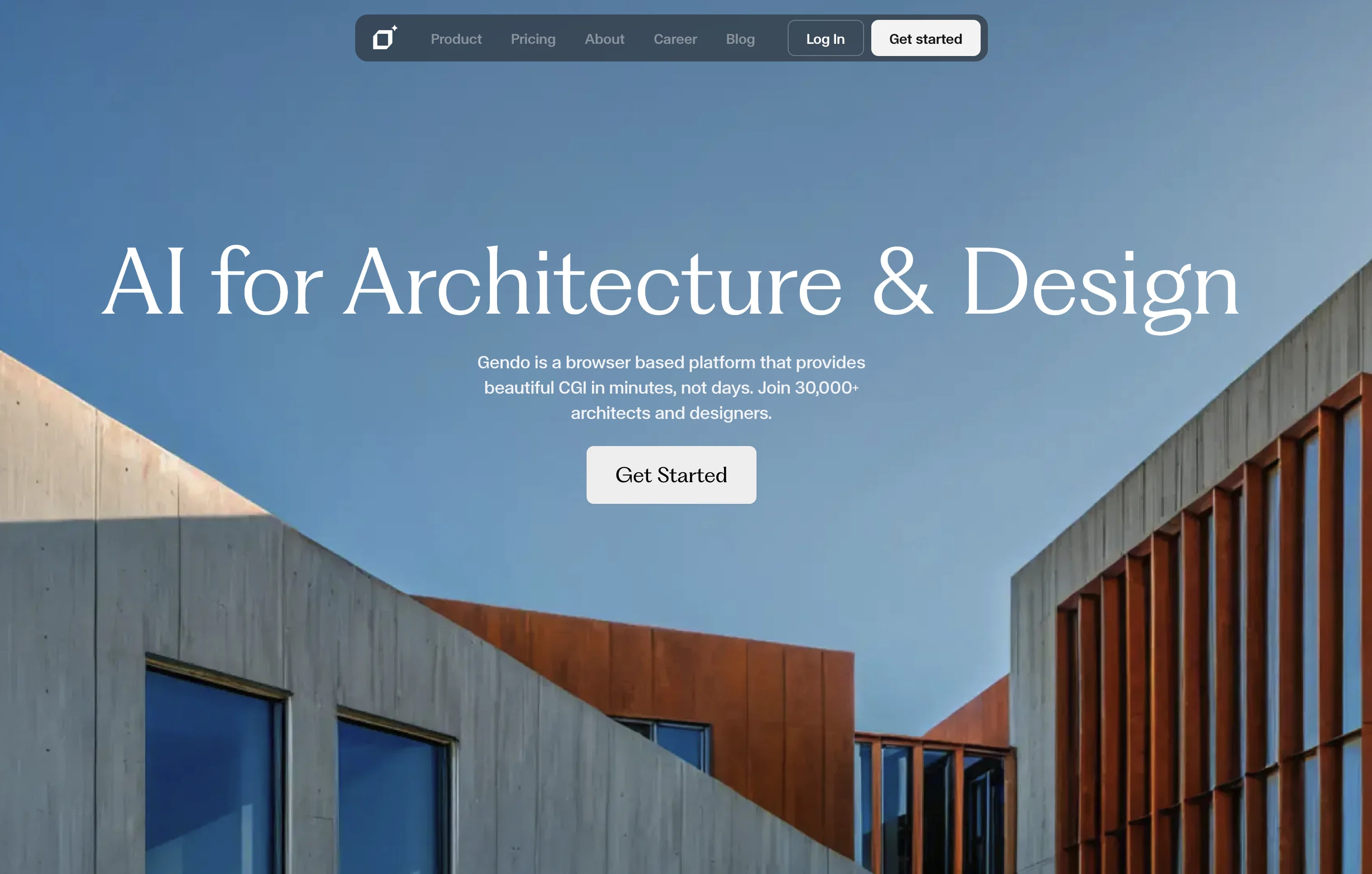
Beautiful CGI for designers in minutes, not days.
Free + from $13/mo
Verdict
A quick read before you dig into the full page.
- Best if
- Beautiful CGI for designers in minutes, not days
- Skip if
- Limited image generation
- Pick this when
- High-quality CGI generation
Considering ARCHITEChTURES instead? Compare side by side
Overview
Gendo is an innovative platform specialized for architecture and design that uses artificial intelligence to generate high-quality computer-generated imagery (CGI).
As a browser-based tool, it does not require any specialized hardware or technical skills, allowing architects and designers to focus on achieving their creative intentions with minimal barriers to access.
Some of the primary features offered by Gendo include the ability to transform designs into detailed visualizations, generative editing for unlimited customizations, and style transfer to switch between styles while maintaining design consistency.
The platform also offers a unique Text to Image feature, where a written description, or prompt, is used to create an original image. This can be particularly useful for concept designs and research-based tasks, aiding with establishing the look and feel of a project, as well as composition and inspiration.
As part of its promise for flexibility, Gendo allows architects and designers to manage and control every aspect of their creative assets. Another stand-out offering of the platform is its speed and efficiency - it enables users to significantly reduce rendering times compared to traditional methods, and allows for quick iterations.
Access & connections
Where you can use Gendo.
Platforms
Capabilities
What this tool accepts, produces, and is strongest at.
Input
- Image
- Text
Output
- Image
Pros & cons
Pros
- High-quality CGI generation
- Browser-based platform
- No specialized hardware needed
- Minimal technical skills required
- Transform designs into visualizations
- Generative editing for customizations
- Enables style transfer
- Unique Text to Image feature
Show 41 more
- Supports concept designs
- Research-based tasks assistance
- Manage and control creative assets
- Significantly reduce rendering times
- Fast iterations
- Professional grade visualization
- Ideal for architects and designers
- Structured for creative freedom
- Designed for professional/enterprise use
- Promotes quick style modifications
- Establishes project look and feel
- Aids with composition and inspiration
- Built trusted by beta partners
- Doesn't require asset libraries
- Generates design fidelity
- Prompts for concept inspiration
- No special hardware needed
- Individually tailored plans
- Offers discounted early access
- Various levels of credit pools
- Unlimited project canvases
- High-quality output
- Commercial use under professional plan
- Organization sharing capability
- Custom solution for larger teams
- Provisions for dedicated hardware
- On-demand training available
- Privacy-focused enterprise capabilities
- Ensures design consistency
- Improves details like lighting, materiality
- Eliminates render time
- Subscription includes generative editing
- Flexible settings and filters
- Particularly useful for concept designs
- Suitable for NDA projects
- Dedicated solutions for team projects
- Intuitive tool for design communication
- Detailed design to image generation
- Regenerable imagery with infinite choices
- Boosts design productivity
- Facilitates look and feel customization
Cons
- Browser-based only
- Requires internet connection
- Dependent on credit system
- No offline mode
- Limited image generation
- Rendering style reliance
- Unpredictable results with Text-to-Image
- Potential inconsistencies in style transfer
Show 2 more
- Not fully free service
- Project canvas limitation
Compare alternatives
Similar tools in the catalog — with a clear reason to open each one.

ARCHITEChTURES ✓
FreemiumAI-powered design: Months to minutes for buildings.
Free + from $43/mo
Full comparison
ReRender AI ✓
Free TrialInstant photorealistic renders for architectural designs.
Why look Offers a public API
Full comparison
Architect AI ✓
FreemiumArchitectural renderings for design and communication.
Why look Typically cheaper
Full comparison
Archsynth ✓
FreemiumTransform sketches into stunning architectural renders with AI.
Why look Typically cheaper
Full comparison
Visoid ✓
FreemiumAI-powered 3D architectural visualization in minutes.
Why look Higher community rating
Full comparison