

Video captions 2026 Rank: #1627
GeekLink ✓
Batch subtitle creation with AI-powered speech recognition.
Verdict
A quick read before you dig into the full page.
- Best if
- Batch subtitle creation with AI-powered speech recognition
- Skip if
- Limited free OCR usage
- Pick this when
- Automated transcription
Considering Captioner.io instead? Compare side by side
Overview
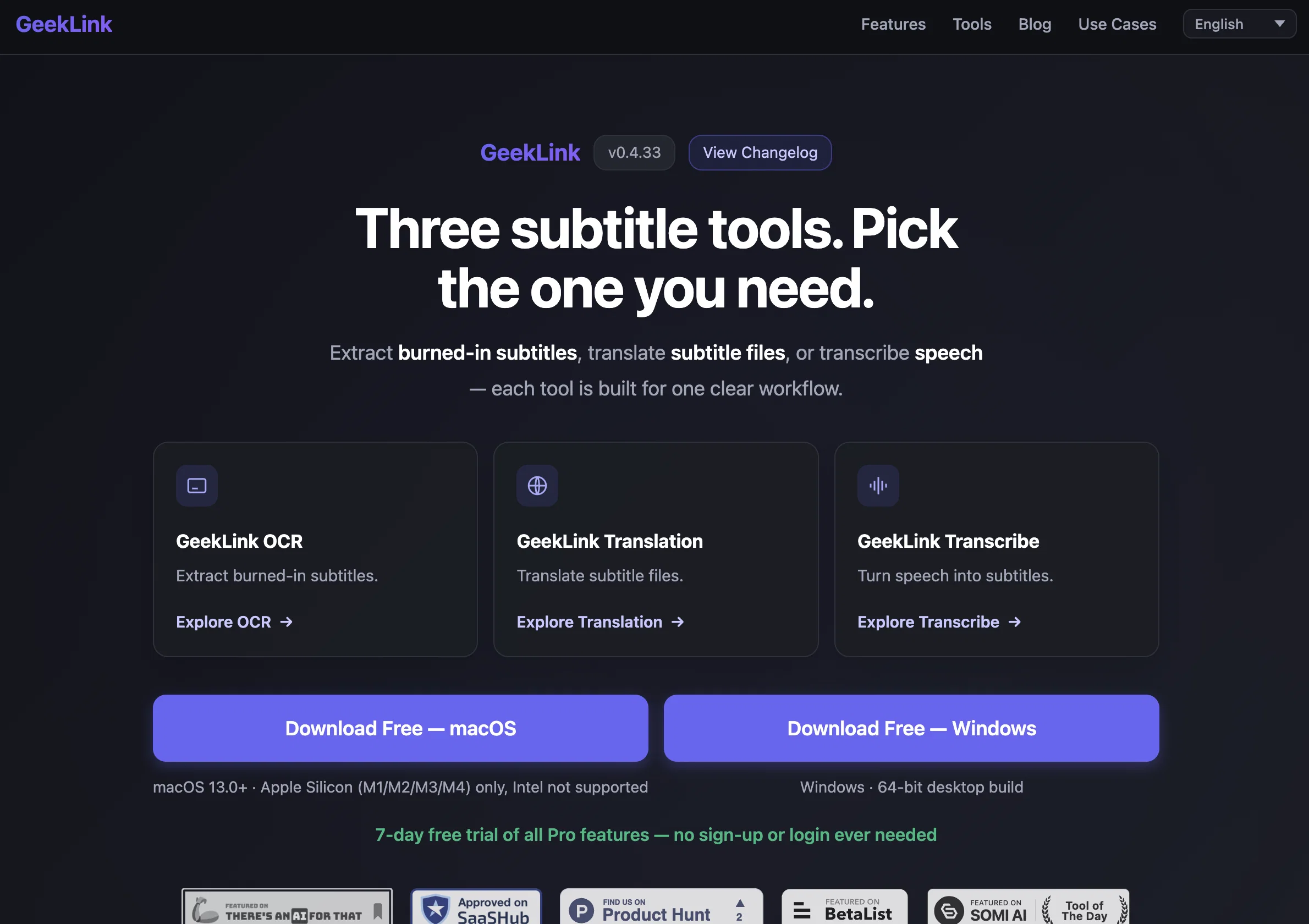
GeekLink AI Subtitle Factory is specially designed for Mac and serves as a complete solution for various subtitle-related tasks. It comes equipped with advanced speech recognition technology for transcription, an AI-powered OCR feature for on-screen subtitle extraction, and deep machine translation supporting 40+ languages.
The tool offers a unique batch pipeline that can simultaneously process multiple videos. Furthermore, GeekLink AI Subtitle Factory enables you to customise subtitle's font, colour, and position.
Its burn-in feature allows embedding subtitles directly into the video with just one click. Apart from these, GeekLink AI Subtitle Factory also offers Pro features which can be activated with a license key after a free trial of 7 days.
These pro features include unlimited OCR, watermark-free exports, inclusion of a custom watermark, and access to the subtitle editor. It is designed keeping in mind the usability on MacOS 13.0+ devices specifically built with Apple Silicon (M1/M2/M3/M4).
It does not support Intel Macs as of now, with a Windows version said to be coming soon. It's important to note that while the speech recognition and subtitle recognition features work offline after their models are downloaded, the AI translation feature does require an internet connection.
Access & connections
Where you can use GeekLink.
Platforms
Capabilities
What this tool accepts, produces, and is strongest at.
Input
- Text
- Video
Output
- Video
- Text
Highlights
- Local
Supported features
- STT
- Transcription
- Translation
- Video Edit
- Styling
- Automation
- Runs Locally
Pros & cons
Pros
- Automated transcription
- OCR extraction
- Translation in 40+ languages
- Burning-in subtitles functionality
- Multiple video processing simultaneously
- Efficient for large content batches
- Smart OCR with manual correction
- High accuracy speech recognition
Show 37 more
- Customisable text appearance
- Free trial for Pro Features
- Offline functionality after first-time model download
- Developed addressing subtitle tool drawbacks
- Operates fully locally
- Apple Silicon compatibility
- Subtitle Style Editor under development
- Unlimited OCR
- Font, color, position customisation
- Real-time transcription with ETA
- Custom watermark upload
- Deep machine translation
- Unique batch pipeline
- One-click subtitle embedding
- Pro features with license key activation
- macOS 13.0+ compatibility
- Offline speech recognition
- Customisable Subtitle's font, colour, and position
- Quality deep cloud translation
- Supports multi-language recognition
- 95%+ accuracy speech recognition
- Subtitle extraction 5 min / video
- No watermark for pro features
- SRT/TXT Export
- Watermark-free exports for Pro
- Unlimited Video Library for Pro
- Unlimited Video Export for Pro
- Real-time transcription with ETA
- Automatic queue and process for videos
- Simple, Transparent Pricing
- Offline subtitle recognition
- Subscription and lifetime pricing options
- Integrated with advanced speech recognition technology
- Free version available forever
- Supports major languages for translation
- Watermark upload for Pro version
- Monthly, annual, and lifetime plans available
Cons
- Restricted to macOS
- No support for Intel Macs
- No Windows compatibility
- Subtitle Style Editor underdevelopment
- Limited free OCR usage
- Watermarked free exports
- Pro features not entirely free
- Requires offline model downloads
Show 1 more
- License key activation post-trial
Compare alternatives
Similar tools in the catalog — with a clear reason to open each one.

Captioner.io ✓
Free TrialAdd accurate, multilingual subtitles to videos - fast, right in your browser.
Why look Typically cheaper
Full comparison
RenderCut ✓
Free TrialAdd stylish subtitles to short videos instantly.
Free + from $15/mo
Full comparison
Animaker Subtitles ✓
FreemiumGenerate subtitles for videos with AI in one click.
Free + from $15/mo
Full comparison


Releases 1
Imported reviews 2
I tested the tool to translate to Slovenian language and I must say that the workflow is very quick. Overall I'm very satisfied with the performance, especially with the translation speed and the transcoding performance on an M4 Mac. WIth some UI/UX tweaks and this tool could be one the best tools for translating and transcoding.
Geek Link seems genuinely practical for people working with recordings, meetings, or voice notes regularly. I like transcription tools that focus on speed and usability instead of making the workflow feel overly technical.
FAQ 12
What is the GeekLink AI Subtitle Factory?
How does GeekLink AI Subtitle Factory automate subtitling?
What operating systems does the GeekLink AI Subtitle Factory support?
Does the GeekLink AI Subtitle Factory require an internet connection?
Can GeekLink AI Subtitle Factory process multiple videos at the same time?
What languages does the GeekLink AI Subtitle Factory's AI translation support?
What features does the Subtitle Style Editor of GeekLink AI Subtitle Factory include?
Does the GeekLink AI Subtitle Factory have a free trial for pro features?
What are the limitations of GeekLink AI Subtitle Factory's offline functionality?
Why is the GeekLink AI Subtitle Factory limited to Apple Silicon only?
Does GeekLink AI Subtitle Factory provide manual correction for Smart OCR?
How is the AI speech recognition feature of GeekLink AI Subtitle Factory integrated?
Related tools
Recommended

Serno ✓
FreemiumCustom AI experts that map what one AI can't

Whacka ✓
Free TrialTurn ideas into real apps from your phone.

Vidnix | AI Image to Video Generator ✓
Free TrialTurn text into stunning AI videos.

BigIdeasDB ✓
PaidAI-Powered Tools to Help You Find, Validate, and Build a Winning Product

Barie AI ✓
FreemiumYour trusted Agentic AI Assistant

Qoder ✓
FreemiumAgentic Coding Platform for Real Software