

Frankenfile ✓
AI-powered file manager for automatic task completion.
Free + from $4.95/mo
Verdict
A quick read before you dig into the full page.
- Best if
- AI-powered file manager for automatic task completion
- Skip if
- Complex for beginners
- Pick this when
- Supports diverse file types
Considering Dokkio instead? Compare side by side
Overview
Frankenfile is an advanced AI-powered file manager designed to seamlessly handle and automate routine file-related tasks for various types of files including images, videos, and pdfs.
Through simply specified instructions, Frankenfile can perform diverse operations like resizing, conversion, overlaying watermarks for images, and clipping, audio separation for videos.
With pdf files, functions such as splitting, merging, and converting are supported. Another key feature is the ability to run batch work on files that could include batch renaming or sorting files sequentially into specified categories like expenses and receipts.
Thumbnail generation for images is available, which could significantly help web developers and social media managers. In the video department, Frankenfile can trim videos and resize them, supporting common formats such as mp4 and mov.
It also allows for audio separation from video. The application operates locally, ensuring users' private files remain only on their device, offering an extra layer of privacy and security.
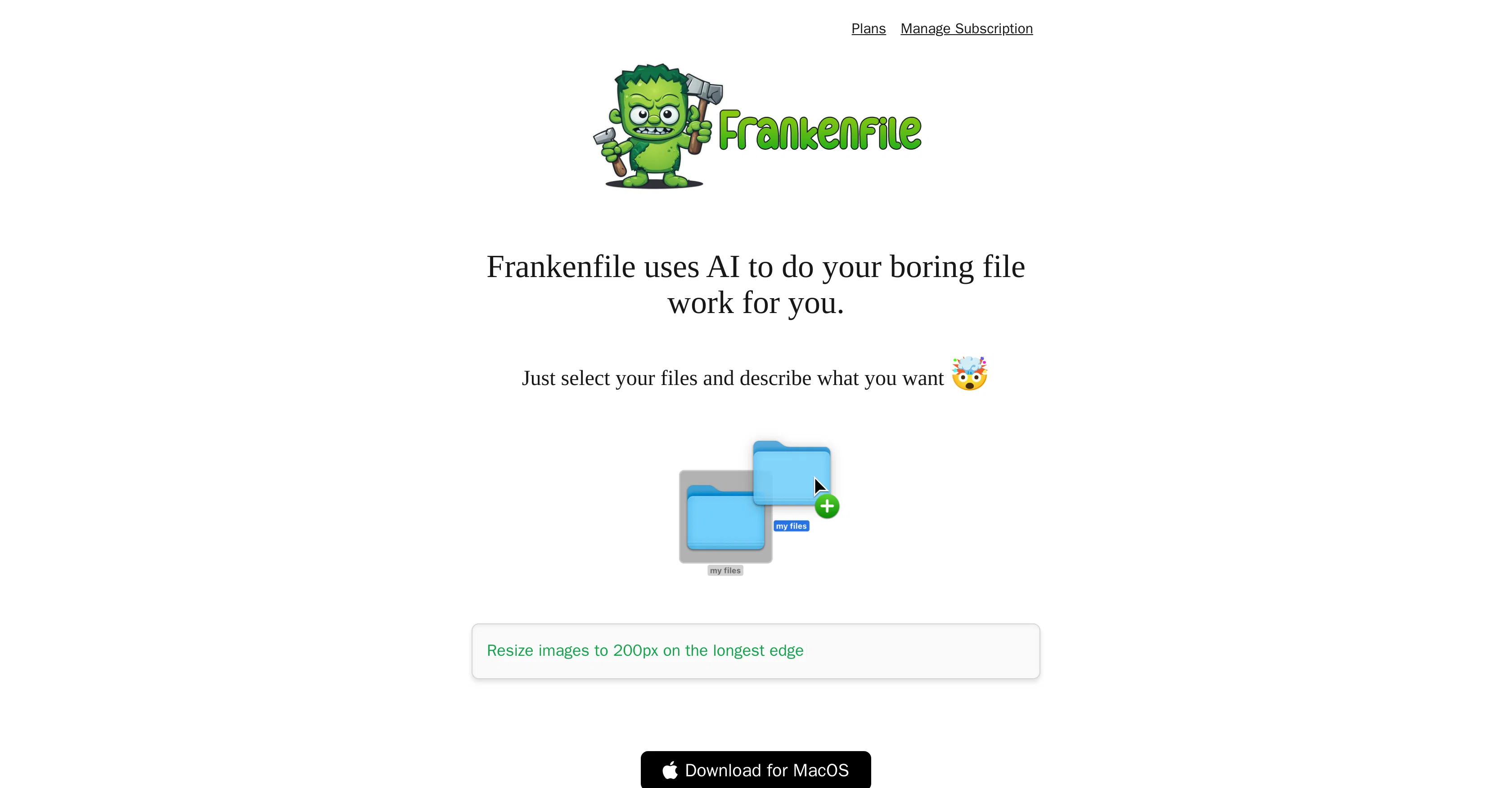
While the advanced capabilities of Frankenfile could seem daunting to new users, its interface is designed around convenience, allowing users to describe what they want to be done to their selected files, and the AI completes the task.
Access & connections
Where you can use Frankenfile.
Platforms
Capabilities
What this tool accepts, produces, and is strongest at.
Input
- Tabular
- Image
- Text
- Video
Output
- Video
- Text
- Image
Supported features
- Instant file search
Pros & cons
Pros
- Supports diverse file types
- Automates routine tasks
- Re-sizes images
- Converts file formats
- Overlays watermarks
- Trims clips videos
- Separates audio from video
- Supports PDF editing
Show 18 more
- Enables batch processing
- Generates image thumbnails
- Categorizes files
- Runs locally
- File privacy guaranteed
- User-friendly interface
- Allows user-specific instructions
- Supports file renaming
- Supports sequential file sorting
- Clip selection for videos
- Format support for common video types
- Splitting and Merging of PDFs
- Designed for web developers
- Designed for social media managers
- Streamlines web development tasks
- Streamlines social media management tasks
- Handles expenses, receipts categorization
- Download availability for MacOS
Cons
- Only available on MacOS
- No cloud support
- Limited video formats supported
- Complex for beginners
- No API for integrations
- No multi-device sync
- Lacks version control
- No real-time collaboration
Show 2 more
- No file-sharing features
- Doesn't support all file types
Compare alternatives
Similar tools in the catalog — with a clear reason to open each one.

Dokkio ✓
FreemiumCloud file organization and retrieval made efficient.
Why look Higher community rating
Full comparison


Filently ✓
Free TrialAI filing layer for your existing Google Drive
Why look Higher community rating
Full comparison
Filex AI ✓
Free TrialScan, organise & search your files with AI
Why look Typically cheaper
Full comparison
FileFolder ✓
FreeAI-powered file management for effortless organization.
Why look Fully free option
Full comparisonReleases 1
Imported reviews 1
Not available for PC only Mac, it would have been worth mentioning.
FAQ 12
What is Frankenfile's approach to handling file conversions?
Can I use Frankenfile to resize images?
How does Frankenfile handle audio separation in videos?
Is it possible for Frankenfile to overlay watermarks on images?
Can Frankenfile manage video editing tasks for me?
What file formats does Frankenfile support for conversion?
How does Frankenfile perform with PDF files?
Does Frankenfile offer any kind of batch processing for files?
Can Frankenfile help me create thumbnail images?
How does Frankenfile ensure the privacy and security of my files?
Is Frankenfile a locally operated tool or a cloud-based one?
How user-friendly is Frankenfile for new users?
Related tools
Recommended

Agentgpt ✓
FreemiumDeploy autonomous AI Agents effortlessly in your browser.

Kin - Personal AI Advisors ✓
FreePrivacy-first & designed your for mind, and life at work

Sidekic ✓
FreemiumSidekic AI Extension: Enhance your browsing with AI

LearningStudioAI ✓
Free TrialAI-powered authoring tool for effortless online course creation.

VenturusAI ✓
FreemiumBusiness idea analysis and reporting.

Scisummary ✓
Free TrialCutting-edge scientific articles summarization.