

Flytrap AI ✓
Automate bug fixes in Node.js projects with AI.
Verdict
A quick read before you dig into the full page.
- Best if
- Automate bug fixes in Node.js projects with AI
- Skip if
- Browser-based may limit usage
- Pick this when
- Automatically identifies code issues
Considering HelpMoji instead? Compare side by side
Overview
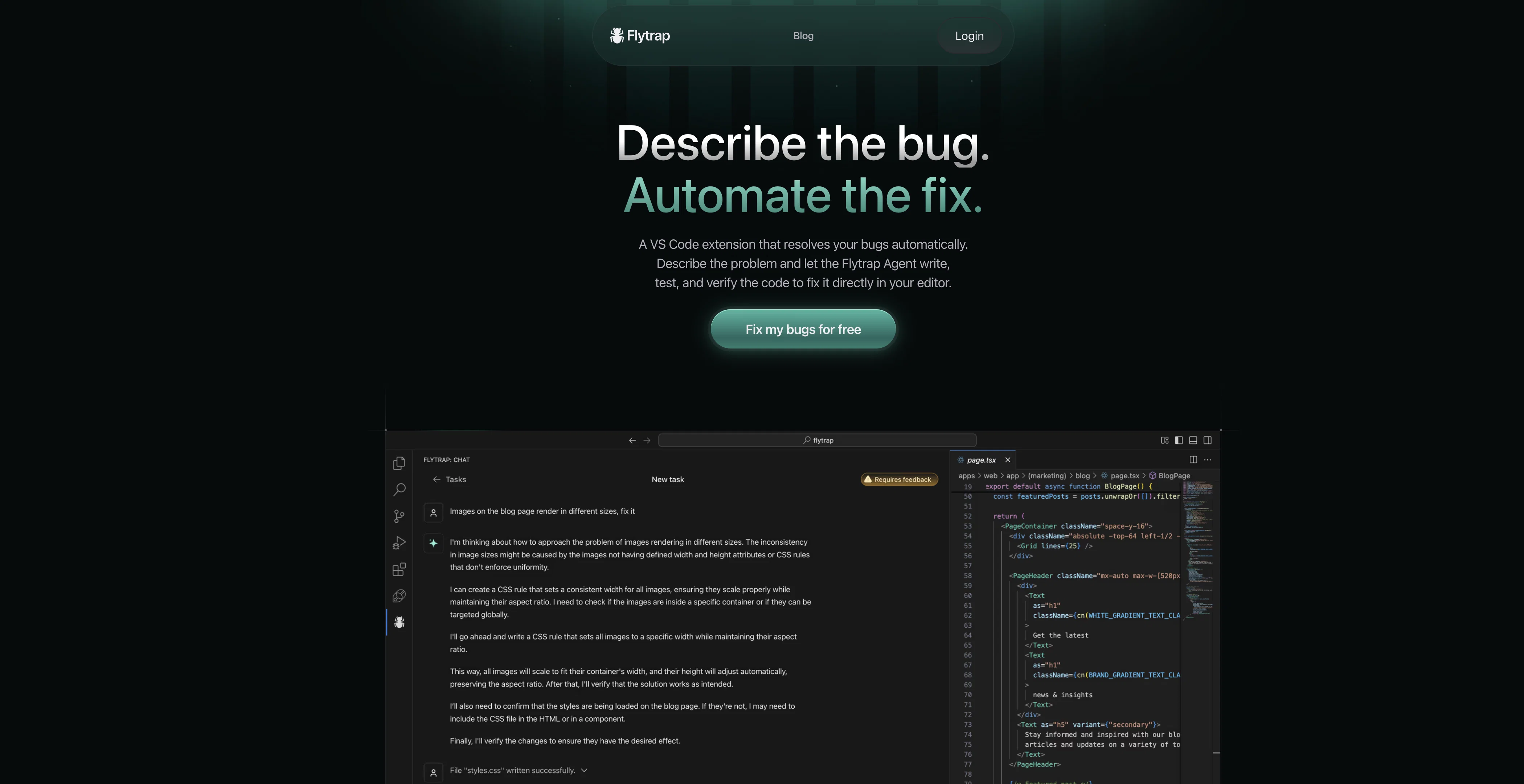
Flytrap AI is a cutting-edge artificial intelligence tool that aims to streamline the coding process by automatically identifying and rectifying issues in Node.js, TypeScript, and JavaScript codebases.
Utilizing a browser-based AI agent, this tool is designed to examine the code, identify bugs, and apply fixes, offering a helpful solution for developers dealing with intricate coding tasks.
What distinguishes Flytrap AI from other similar tools is its ability to correct itself, verifying and amending its own errors. Flytrap AI operates in the background, providing developers with the freedom and space they need to focus on other critical aspects of their projects.
Easy to use, Flytrap AI integrates seamlessly with GitHub, allowing the import of code for problem description and bug rectification. The AI agent works continuously until it succeeds in solving the issues, making it a reliable, time-saving tool for developers.
Its browser-based nature further makes it easily accessible and convenient for a wide range of users. Moreover, with its capacity to deal with three popular scripting and coding languages, it is flexible and versatile for diverse project needs.
Access & connections
Where you can use Flytrap AI, and what it plugs into.
Platforms
Integrations
Capabilities
What this tool accepts, produces, and is strongest at.
Input
- Code
Output
- Code
Pros & cons
Pros
- Automatically identifies code issues
- Rectifies Node.js, TypeScript, JavaScript errors
- Corrects own errors
- Operates in the background
- GitHub integration
- Flexible for diverse projects
- Debugging while you watch
- Streamlines coding process
Show 8 more
- Enhances developer productivity
- Automates development tasks
- Provides freedom to developers
- Allows code import from GitHub
- Easy accessibility and convenience
- Reliable and time-saving
- Accommodates intricate coding tasks
- Easily usable tool
Cons
- Limited to three languages
- Only integrates with GitHub
- Browser-based may limit usage
- Continuous operation may exhaust resources
- Does not support offline usage
- Limited to code debugging
- Relies on user problem description
- Self-correction may delay fixes
Compare alternatives
Similar tools in the catalog — with a clear reason to open each one.


DebugPT ✓
PaidYour personal AI debugger for perfect code.
Why look Better fit for coding
Full comparison

Flo ✓
FreeCatch and solve errors automatically in your code.
Why look Better fit for coding
Full comparison
Metabob ✓
FreemiumAI-powered code review for improved security
Why look Better fit for coding
Full comparison
Releases 1
FAQ 12
What is Flytrap AI?
How does Flytrap AI streamline the coding process?
What coding languages does Flytrap AI support?
How does Flytrap AI identify bugs in code?
Can Flytrap AI correct its own mistakes?
How does Flytrap AI integrate with GitHub?
What makes Flytrap AI different from other coding aid tools?
How does the AI agent work continuously?
In what way is Flytrap AI a time-saving tool for developers?
Does Flytrap AI work in the background without interrupting my tasks?
What is the significance of Flytrap AI being a browser-based tool?
Is Flytrap AI suitable for complex coding tasks?
Related tools
Recommended

AI Carousels Cheat Sheets
FreeCreate pro LinkedIn carousels in seconds, no design skills needed.

Marblism ✓
FreemiumAI Employees who Work for Your Business

Gurubase ✓
Free TrialShortcut search for tech resources and answers.

OnlyPrompts ✓
Free TrialAutomate 37,000+ tasks with 150,000+ prompts

Scisummary ✓
Free TrialCutting-edge scientific articles summarization.

Informly Idea Validator ✓
FreemiumValidate and grow your business idea with AI.