

Floutwork ✓
Boost freelancer productivity with an all-in-one work system.
Trial; then from $9/mo
Verdict
A quick read before you dig into the full page.
- Best if
- Boost freelancer productivity with an all-in-one work system
- Skip if
- Limited email categorization
- Pick this when
- All-in-one productivity application
Considering TheLibrarian.io instead? Compare side by side
Overview
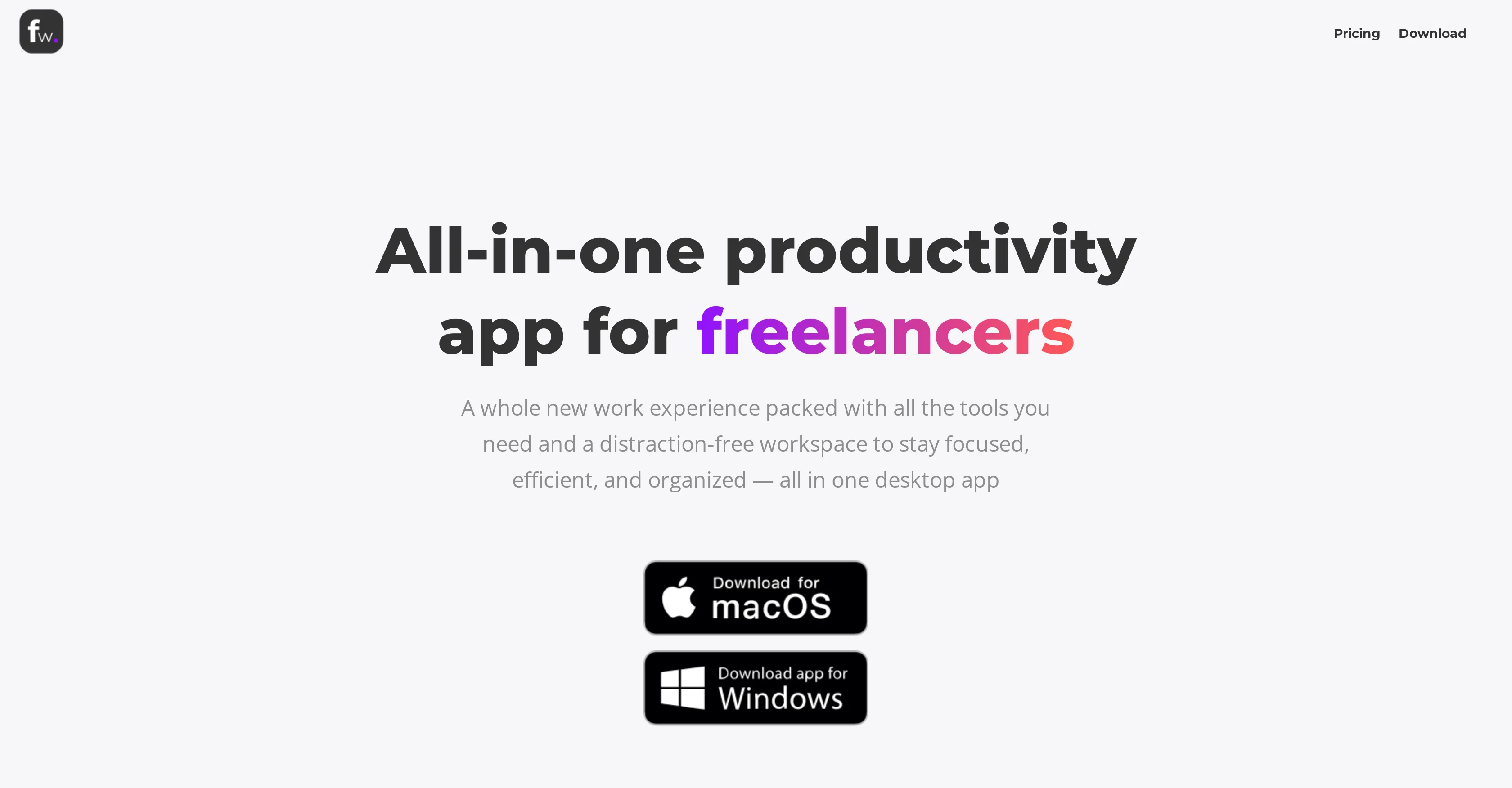
Floutwork is an all-in-one productivity application, constructed specifically to cater to the needs of freelancers. Devised to be a resourceful work system, it integrates various tools for task management, calendar management, email management, goal management, notes management and time tracking into a single desktop application.
The app enables users to add tasks and reminders effortlessly, and to set and track goals automatically. Floutwork utilizes intelligent algorithms to find optimal times for task execution within busy schedules.
Users can switch to 'Focus Mode', which minimizes distractions to promote focused work, while gaining quick access to their web applications from within Floutwork, thus further enhancing productivity.
The app helps in email categorization to streamline inbox management and includes a Notes app for convenient note-taking and organization. A notable feature is its ability to track time spent on various web apps, eliminating the need for a separate time-tracking tool.
Additionally, Floutwork promotes workplace gamification by keeping a record of focus, task execution, and work hours. Furthermore, in an attempt to maintain user privacy, the app ensures users emails and calendar data are retained only on their device and all user interactions within the app are securely encrypted.
Access & connections
Where you can use Floutwork.
Capabilities
What this tool accepts, produces, and is strongest at.
Input
- Tabular
Output
- Code
- Tabular
- Text
Pros & cons
Pros
- All-in-one productivity application
- Designed for freelancers
- Includes task, calendar, email, goal, notes management
- Time tracking included
- Effortless task and reminder addition
- Goal setting and automatic tracking
- Utilizes algorithms for optimal scheduling
- Focus Mode for distraction-free work
Show 23 more
- Quick access to web applications
- Email categorization for inbox management
- Convenient note-taking
- Tracks time spent on web apps
- Promotes workplace gamification
- Records focus, task execution, and work hours
- Respects user privacy
- Ensures emails and calendar data retained on device
- Encrypts all user interactions within the app
- Enables workspace switching
- Command Bar for quick access to actions
- Supports split views
- Note-taking with tagging
- Automated email categorization
- Ability to send calendar availability
- Mobile access
- Centralized mute controls
- Single-platform for all work
- Integrates with other web versions
- Data security
- Usage tracking exclusion
- Encrypts tasks, notes, bookmarks, configurations
- Enforces secure connections for websites
Cons
- Desktop application only
- No mobile application
- Focus on freelancers
- No multiple user support
- No data exporting
- Limited email categorization
- No integrated communication tool
- No third-party integrations
Show 2 more
- Lack of customizability
- Only on macOS and Windows
Compare alternatives
Similar tools in the catalog — with a clear reason to open each one.

TheLibrarian.io ✓
Free TrialYour WhatsApp AI assistant for instant productivity.
Why look Higher community rating
Full comparison
Supernormal App ✓
FreemiumThe AI assistant app that turns meetings into completed work
Free + from $25.90/mo
Full comparison

MiroAI ✓
FreemiumUnlock creative power with AI-driven collaboration.
Free + from $8
Full comparison
Collate ✓
FreeUnlimited free and private summaries and chat with PDF
Why look Fully free option
Full comparison
Releases 1
FAQ 12
What is Floutwork?
What are the main features of Floutwork?
How does Floutwork's task management feature work?
Can Floutwork handle email management?
What does 'Focus Mode' in Floutwork do?
How does Floutwork ensure user privacy?
What kind of tool integration does Floutwork offer?
Is there a mobile version of Floutwork?
How does Floutwork use AI to optimize scheduling?
How does Floutwork help with goal management?
What is Floutwork's approach to note management?
Can Floutwork track time spent on web apps?
Related tools
Recommended

AI Lawyer ✓
Free TrialInstant legal advice and document creation at your fingertips

TutorAI ✓
FreemiumInstant knowledge on any topic

Stratup.ai ✓
FreemiumInnovative idea generation for businesses.

Agentgpt ✓
FreemiumDeploy autonomous AI Agents effortlessly in your browser.

PostPerfect ✓
FreemiumAutomated social media posts.

Business Idea Generator AI ✓
FreeGenerate innovative business ideas with AI