

Flickify ✓
Turn articles into amazing videos instantly.
Free + from $18/mo
Verdict
A quick read before you dig into the full page.
- Best if
- Turn articles into amazing videos instantly
- Skip if
- Limited narrator voices
- Pick this when
- Converts text to video
Considering freebeat AI instead? Compare side by side
Overview
Flickify is an AI tool that allows users to effortlessly convert articles, blogs, and text into professional-quality videos with no special training or software required.
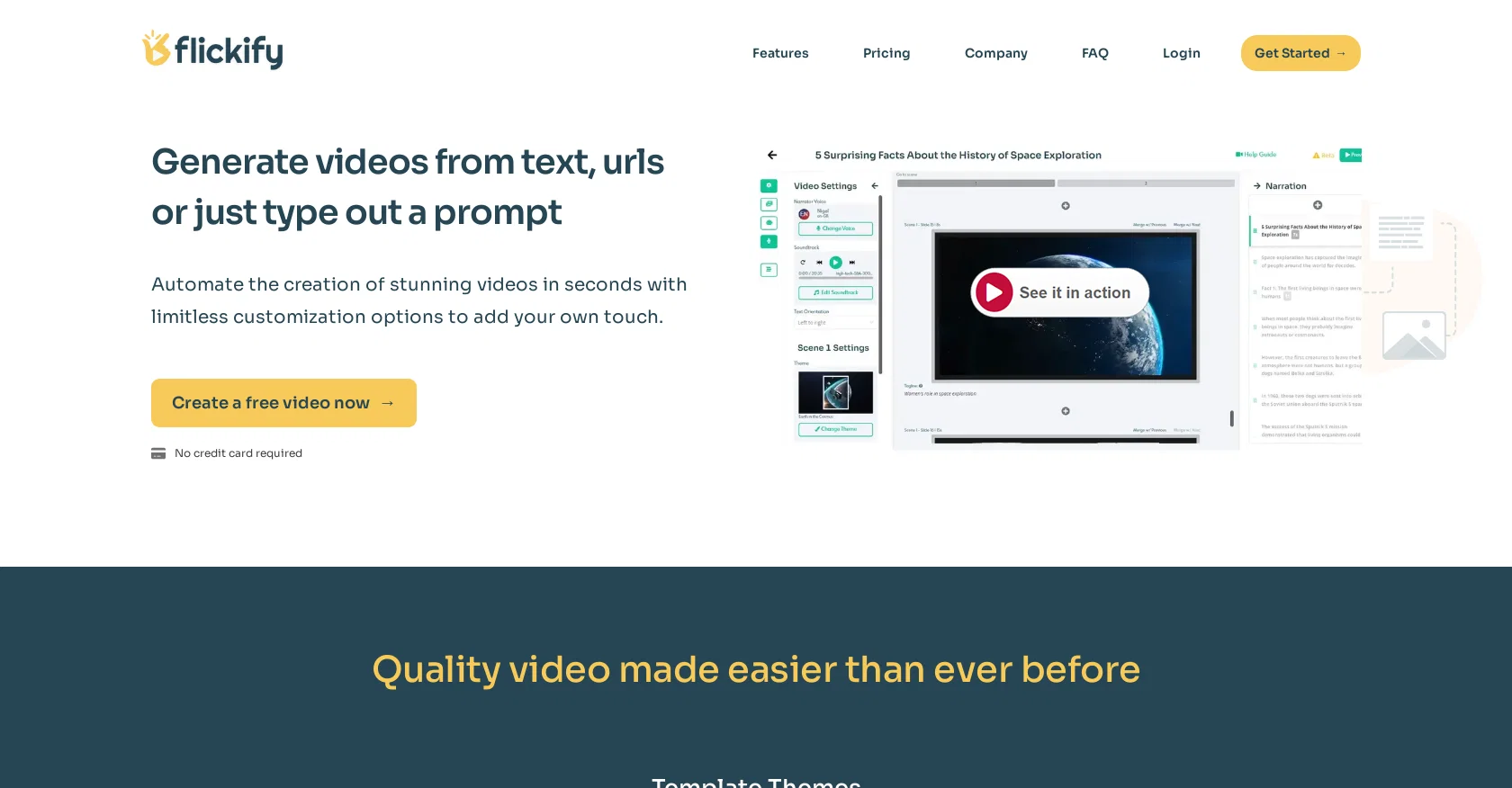
With Flickify, users can generate videos from text, URLs, or by typing out a prompt. The tool offers a range of customizable options to add a personal touch to the videos.One key feature of Flickify is the ability to add human-like avatars to videos, providing a more personalized experience for viewers.
Users can also choose from a variety of narrator voices that sound like professional voice actors, adding personality and character to their videos. Flickify offers an auto-generation feature that creates high-quality video scripts based on a short prompt provided by the user.Text-to-video and URL-to-video conversion is made easy with Flickify.
Users can simply enter the desired text or provide a URL of an article, and Flickify will transform the content into engaging videos. The tool also offers voice cloning, which uses advanced AI to capture vocal patterns and replicate the user's voice for video creations.Flickify provides a simple interface with three steps: picking a creation method, customizing and editing the video, and publishing and sharing it on various media platforms.
The tool has shown impressive results, with creators saving time and money and experiencing increased viewer engagement.Overall, Flickify is a time-saving and user-friendly tool that allows users to transform their ideas into high-quality videos easily.
It is particularly beneficial for those who want to add videos to their posts but are concerned about recording their own voice or adding their face.
Access & connections
Where you can use Flickify.
Platforms
Capabilities
What this tool accepts, produces, and is strongest at.
Input
- Text
Output
- Video
Pros & cons
Pros
- Converts text to video
- Converts URLs to video
- Video generation from prompts
- Customizable video options
- Human-like avatar integration
- Variety of narrator voices
- Professional voice actor quality
- Script auto-generation
Show 16 more
- Efficient 3-step interface
- Publishing and sharing features
- Increases viewer engagement
- Cost-effective option
- Improved revenue growth
- Enhanced time savings
- Significant cost savings
- User-friendly for beginners
- Transforms content into videos
- No special training required
- Wide range of themes
- Automated narration and media
- High-quality video scripts
- Diverse avatar options
- Increases content accessibility
- Improved content interaction
Cons
- Limited avatar personalization
- No multi-language support
- Limited narrator voices
- No offline functionality
- No video quality choice
- Lacks manual script editing
- No team collaboration feature
- No free plan available
Show 2 more
- No third-party integrations
- No video length control
Compare alternatives
Similar tools in the catalog — with a clear reason to open each one.

freebeat AI ✓
FreemiumTurn Music & Ideas into Viral Videos In One Click
Why look Typically cheaper
Full comparison
MagicLight ✓
FreemiumTransform text into captivating videos instantly.
Why look Typically cheaper
Full comparison



Seedance ✓
FreemiumMulti-shot video generation from text and image.
Why look Stronger for image work
Full comparisonReleases 1
FAQ 12
What is Flickify?
How does Flickify convert text to video?
Can I add human-like avatars to my videos using Flickify?
What type of narrator voices does Flickify offer?
Can Flickify generate videos from URLs?
What is Flickify's auto-generation feature?
What does Flickify's voice cloning feature do?
How can I customize and edit my video in Flickify?
Is Flickify user-friendly?
What do I need to get started with Flickify?
Is any special training required to use Flickify?
Can Flickify increase viewer engagement?
Related tools
Recommended

Adori ✓
FreemiumConvert blogs to engaging videos with AI

Steve AI ✓
FreemiumFrom text to video, master all with AI.

WOXO ✓
FreemiumConvert text into stunning AI-generated videos.

Synthesia ✓
FreemiumCreate AI videos from text in minutes.

Clipfly AI Video Generator ✓
FreemiumCreate AI-generated videos from text prompts effortlessly.

Vidboard AI ✓
PaidCreate AI presenter-led videos instantly