

Video summaries 2026 Rank: #2860
Flexclip Video Recap Maker ✓
Turn long videos into short summarized recaps instantly.
Free + from $19.99/mo
Verdict
A quick read before you dig into the full page.
- Best if
- Turn long videos into short summarized recaps instantly
- Skip if
- Limited video types support
- Pick this when
- Automatic video recap creation
Considering Summify instead? Compare side by side
Overview
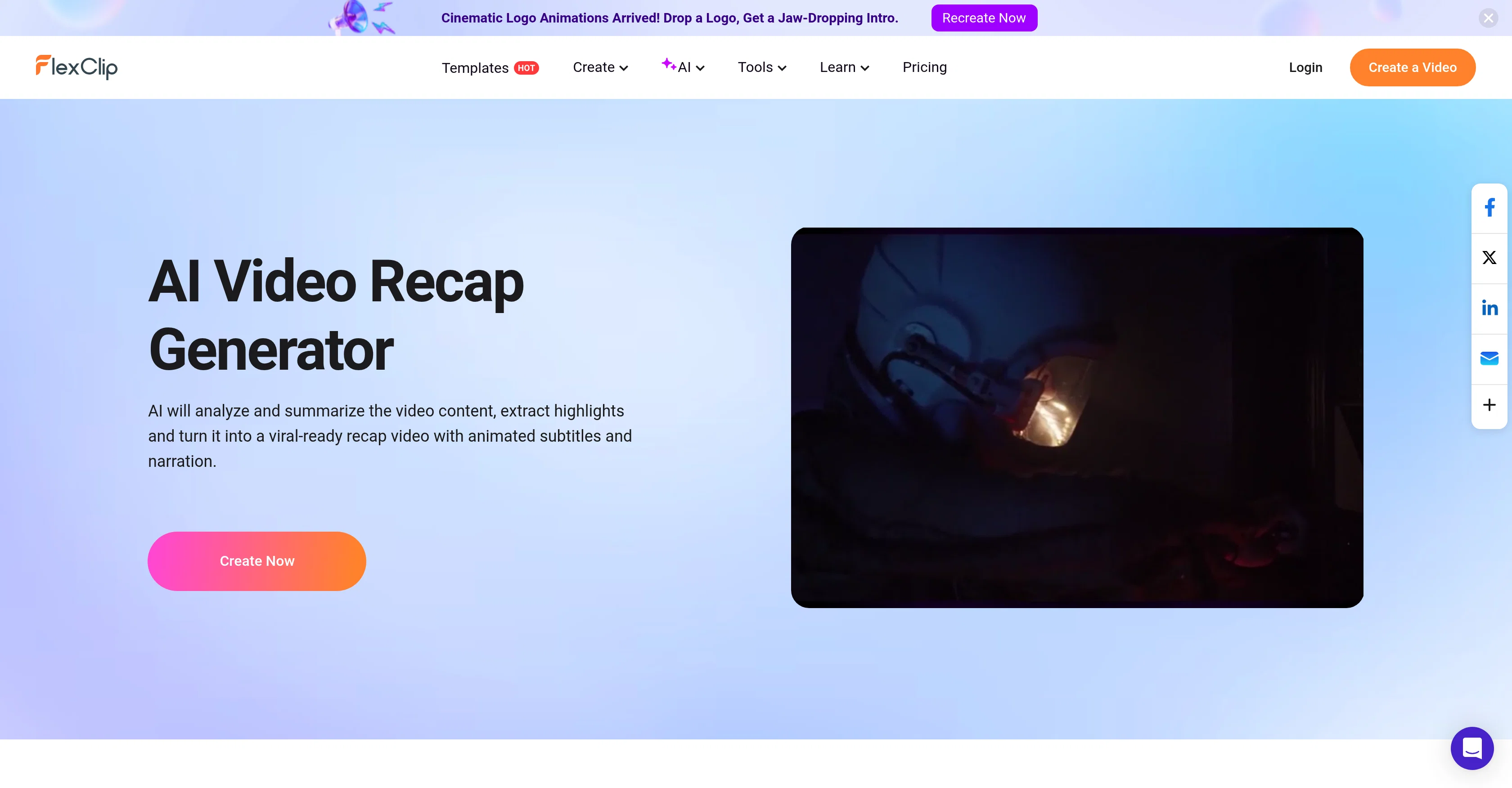
FlexClip AI Video Recap Maker offers automatic video recap creation using AI technology. The tool condenses long-form videos into summarized versions by extracting key scenes and story points for a concise, engaging output.
It operates by scanning the uploaded video or YouTube video link provided, comprehending the scenes, dialogues, storyline, and selecting important moments to compile into a recap.
It supports a variety of video types such as movies, TV shows, webinars, online courses, sports matches, and personal event videos, among others. A significant feature of this tool is its AI-powered voice narration and synced subtitle provision.
It offers multiple AI voiceovers providing a range of tones to match the recap's theme. It also allows subtitle generation in multiple languages to cater to diverse target audiences.
Once the recap is generated, users have the option to further edit and adjust the video according to their preference, including altering aspect ratios to suit different platforms.
This tool is designed to assist content creators, educators, marketers, and anyone in need of creating share-able video recaps quickly and efficiently, with no professional video editing skills required.
Access & connections
Where you can use Flexclip Video Recap Maker.
Platforms
Capabilities
What this tool accepts, produces, and is strongest at.
Input
- Video
Output
- Video
Supported features
- Video Edit
- Video Generation
- Text Generation
- Video Understanding
- TTS
- Styling
- Integrations
Pros & cons
Pros
- Automatic video recap creation
- Extracts key scenes
- Supports variety of video types
- Multilingual subtitle generation
- Allows video editing
- Alterable aspect ratios
- Suitable for diverse user groups
- No professional editing skills required
Show 35 more
- Visual summary of long-form videos
- Works with YouTube content
- Creates engaging output
- Editable post-recap generation
- Flexible tool for content creators
- Assistive tool for educators
- Useful for marketers
- Synced subtitle provision
- Allows immediate sharing
- Robust language support
- Webinar summarization
- Online course summarization
- Sport match recap creation
- TV show summary generation
- Movie recap creation
- Personal event video summarization
- Analyses scenes and dialogues
- Swift video processing
- Extracts storyline
- Selects important moments
- Animated subtitles
- Drag & Drop video editor
- Automated scene analysis
- Quick audience engagement
- Time-efficient content creation
- Generates viral-ready recap videos
- Platform tailored aspect ratios
- Efficiently shares video recaps
- Universal application in video types
- Easily editable recap videos
- Fast production process
- Automates script writing
- Automates video editing
- Engaging recap creation
- Subtitles maximize impact
Cons
- No script writing control
- No manual video editing
- Limited voiceover tones
- Inflexible aspect ratios
- Language limitations
- Accuracy of story extraction
- Requires Internet for use
- Limited video types support
Show 2 more
- No offline version available
- Dependent on quality of original video
Compare alternatives
Similar tools in the catalog — with a clear reason to open each one.

Summify ✓
FreemiumAI Powered tool to transcribe and summarize youtube videos, podcasts, audio notes
Free + from $8 / month
Full comparison
ScreenApp ✓
FreemiumYour Second Brain - Convert Recordings into Insights
Why look Typically cheaper
Full comparison
Video Highlight ✓
FreemiumSummarize and take notes from videos instantly.
Why look Typically cheaper
Full comparison

Video Summarize: Ai Video Chat ✓
FreemiumSummarize videos with AI chat
Why look Typically cheaper
Full comparison
Releases 1
FAQ 12
What types of videos can FlexClip Recap Maker generate recaps for?
What is the process FlexClip uses to create a video recap?
What type of voiceovers does FlexClip offer?
Can FlexClip generate subtitles in multiple languages?
Do I require professional video editing skills to use FlexClip?
Do I have the option to edit the video recap after it is generated?
How can FlexClip help content creators and educators?
How does FlexClip extract story points from long-form videos?
How does FlexClip's AI Powered Voice Narration work?
In which languages can FlexClip generate subtitles?
Can FlexClip adjust aspect ratios to suit different platforms?
How is FlexClip designed to assist in marketing?
Related tools
Recommended

Pounce ✓
Free TrialGet real followers and engagement in minutes.

Z.ai ✓
FreeFree AI that builds, creates, and writes professionally.

Clico ✓
FreemiumAI that lives where you type.

Humanize AI Text App ✓
FreeTransform AI text into human-sounding content instantly.

ReplaceMe ✓
FreeGet your personalized AI job replacement risk score.

MagicSlides.app AI PPT Maker ✓
FreemiumCreate Stunning PPTs in Seconds with the AI PPT Maker