

Writing assistance vv1.1.1 2026 Rank: #118
Clico ✓
AI that lives where you type.
Verdict
A quick read before you dig into the full page.
- Best if
- AI that lives where you type
- Skip if
- Limited accuracy in tone-matching
- Pick this when
- Lives where you type
Considering ReadPo instead? Compare side by side
Overview






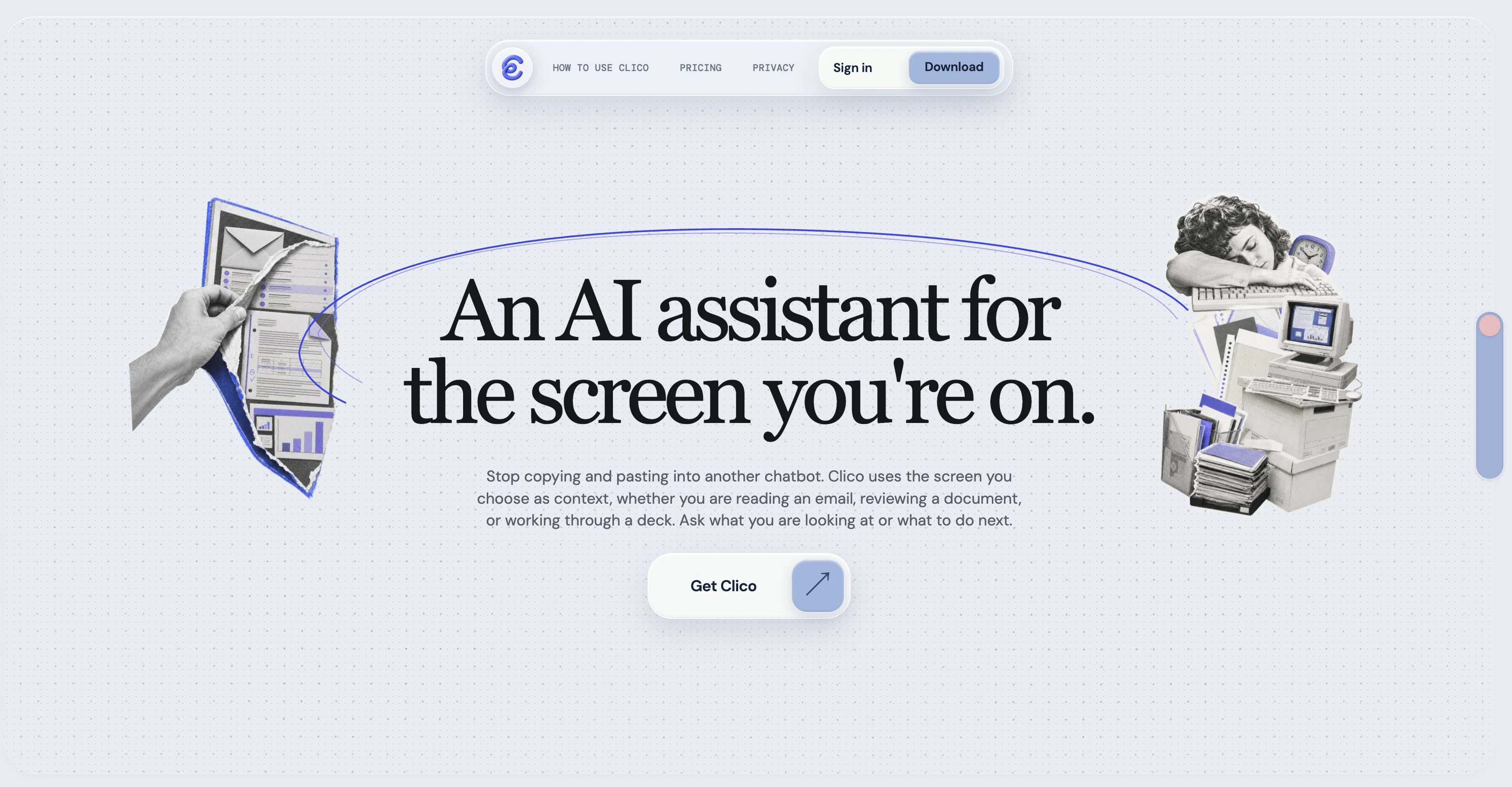
Clico AI Writing Assistant is a browser extension designed to assist users in their writing tasks across a wide range of applications. Incorporating artificial intelligence, this tool integrates with every text box, providing writing, search, summarization, and dictation features to enhance productivity.
The assistant lives where you type, eliminating the need for tab shifting or copy-pasting, hence reducing interruptions and improving focus. By using simple keyboard shortcuts, users can draft posts or replies, generate email responses that fit the ongoing conversation, continue writing where they left off in congruence with their writing style, or enhance the quality of their existing text.
Users can also utilise the highlight feature for quick AI automated searches, instantly summarize lengthy documents, and employ voice input for hands-free writing.
Clico is highly compatible; it functions seamlessly with various platforms including Gmail, Google Docs, Notion, LinkedIn, Reddit, Canva, Google Classroom, and many more, making it a comprehensive writing solution for different tasks across different platforms.The extension can be installed from the Chrome Web Store and starts working immediately across all websites visited, providing an enhanced browsing and writing experience.
Notably, no API key is needed for Clico's use, making its operation straightforward and user-friendly. The tool is free to use and compatible with Chrome, Edge, Brave, Arc, and all Chromium-based browsers.
- Clico It | Summon Clico With Cmd+o
- Hightlight | Select Anything And Search It
- Memo It | Double Cmd To Summarize Entire Page
- Voice Input | Hold Cmd To Use Voice As Input
Best for
Short scenarios where Clico tends to shine.
-
AI that lives where you type.
Example outputs 1
Sample generations and before/after results for Clico.
Access & connections
Where you can use Clico, and what it plugs into.
Platforms
Capabilities
What this tool accepts, produces, and is strongest at.
Input
- Code
- Text
- Audio
Output
- Code
- Text
Highlights
- No Signup
Supported features
- Text Generation
- Writing
- Rewrite
- Search
- Web browsing
- Docs
- Social Media
- STT
- Transcription
Show 4 more
- Integrations
- Assistant
- No Signup
- Autocomplete
Pros & cons
Pros
- Lives where you type
- Eliminates tab-switching
- Reduces context gaps
- Extensive cross-platform compatibility
- Efficient in multiple applications
- Features dictate commands
- Provides instant search results
- Text and image highlighting
Show 40 more
- Text summarization feature
- Enhancing selected text
- No API key required
- Free to use
- Assists in drafting posts
- Responds to emails
- Improves writing style
- Applicable in Chrome Web Store
- Functional in Chromium-based browsers
- User-friendly browser extension
- Simultaneous writing and browsing
- Integrated keyboard shortcuts
- Continuous writing assistance
- Offers voice input
- Prevents unnecessary tab shifts
- Can enhance text quality
- Generate fitting email responses
- Email drafting support
- Helps with writing continuity
- Hands-free writing option
- Optimizes writing productivity
- Gmail integration
- Google Docs integration
- Notion integration
- LinkedIn Integration
- Reddit Integration
- Canva Integration
- Google Classroom Integration
- Functions on all websites
- Quickly summarizes lengthy documents
- Edge browser compatibility
- Brave browser compatibility
- Arc browser compatibility
- Simple deployment and operation
- Compatible with multiple platforms
- Works without configuration
- Adapts to user's writing
- Saves browsing and writing time
- Instant structured document summaries
- Extension installation from Web Store
Cons
- No mobile support
- No offline mode
- Limited style adaptation
- No multi-language support
- Potential privacy concerns
- No specificity in summarization
- Search could yield irrelevant results
- Dictation may misunderstand speech
Show 2 more
- Compatibility issues with non-listed platforms
- Limited accuracy in tone-matching
Compare alternatives
Similar tools in the catalog — with a clear reason to open each one.

ReadPo ✓
FreemiumAI-powered reading and writing assistant for rapid content creation.
Why look Typically cheaper
Full comparison
Writer Assistant ✓
PaidEnhance your writing with AI-powered assistance.
from $25/mo
Full comparison
Sidelong ✓
Free TrialTurn everything you learn into writing worth reading.
Why look Typically cheaper
Full comparisonPeople also view
Tools that often show up alongside Clico in collections and comparisons.
Writer Assistant ✓
PaidEnhance your writing with AI-powered assistance.

Textglow ✓
FreemiumInstantly rewrite, polish, and perfect any text without leaving your current tab
Sidelong ✓
Free TrialTurn everything you learn into writing worth reading.
ReadPo ✓
FreemiumAI-powered reading and writing assistant for rapid content creation.

WriteABookAI ✓
PaidThe AI-Native Book Writing Platform

The Drive AI ✓
FreemiumAI agents to organize files

Sydium ✓
Free TrialLearns your voice and posts for you, on autopilot

Jetwriter AI ✓
FreemiumWrite better and faster on any site with your personal AI.
Releases 3
-
Now you can use @ to pull in multiple tabs as context when clico it.
-
We rebranded with the new neo brutalism style and it looks sharp!
-
We hid a little easter egg inside the extension and see if you can find it:)
-
Your AI sidebar now works inside Google Docs. Whether you're drafting, editing, or reviewing, it's right there with you. No tab switching, no breaking your flow.
-
Clico now runs on chatgpt.com too. Refine and polish AI-generated content on the spot, without ever leaving the page.
-
The whole web experience is noticeably faster. Less waiting, more doing.
Imported reviews 4
Handy for cleaning up notes and emails without switching tabs. The page summary shortcut is useful too, but I feel like the rewrites sound a bit too polished.
shout out to the people who came up with clico. this tool actually helps a lot more than i first thought. summarizing page + instant rewrite make my life so much easier as a content writer.
It just feels seamless when I ask it to generate my Q2 marketing docs and polish my email replies. I mean you don't need to write a long prompt and copy all the Re:Re:Re:Re email to it like other LLMs do. You just give a clear instruction and it gets things done.
It makes drafting emails and cleaning up my LinkedIn posts easier.
FAQ 12
What is the Clico AI Writing Assistant?
How does the Clico AI Writing Assistant integrate into my browsers?
Is Clico AI Writing Assistant compatible with Edge and Brave?
Can I use the Clico AI Writing Assistant on Gmail and Google Docs?
Does Clico AI Writing Assistant work on Slack and Discord?
Can the Clico AI Writing Assistant help me draft posts or replies?
Does the Clico AI Writing Assistant offer a dictation feature?
Does the text enhancement feature of Clico AI Writing Assistant make my content more concise or formal?
How does the instant search function of Clico AI Writing Assistant work?
Does the Clico AI Writing Assistant have a summarizing feature for lengthy documents?
Do I need an API key to deploy the Clico AI Writing Assistant?
Does Clico AI Writing Assistant work on Reddit and Substack?
Related tools
Recommended

Automateed ✓
Free TrialCreate eBooks effortlessly with Automateed, the AI-powered writing tool.

AppDeploy ✓
FreeDeploy real apps directly from ChatGPT or Claude

Z.ai ✓
FreeFree AI that builds, creates, and writes professionally.

Thea ✓
FreemiumAI study tools to master material, not just memorize it.

freebeat AI ✓
FreemiumTurn Music & Ideas into Viral Videos In One Click

Claude ✓
FreemiumBuilding reliable, interpretable AI systems