

fframes - Subtitles ✓
AI-powered video transcription and subtitling.
Verdict
A quick read before you dig into the full page.
- Best if
- AI-powered video transcription and subtitling
- Skip if
- Limited formatting/customization options
- Pick this when
- Autonomous subtitle production
Considering Captioner.io instead? Compare side by side
Overview
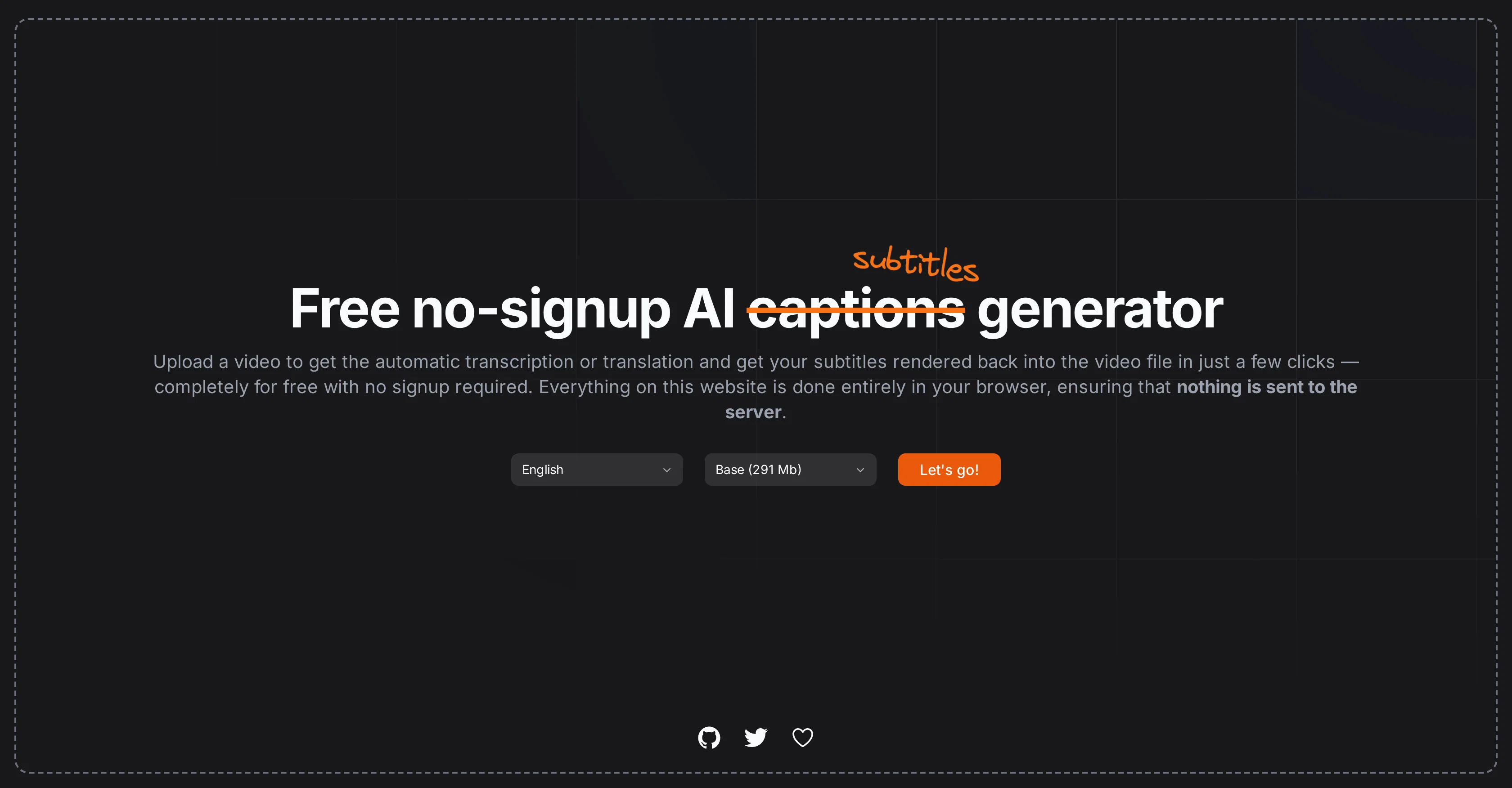
Fframes is an AI-powered video transcription tool that autonomously produces subtitles and captions. It harnesses artificial intelligence to convert spoken language within videos into written text.
It then utilizes this transcribed content to generate accurate and synchronized subtitles or captions for the original media. The tool is designed to aid content producers, especially in the entertainment and e-learning sectors, to make their content more accessible, especially for hearing-impaired individuals or for those who wish to watch videos in silent mode.
Separately, it can also be used by individuals who need transcriptions of video content for analysis or record-keeping. What sets fframes apart is its focus on precision and seamless integration of the generated subtitles with the corresponding video frames.
This reduces the need for manual corrections post-rendering. The solution supports a variety of languages, making it useful for international audiences or users working with multilingual content.
To adapt to varying client needs, fframes provides different formatting and customization options for the generated subtitles/captions, so users can match the aesthetic or design of the video content.
Access & connections
Where you can use fframes - Subtitles, and what it plugs into.
Platforms
Integrations
Capabilities
What this tool accepts, produces, and is strongest at.
Input
- Video
Output
- Text
Pros & cons
Pros
- Autonomous subtitle production
- Precise language conversion
- Synchronized subtitle integration
- Minimal manual corrections required
- Supports multiple languages
- Functional for content producers
- Functional for entertainment sector
- Functional for e-learning
Show 12 more
- Aids hearing-impaired individuals
- Supports silent mode video
- Useful for video analysis
- Useful for record-keeping
- Different formatting options
- Subtitle customization options
- Allows aesthetic design matching
- Seamless post-rendering workflow
- Useful for international audiences
- Great for multilingual content
- Variety of client adaptations
- Aids content accessibility
Cons
- No live captioning feature
- Limited text editing options
- Lacks document export functionality
- No voice recognition customization
- No API for integrations
- Limited formatting/customization options
- Precision may vary with languages
- No support for dialects/accents
Show 2 more
- Lacks automatic spell check
- Inadequate support for niche languages
Compare alternatives
Similar tools in the catalog — with a clear reason to open each one.

Captioner.io ✓
Free TrialAdd accurate, multilingual subtitles to videos - fast, right in your browser.
Why look Higher community rating
Full comparison
RenderCut ✓
Free TrialAdd stylish subtitles to short videos instantly.
Free + from $15/mo
Full comparison
Animaker Subtitles ✓
FreemiumGenerate subtitles for videos with AI in one click.
Free + from $15/mo
Full comparison

AddSubtitle ✓
FreemiumTranslate video subtitles into 100+ languages instantly.
Why look Higher community rating
Full comparison
Releases 1
Imported reviews 4
really good, do everything, with llow distortions.
boa pra carai slk.
you dont need to sign up you just upload and go. Perfect
Works decently quick with almost accurate subtitles, all in all amazing free tool.
Works amazing and super quickly, very suprised that you dont need to sign in or pay
FAQ 12
What is fframes?
How does fframes convert spoken language into written text?
Who is the target audience for fframes?
How can fframes help entertainment and e-learning sector?
How does fframes assist hearing-impaired individuals?
Can fframes be used for videos in silent mode?
How does fframes support video data analysis and record-keeping?
What sets fframes apart from other AI transcription tools?
How does fframes ensure precision in the generated subtitles?
Does fframes require manual corrections after subtitles are rendered?
What languages are supported by fframes?
Can fframes be used for multilingual content?
Related tools
Recommended

Free Text-To-Speech ✓
FreeText transformed into customizable spoken output.

AI Tutor Pro ✓
FreeYour personal digital assistant powered by AI.

AI YouTube Title Generator ✓
Free TrialGenerate eye-catching YouTube titles that boost views and engagement.

There's An AI For That ✓
FreeThe front page of AI

SongGenerator.io ✓
FreemiumTransform text into AI-generated music instantly.

Thea ✓
FreemiumAI study tools to master material, not just memorize it.