

fastwrite ✓
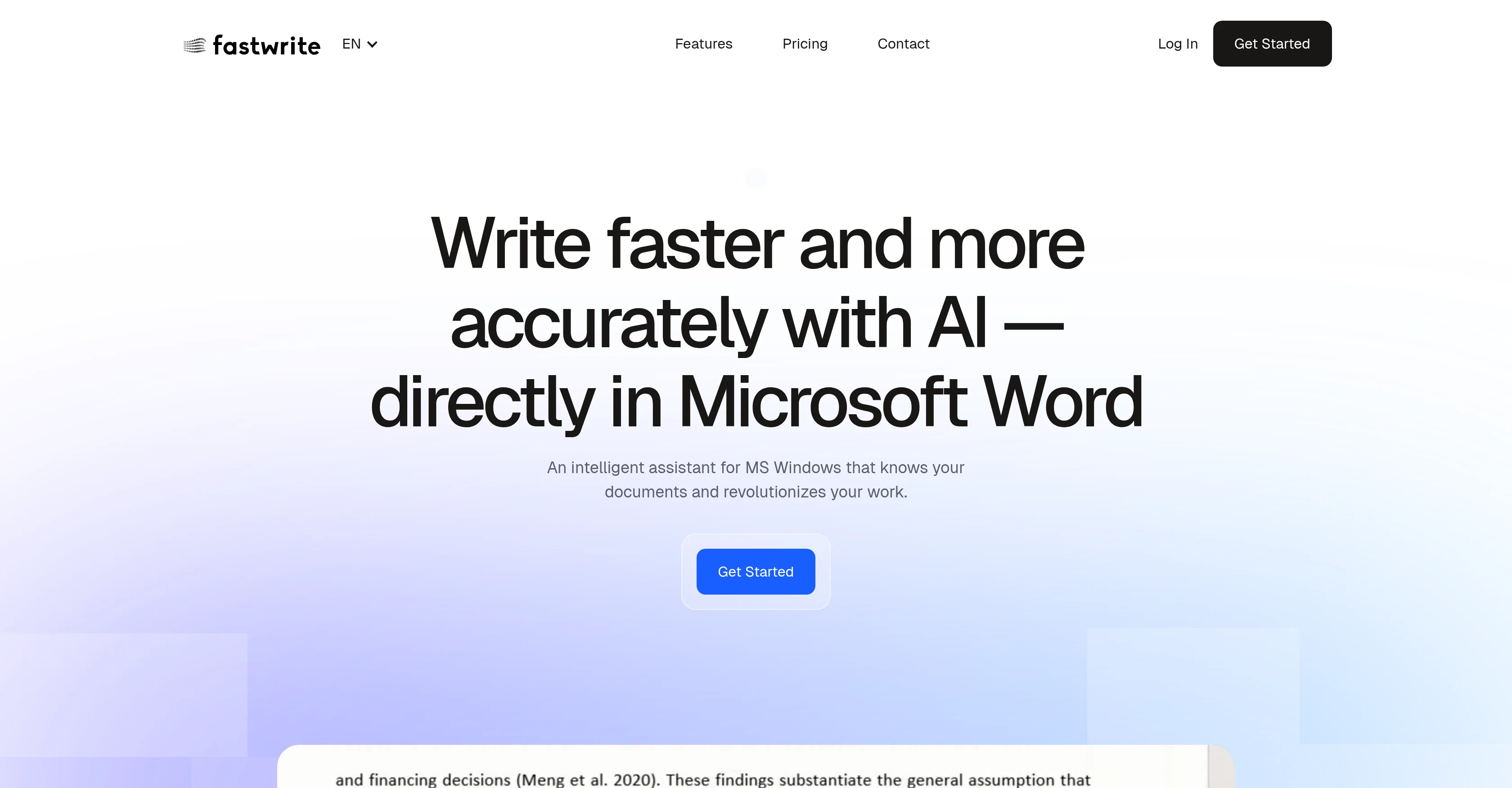
Write faster and more accurately with AI — directly in Microsoft Word
Free + from $11.40/mo
Verdict
A quick read before you dig into the full page.
- Best if
- Write faster and more accurately with AI — directly in Microsoft Word
- Skip if
- Limited free version features
- Pick this when
- Microsoft Word Integration
Considering Voila instead? Compare side by side
Overview
Fastwrite.io is an AI tool developed to assist in academic writing. Designed for integration with Microsoft Word on MS Windows platforms, it optimizes and accelerates the writing process by offering intelligent document analysis and AI-powered text completion.
The AI is capable of understanding the content of uploaded documents, and as users write, it suggests appropriate phrases, content, and citations. The tool also simplifies the referencing process, identifying content from uploaded sources and automatically including corresponding references.
With Fastwrite.io, all the users' sources can be organized in one place, eliminating the need to switch between Word and the web. The tool has been developed to avoid plagiarism and ensures that content taken from sources is properly cited.
It is adaptable to various fields of study, as it can adjust to users' literature. User data privacy and security are handled responsibly, with documents securely stored on Fastwrite.io servers for individual use.
Best for
Short scenarios where fastwrite tends to shine.
-
Write faster and more accurately with AI — directly in Microsoft Word
Example outputs 1
Sample generations and before/after results for fastwrite.
Access & connections
Where you can use fastwrite.
Platforms
Capabilities
What this tool accepts, produces, and is strongest at.
Input
- Text
Output
- Text
Pros & cons
Pros
- Microsoft Word Integration
- Windows Platform Compatibility
- Intelligent document analysis
- Relevant content suggestions
- Automates Referencing
- Plagiarism Avoidance
- Automated Citation Suggestions
- Adjusts to user literature
Show 41 more
- User Data Privacy
- Secure Data Storage
- Organizes all sources
- Eliminates Word-Web switching
- Suitable for all fields
- Streamlines academic writing
- Optimizes writing process
- Personal library organization
- Understands uploaded document content
- Individual use of data
- Automates quotes and references
- Familiar work environment
- Enhanced productivity
- Time saving
- Encourages original content
- Transparent pricing plans
- Free plans available
- Premium live support
- Unlimited use in premium
- Regular feature updates
- Adaptable to various research fields
- Supports multiple languages
- Revolutionizes academic work
- Automatic reference inclusion
- Integrated personal library
- Developed specifically for academics
- Promotes efficient writing
- Enhances content precision
- Optimized for academic language
- Environmentally friendly and paper-free
- Trustworthy security measures
- Natural language processing
- Dynamic learning capabilities
- Free trial without credit card
- Boosts creativity in writing
- User-friendly interface
- Customized user experience
- Supports unlimited projects for premium
- Prevent copy-paste plagiarism
- Cancellation at any time
- Recognizes user's writing style
Cons
- Only for Microsoft Word
- Windows platform exclusive
- No offline use
- Data stored externally
- Possible content analysis biases
- No multi-language support
- No mobile application
- Not free
Show 2 more
- Limited free version features
- Dependent on external servers
Compare alternatives
Similar tools in the catalog — with a clear reason to open each one.

Voila ✓
Free TrialSeamless AI assistant to help you create, write, brainstorm, and research.
Why look Typically cheaper
Full comparison
Rizz! Keyboard ✓
FreeAI-powered creative responses in your iPhone keyboard.
Why look Fully free option
Full comparison
Werd - Vibe Write with Multi-agent AI ✓
Free TrialVIBE WRITE With Multi-agent AI
Why look Typically cheaper
Full comparison
Sudowrite ✓
Free TrialAI writing partner for faster, more creative storytelling
Free + from $10.00/mo
Full comparison
RewriteBar ✓
Free TrialRewrite. Refine. Accelerate. — AI productivity for every macOS app. 🚀
Why look Offers a public API
Full comparisonPeople also view
Tools that often show up alongside fastwrite in collections and comparisons.
Werd - Vibe Write with Multi-agent AI ✓
Free TrialVIBE WRITE With Multi-agent AI
Voila ✓
Free TrialSeamless AI assistant to help you create, write, brainstorm, and research.
Sudowrite ✓
Free TrialAI writing partner for faster, more creative storytelling
Rizz! Keyboard ✓
FreeAI-powered creative responses in your iPhone keyboard.
RewriteBar ✓
Free TrialRewrite. Refine. Accelerate. — AI productivity for every macOS app. 🚀

Skywork ✓
Free Trial10 tasks in 1 hour, not 10 hours

Pismo ✓
PaidNative AI writing assistant for Windows, MacOS and iOS

Merchant Floor | Blog Writer ✓
FreemiumWrite smarter. Publish faster.
Releases 1
Imported reviews 2
Love the Tool! Very easy to use.
the autocomplete suggestions actually matched my tone and flow. the referencing tool is a lifesaver too, no more flipping between tabs. super smooth inside Word. gonna keep using it for sure
FAQ 12
What is Fastwrite.io?
How does Fastwrite.io assist in academic writing?
Does Fastwrite.io work on all Windows platforms?
How does the AI of Fastwrite.io analyze documents?
What type of text completion does Fastwrite.io offer?
What is the process of referencing on Fastwrite.io?
How does Fastwrite.io help to avoid plagiarism?
How adaptable is Fastwrite.io for various fields of study?
What are the measures for user data privacy and security on Fastwrite.io?
How securely are the documents stored on Fastwrite.io servers?
How does Fastwrite.io simplify the process of source organization?
How does Fastwrite.io integrate with Microsoft Word?
Related tools
Recommended

Heynds ✓
Free TrialTransform voice and text into professional content instantly.

Recall ✓
FreemiumSummarize Anything, Forget Nothing!

Kortix Suna ✓
FreemiumSuna: Your open-source AI employee for real-world tasks

TurboScribe ✓
Freemium🎯 3 free transcripts every day. 🔥 Unlimited transcription starting at $10/mo.

Suno ✓
FreemiumMake music at the speed of your ideas.

Claude ✓
FreemiumBuilding reliable, interpretable AI systems