

Email Whisperer ✓
AI-powered email assistant for faster, flawless writing.
Trial; then from $9.99
Verdict
A quick read before you dig into the full page.
- Best if
- AI-powered email assistant for faster, flawless writing
- Skip if
- Limited to Gmail, Outlook
- Pick this when
- Chrome extension for Gmail and Outlook
Considering Ellie - Your AI Email Assistant instead? Compare side by side
Overview
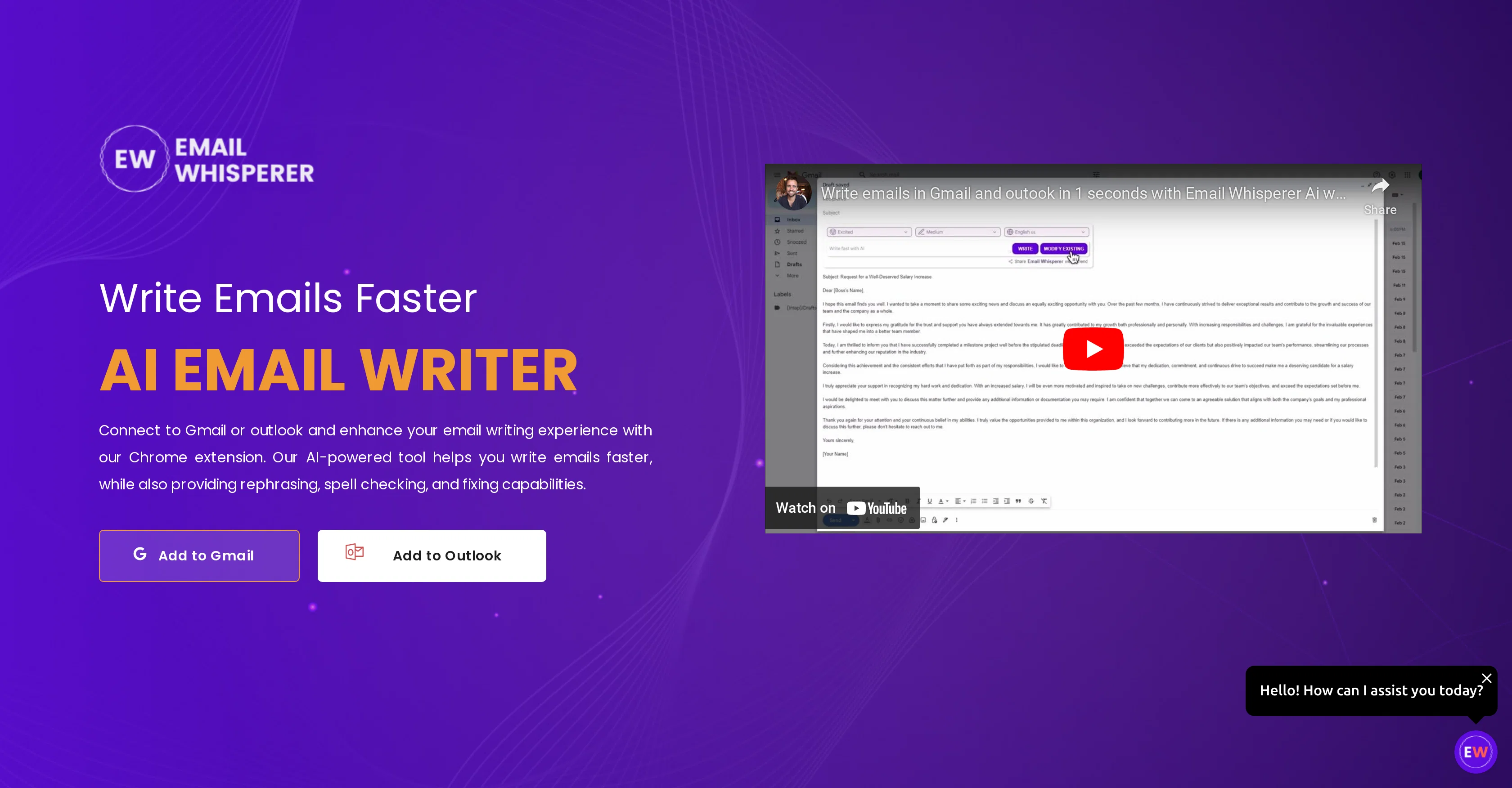
Email Whisperer is an AI email writer designed for Gmail and Outlook to enhance user email communication. It is accessible via a Chrome extension and contributes towards fostering a faster and efficient email writing experience.
The tool offers valuable features such as providing rephrasing suggestions, spell checking, and error fixing to improve the clarity, style, and professionalism of your emails.
It also allows users to set and remember their preferred tone for communication, offering flexibility to customize the tone as per the requirements of the email.
The AI tool can be trained on a user's website or PDF files to understand their business and write personalized emails, even learning to mimic the user's writing style for a more authentic communication style.
There are different scalable plans available catering to individuals, businesses, and professional teams, with features like unlimited daily emails, emails personalized to sound like you, responses in major languages, suggested replies, and the ability to train custom AI models for your business.
However, the specific features could depend on the chosen plan.
Access & connections
Where you can use Email Whisperer, and what it plugs into.
Platforms
Capabilities
What this tool accepts, produces, and is strongest at.
Input
- API
- Tabular
- Text
Output
- API
- Text
Pros & cons
Pros
- Chrome extension for Gmail and Outlook
- Rephrasing suggestions
- Spell checking
- Error fixing
- Clarity, style, and professionalism improvement
- Sets and remembers tone preferences
- Customizable communication tone
- Can train on user's content
Show 18 more
- Personalized emails
- Mimics user's writing style
- Scalable plans
- Unlimited daily emails
- Emails sound like user
- Responses in major languages
- Suggested replies
- Affordable pricing tiers
- Email summarization
- Background-generated emails
- Shared knowledge base
- Early access to new features
- Supports major languages
- Length control for generated mails
- Custom prompt additions
- User-friendly interface
- Email rewrite option
- Tone variety for customization
Cons
- Only compatible with Chrome
- Training requires user's files
- Dependent on email providers
- No offline functionality
- Limited reply languages
- Features vary by plan
- No free full features
- No mentioned security features
Show 2 more
- May mimic undesired styles
- Limited to Gmail, Outlook
Compare alternatives
Similar tools in the catalog — with a clear reason to open each one.

Ellie - Your AI Email Assistant ✓
FreemiumEllie, your AI for crafting personalized email replies.
Why look Higher community rating
Full comparison
Jetwriter AI ✓
FreemiumWrite better and faster on any site with your personal AI.
Free + from $12/mo
Full comparison
AImReply ✓
FreemiumImproved email productivity, streamlined communication.
Why look Typically cheaper
Full comparison
WriteMail.ai ✓
FreemiumWriteMail.ai: Generate Perfect Emails in Seconds with AI Email Writer
Why look Higher community rating
Full comparison

Releases 1
FAQ 12
What is Email Whisperer and how does it work?
How do I install the Email Whisperer Chrome extension?
How does the rephrasing feature of Email Whisperer enhance my email writing?
Can Email Whisperer really learn to mimic my writing style?
Are there any limitations on the number of daily emails with Email Whisperer?
How does Email Whisperer contribute to a faster and efficient email writing experience?
How does Email Whisperer correct spelling errors and improve grammar in my emails?
How does Email Whisperer help in personalizing my emails?
How can I customize the tone of communication in Email Whisperer?
What are the different plans available on Email Whisperer and what features do they offer?
Does the Email Whisperer work with Gmail and Outlook?
How can I train Email Whisperer using my website or PDF files?
Related tools
Recommended

Hyperis ✓
FreemiumOrganized task prioritization.

Kin - Personal AI Advisors ✓
FreePrivacy-first & designed your for mind, and life at work

AiApply ✓
Free TrialCustomized job applications for better results.

Beeyond AI ✓
Free TrialBeeyond AI: Unlock 50+ AI tools under one subscription

Spellbook ✓
UnknownContract Drafting and Review for legal professionals.

User Evaluation ✓
FreemiumStreamline your data discovery with AI