

Edraw.AI ✓
AI-powered diagramming and visualization tool
Trial; then from $8.25/mo
Verdict
A quick read before you dig into the full page.
- Best if
- AI-powered diagramming and visualization tool
- Skip if
- Potential overfitting with increment learning
- Pick this when
- Data extraction functionality
Considering Mind Map Wizard instead? Compare side by side
Overview
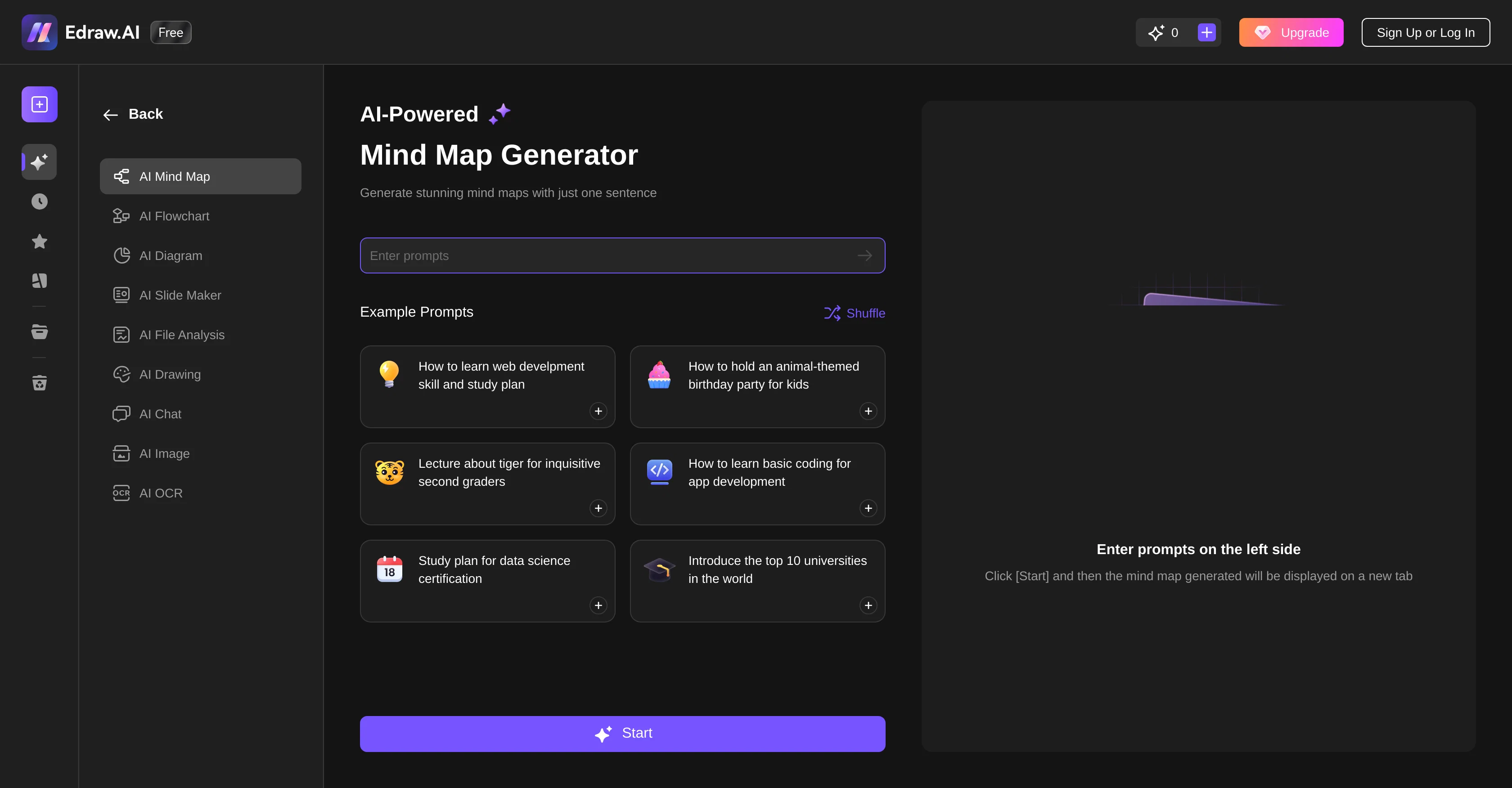
Edraw.AI provides an array of artificial intelligence-based solutions designed to facilitate various automated processes. As a comprehensive and intelligent platform, it aids in diverse areas including data extraction and processing, pattern recognition, and predictive analytics.
The tool is specialized in handling different types of data formats and is able to perform complex computations at scale, making it a flexible choice for businesses looking to harness the power of AI.
With its built-in machine learning algorithms, the platform can autonomously learn and adapt over time, which provides an incremental improvement in performance and allows for more accurate results.
This feature reduces the need for constant manual intervention, leading to efficiency of operations.While it offers advanced functionalities, the platform aims for a user-friendly approach, making it accessible even for individuals without an extensive background in artificial intelligence.
This includes a clean and intuitive interface which simplifies the process of setting up and deploying automated tasks.In summary, Edraw.AI exists to streamline business processes through machine learning and automation, providing a user-friendly platform that makes complex AI tasks accessible and manageable, hence, improving operational efficiency and decision-making processes.
Access & connections
Where you can use Edraw.AI.
Platforms
Pros & cons
Pros
- Data extraction functionality
- Data processing capabilities
- Accommodates diverse data formats
- Perform complex computations
- Scalable solution
- Built-in machine learning
- Self-improvement over time
- Reduced manual intervention
Show 13 more
- Advanced functionalities
- User-friendly interface
- Streamlines business processes
- Improves operational efficiency
- Aids decision-making processes
- Pattern recognition
- Predictive analytics
- Auto-adapting algorithms
- Improved accuracy
- Efficiency of operations
- Clean interface
- Simplifies automation tasks deployment
- Mind-mapping capabilities
Cons
- Lacks API
- Limited data format support
- Potential overfitting with increment learning
- Simplistic interface may limit advanced functionality
- Arduous automated tasks deployment
- No mention of security measures
- Single use-case focus
- Unidentified error handling mechanism
Show 2 more
- No multilingual support
- Absence of community support
Compare alternatives
Similar tools in the catalog — with a clear reason to open each one.

Mind Map Wizard ✓
FreemiumGenerate mind maps with AI: free, no sign-up, no ads
Why look Offers a public API
Full comparison
InstantMind ✓
Free TrialAI-powered mind maps from any content, instantly.
Why look Better for writing
Full comparison

MindMap AI ✓
FreemiumTurn ideas and files into AI powered mind maps
Why look Typically cheaper
Full comparison

Releases 1
FAQ 12
What is Edraw.AI?
How does Edraw.AI simplify AI tasks?
Can Edraw.AI autonomously learn and adapt over time?
Is Edraw.AI easy to use for someone without an AI background?
What kind of data can Edraw.AI process?
How does Edraw.AI aid with pattern recognition?
In what areas does Edraw.AI provide artificial intelligence-based solutions?
How does Edraw.AI use machine learning to improve operational efficiency?
How does Edraw.AI handle automating tasks?
How can businesses utilize Edraw.AI to streamline their processes?
Does Edraw.AI offer a user-friendly interface?
How is the performance of Edraw.AI enhanced over time?
Related tools
Recommended

Mindsmith ✓
FreemiumPlatform for building and sharing eLearning content

Thea ✓
FreemiumAI study tools to master material, not just memorize it.

Automateed ✓
Free TrialCreate eBooks effortlessly with Automateed, the AI-powered writing tool.

Kin - Personal AI Advisors ✓
FreePrivacy-first & designed your for mind, and life at work

TheLibrarian.io ✓
Free TrialYour WhatsApp AI assistant for instant productivity.

Ideogram ✓
FreemiumAI-powered creativity booster