

Transcription 2026 Rank: #2357
EasyScribe ✓
Turn audio and video into accurate text instantly.
Verdict
A quick read before you dig into the full page.
- Best if
- Turn audio and video into accurate text instantly
- Skip if
- Limited features in free version
- Pick this when
- Supports 120+ languages
Considering Voicetype AI instead? Compare side by side
Overview
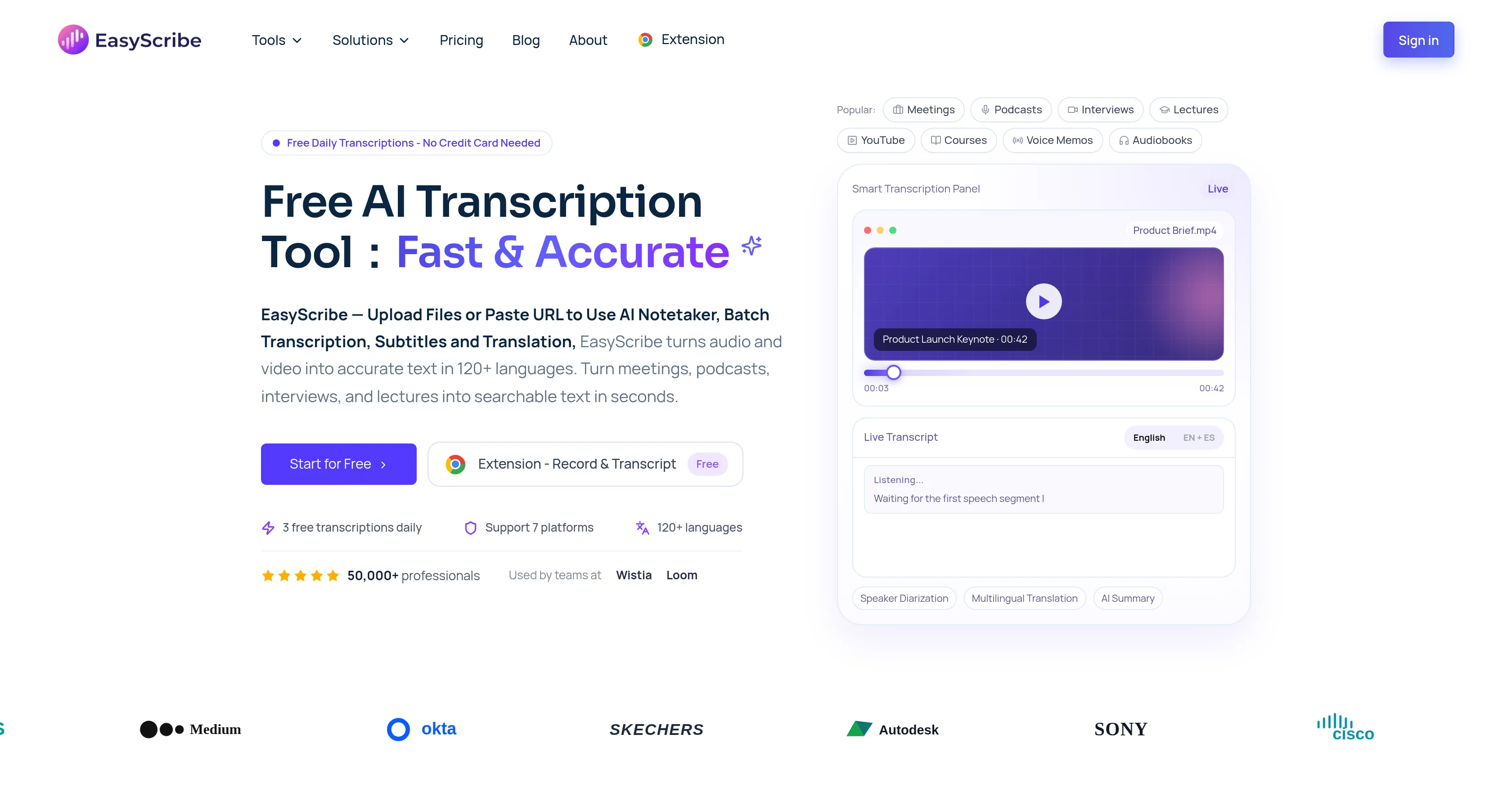
EasyScribe is an AI tool designed for high-precision transcription of audio and video to text. It supports a variety of content types including meetings, lectures, interviews, podcasts, and voice memos across more than 120 languages.
The tool offers 3 free transcriptions daily and is used by professionals in multiple sectors. The application allows users to upload files or paste URLs for transcription, and provides AI-generated summaries, subtitle and translation features.
There is also a speaker identification feature that can accurately segregate speakers in multi-speaker content. EasyScribe's multilingual translation capability supports cross-accent and dialect accuracy.
In the realm of productivity, the tool provides AI-generated summaries and meeting action points as part of its offering. It equips users with the ability to manage and edit transcripts in the collection library.
Furthermore, a unique feature allows users to ask AI any question about their transcript, and the built-in AI assistant will generate responses based on the transcript.
EasyScribe is proven to contribute significantly to time savings and can be adapted to workflows of diverse formats, languages, and scales. It operates based on a simple three-step process of uploading the file, transcribing the content, and then exporting or sharing the transcript.
Access & connections
Where you can use EasyScribe.
Platforms
Capabilities
What this tool accepts, produces, and is strongest at.
Input
- Video
- Audio
Output
- Text
Supported features
- Transcription
Pros & cons
Pros
- Supports 120+ languages
- Multilingual transcription
- Translates content
- Cross-dialect accuracy
- Cross-accent accuracy
- Accurate speaker identification
- Allows file uploading
- Content export capability
Show 31 more
- Supports URL transcription
- Subtitle functionality
- Professional-grade transcription
- Time-stamped editing
- Transcribe, edit, export workflow
- Provides daily free transcriptions
- Supports multiple content types
- Timestamped editing
- Accommodates diverse workflows
- 99.5% transcription accuracy
- Understanding of dialects and accents
- Generates meeting action points
- Manages transcript libraries
- Upload via file or URL
- Subtitles and translation modes
- Significant time savings
- Supports content in various formats
- Ability to add translation
- Supports multiple file formats
- Ability to export and share
- Translation across multiple languages
- Provides summaries and notes
- Perfect choice for multilingual needs
- Includes workspace for editing
- Direct sharing of transcripts
- Turns lessons into transcripts
- Turns recordings into clear transcripts
- Supports 7 platforms
- Automatic transcript saving
- Browser-based transcript editing
- Adapts to team's workflow
Cons
- Only three free transcriptions daily
- Limited file format support
- Potential formatting issues post-translation
- No offline functionality
- Limited export formats
- No dedicated app
- Limited features in free version
- Lack of wider workflow integration
Show 2 more
- Can't customize IA responses
- Only URL/file-based input methods
Compare alternatives
Similar tools in the catalog — with a clear reason to open each one.

Voicetype AI ✓
Free TrialWrite 9x Faster with AI Speech to Text on all Apps
Why look Better for writing
Full comparison
Transcript LOL ✓
FreemiumUnlimited transcripts, summaries, 99.8% accuracy, speaker recognition, superfast
Why look Offers a public API
Full comparison
TurboScribe ✓
Freemium🎯 3 free transcripts every day. 🔥 Unlimited transcription starting at $10/mo.
Free + from $10/mo
Full comparison
RambleFix ✓
Paid⚡ Write by thinking aloud - emails, notes, articles, in your style.
Why look Better for writing
Full comparison
Paraspeech ✓
Free TrialPrivate dictation, cloud optional
Why look More privacy-focused
Full comparisonReleases 1
FAQ 12
What is the accuracy rate of EasyScribe's transcription?
How does EasyScribe identify different speakers in a conversation?
Can EasyScribe handle different accents and dialects?
What languages can EasyScribe transcribe and translate?
What formats can be uploaded to EasyScribe for transcription?
Can EasyScribe generate subtitles for videos?
How does the AI Assistant in EasyScribe work?
Is it possible to manually edit transcripts in EasyScribe?
Can I export the transcripts from EasyScribe and in what formats?
How does EasyScribe turn audio and video into summaries and notes?
Does EasyScribe support multi-speaker transcription?
Can EasyScribe process voice memos for transcription?
Related tools
Recommended

Grok ✓
FreemiumConversational AI for understanding the universe.

ClipTrend ✓
PaidRecreate viral TikTok videos in 60 seconds.

MagicSlides.app AI PPT Maker ✓
FreemiumCreate Stunning PPTs in Seconds with the AI PPT Maker

B12 AI Website Builder ✓
FreemiumAI-powered website builder

GetLogit ✓
FreemiumArtificial intelligence, available for everyone.

Thea ✓
FreemiumAI study tools to master material, not just memorize it.