Viral videos 2026 Rank: #1446
ClipTrend ✓
Recreate viral TikTok videos in 60 seconds.
Source rating 1.0
(1)
1.2k views
9 saves
Paid
Verdict
A quick read before you dig into the full page.
- Best if
- Recreate viral TikTok videos in 60 seconds
- Skip if
- Lacks watermark option
- Pick this when
- Generates creative video content
Considering ViralBot instead? Compare side by side
Overview
You scroll TikTok and see viral AI videos one after another — Apocalypse Warrior at 2.8M views, fluffy animal dance at 81.8M. You think "I want one," open Runway, see a blank prompt box, close the tab.
ClipTrend.ai skips that step. Every week we watch what's actually going viral on TikTok and YouTube, and turn each viral effect into a one-click template.
The templates aren't stock thumbnails. Click any card and you see 3-5 real TikTok and YouTube videos using the exact same format — all currently viral, with actual view counts attached. Verify the format trends across creators before you spend a credit. Apocalypse Warrior 2.8M. Monster Slayer 11M. Wildlife 91.5M. Numbers, not vibes.
50+ templates live, 120M+ tracked trend views. Behind them: 10+ top-tier AI models — Seedance 2, Kling 3, Veo 3.1, Wan 2.7, Nano Banana Pro, GPT Image 2 and others. You never pick. ClipTrend.ai routes your render to whichever fits best.
A workflow nothing else does cleanly: paste a TikTok URL and ClipTrend.ai extracts the motion straight from that clip — dance, combat, camera moves — and replays it on your character. URL in, motion out.
The strongest model for real-face transformations is Seedance 2 — and almost every consumer AI video tool blocks it on real faces or quietly swaps you to a generic AI face. ClipTrend.ai doesn't. Real-face Seedance 2 is on every plan, including the $14 entry tier. For trend formats where being recognizable is the entire point, that's the whole job.
From $14 first month. Same top-tier models (Seedance 2, Kling 3, Veo 3.1, Wan 2.7) but 20%+ more videos than Pollo AI / Higgsfield / OpenArt / Freepik on every plan. Up to 4× more for some models. Verified 2026-04-22.
Free to try, no credit card. cliptrend.ai → pick a template → upload a selfie → done.
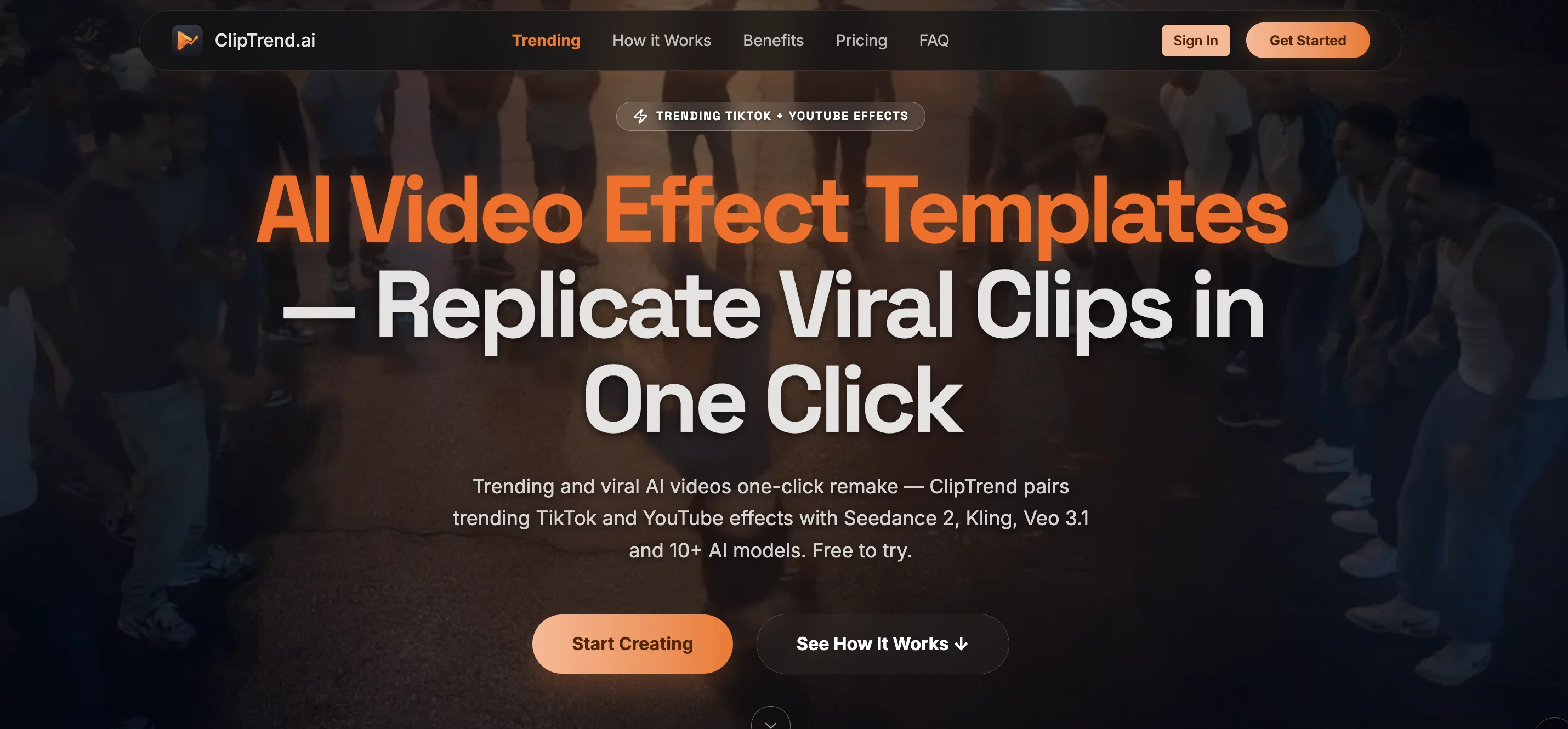
ClipTrend.ai skips that step. Every week we watch what's actually going viral on TikTok and YouTube, and turn each viral effect into a one-click template.
The templates aren't stock thumbnails. Click any card and you see 3-5 real TikTok and YouTube videos using the exact same format — all currently viral, with actual view counts attached. Verify the format trends across creators before you spend a credit. Apocalypse Warrior 2.8M. Monster Slayer 11M. Wildlife 91.5M. Numbers, not vibes.
50+ templates live, 120M+ tracked trend views. Behind them: 10+ top-tier AI models — Seedance 2, Kling 3, Veo 3.1, Wan 2.7, Nano Banana Pro, GPT Image 2 and others. You never pick. ClipTrend.ai routes your render to whichever fits best.
A workflow nothing else does cleanly: paste a TikTok URL and ClipTrend.ai extracts the motion straight from that clip — dance, combat, camera moves — and replays it on your character. URL in, motion out.
The strongest model for real-face transformations is Seedance 2 — and almost every consumer AI video tool blocks it on real faces or quietly swaps you to a generic AI face. ClipTrend.ai doesn't. Real-face Seedance 2 is on every plan, including the $14 entry tier. For trend formats where being recognizable is the entire point, that's the whole job.
From $14 first month. Same top-tier models (Seedance 2, Kling 3, Veo 3.1, Wan 2.7) but 20%+ more videos than Pollo AI / Higgsfield / OpenArt / Freepik on every plan. Up to 4× more for some models. Verified 2026-04-22.
Free to try, no credit card. cliptrend.ai → pick a template → upload a selfie → done.
Access & connections
Where you can use ClipTrend.
Platforms
Capabilities
What this tool accepts, produces, and is strongest at.
Input
- Image
- Text
- Video
- Audio
Output
- Video
- Text
- Image
Supported features
- Video Generation
- Video Edit
- Image Edit
- Social Media
- Realism
- Search
Pros & cons
Pros
- Generates creative video content
- Viral video template library
- Supports user personalization
- Templates across multiple genres
- Text to Video feature
- Character Swap capability
- Face Swap functionality
- Image/Video to Video flexibility
Show 31 more
- Text to Image translation
- Coverage of TikTok trends
- No watermarks in exports
- Trending effects included
- One click viral recreation
- Supports various content formats
- Excellent for social media
- Extensive genre diversity
- Preview before final render
- Optimized for quick operation
- Viral content generation feature
- Personalized Content creation
- High level of user control
- Automatic clip creation process
- Image Animation abilities
- Paid plans without watermarks
- Transform any photo into video
- User-friendly interface
- Allows user content insertion
- Specific TikTok trend videos
- Swift content creation
- Versatile content translation
- Wide range of effects
- Convenient creative automation
- Romance, humor, dance templates
- Helps recreate trending effects
- Platform is all-inclusive
- Impressive MP4 export quality
- Multiple Templates for use
- Hosts effects from various genres
- Categorized Video Templates
Cons
- Lacks watermark option
- Dependent on template selection
- No tutorial/guidance features
- Limited effects library
- Could be trend-based only
- No custom video input
Compare alternatives
Similar tools in the catalog — with a clear reason to open each one.

ViralBot ✓
FreemiumCreate viral videos with AI subtitles instantly
Why look Freemium alternative
Full comparisonSwipeStory AI ✓

PaidCreate viral faceless videos on autopilot.
Why look Typically cheaper
Full comparisonTransClipper ✓

FreemiumReverse-engineer any viral video in 30 seconds.
Why look Freemium alternative
Full comparisonReleases 1
Initial release of ClipTrend.
FAQ 12
What is ClipTrend?
ClipTrend is an advanced AI tool designed to create creative video content. It utilizes a catalogue of viral video templates that users can customize with their own photos or text. ClipTrend's comprehensive platform incorporates templates spanning categories like dance, animal, romance, horror, meme, and many more. It boasts features such as 'Text to Video', 'Character Swap', and 'Face Swap', giving users substantial control over their video creation. The AI software of ClipTrend permits users to remake viral TikTok videos within a minute while offering effects corresponding to various genres and ensuring a user-friendly experience.
How does ClipTrend generate creative video content?
ClipTrend employs AI technologies to streamline the creative process of video content. It uses a robust catalogue of viral video templates that users can customize with their own photos or text. This takes place across various categories including dance, animal, romance, horror, meme, and more. Features like 'Text to Video' transform user's text into a video, while 'Character Swap' and 'Face Swap' allow users to swap faces or characters within a clip. Other features including 'Image/Video to Video' and 'Text to Image' allow content translation, making it easier for users to manipulate and create in varied formats. Moreover, trending effects such as 'Seedance 2' and 'GPT Image 2' are included to add that extra creative touch.
What are the types of video templates available on ClipTrend?
ClipTrend offers an extensive array of video templates across numerous categories including dance, animal, romance, horror, meme, and more. These templates can be personalized with user's own photos or texts. Predominant templates include transformations such as apocalypse transform, monster slayer, animal mirror; creativity and wildlife exemplified by backyard alien and night crazy animals templates; and meme & story templates such as talking object, jelly mattress, face swap, soap kitten, cake kitten, fruit kitten series. The library details clearly state that every template in the collection is directly linked to a real viral AI video on popular platforms such as TikTok or YouTube.
What is the 'Text to Video' feature in ClipTrend?
The 'Text to Video' feature in ClipTrend generates videos from a user-provided text prompt. This powerful AI tool takes the input text and turns it into a visual narrative, creating a unique video. It effectively removes the need for traditional video production and allows users to create engaging and dynamic content directly from their written words.
Can I swap characters in ClipTrend?
Yes, ClipTrend allows users to swap characters in a video. The 'Character Swap' feature lets users replace the subject of a clip with their desired character. This feature provides users great flexibility and control overtheir video content, making it quite unique and engaging.
How does Face Swap work in ClipTrend?
The 'Face Swap' feature in ClipTrend allows users to swap a face in any video. The AI tool identifies the facial features in the supplied image and adapts them into the video, seamlessly replacing the original face. With this feature, users can create engaging and personalized content by altering faces in their video clips.
Can ClipTrend convert images or videos to videos and how?
ClipTrend is equipped with the 'Image/Video to Video' tool. This innovative feature allows users to convert their still images or pre-existing video clips into new videos retaining the subject and the style but with a new perspective. Users could choose to enhance their videos by employing trending effects or by transforming the entire style using AI templates. This ensures the versatility of content and supports the consistent creation of engaging videos.
What trending effects does ClipTrend offer?
ClipTrend provides users with a range of trending effects which perfectly follows the viral trends on social platforms. Some prominent trending effects include 'Seedance 2' and 'GPT Image 2'. Added to the video templates library of ClipTrend, these effects play an instrumental role in empowering users to generate unique, entertaining, and viral video content.
How can I recreate popular TikTok trends using ClipTrend?
Yes, users can effortlessly recreate popular TikTok trends using ClipTrend. Equipped with a library of AI video templates which maps to real viral AI videos on TikTok or YouTube, users can select the template that corresponds to the trend they want to recreate, customize it with their inputs, and generate their version of the trend. This empowers users to engage in trending content creation without having to understand the complexities of each trend.
Does ClipTrend allow to convert images to animations?
Yes, ClipTrend enables smooth conversion of images into engaging animations. The 'Image AI' feature in ClipTrend allows users to animate their static images, adding depth and dynamics to the content. This enhances user visuals, transforming conventional static images into captivating and interactive animations.
Do the paid plans of ClipTrend come with watermarked exports?
No, ClipTrend provides watermark-free MP4 exports for its paid plans. This ensures users have clean, professional content for their use without any brand markings, contributing to a more personalized and professional experience.
What genres does ClipTrend cover with its effects?
ClipTrend offers effects in a broad range of genres including but not limited to dance, animal, romance, horror, and meme. By doing this, it caters to diverse user preferences, needs and social media usage habits. The wide genre coverage ensures a rich template library that is able to produce unique, personalized video content suitable for various audience segments.
ClipTrend
from $14/mo