

EasyPic.app ✓
Generate Smart Titles & Keywords for Your Images
Trial; then from $1.49
Verdict
A quick read before you dig into the full page.
- Best if
- Generate Smart Titles & Keywords for Your Images
- Skip if
- Limited to titles, descriptions, and keywords (no advanced IPTC embedding)
- Pick this when
- Automates title and keyword generation with AI
Considering Organize with AI instead? Compare side by side
Overview
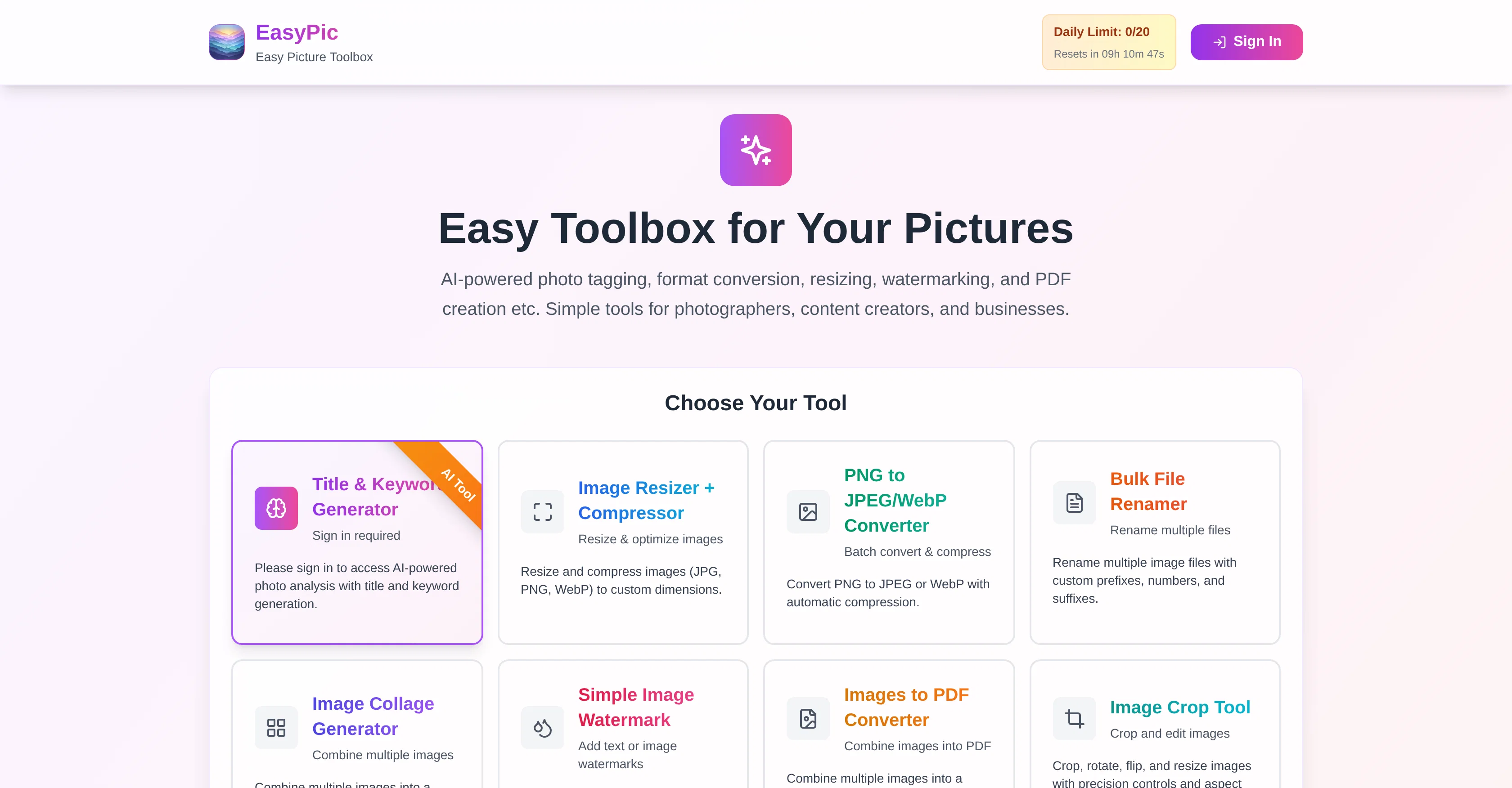
The tool is designed with photographers, businesses, and creators in mind, helping streamline workflows that usually demand hours of repetitive tagging and metadata entry. With token-based usage, each analysis delivers a full set of optimized metadata, ready to be used directly. It’s a simple yet powerful way to maximize visibility and professional presentation of visual assets.
Access & connections
Where you can use EasyPic.app.
Platforms
Capabilities
What this tool accepts, produces, and is strongest at.
Input
- Image
Output
- Text
Pros & cons
Pros
- Automates title and keyword generation with AI
- Produces 45–50 optimized keywords per image
- Provides both a descriptive title and short description
- Saves time compared to manual tagging
- Enhances discoverability on stock photo platforms
- Works directly from uploaded images
- Token-based system for flexible usage
- Simple drag-and-drop interface for bulk uploads
Show 3 more
- Reduces repetitive metadata entry work
- Suitable for photographers, businesses, and agencies
- Generates professional-level metadata without extra tools
Cons
- Requires tokens for each analysis
- Quality of keywords may vary depending on image complexity
- Limited to titles, descriptions, and keywords (no advanced IPTC embedding)
- May generate generic keywords if the image is ambiguous
- Internet connection required for AI analysis
Compare alternatives
Similar tools in the catalog — with a clear reason to open each one.



Tagbox ✓
FreemiumMagically organize your creative assets with AI
Free + from $100/mo
Full comparison
ImageSorter ✓
FreeSort and organize images with AI-powered drag-and-drop
Why look Fully free option
Full comparison
AI Keywording ✓
PaidAI-powered image keywording in seconds
Why look Typically cheaper
Full comparison
Releases 1
FAQ 7
What does EasyPic.app’s Title & Keyword Generator do?
How many keywords does it generate per photo?
How does the token system work?
Can I use this for stock photography submissions?
Do I need technical skills to use it?
What file formats are supported for analysis?
Can I process multiple images at once?
Related tools
Recommended

Thea ✓
FreemiumAI study tools to master material, not just memorize it.

Gling - AI Video Editing Software for YouTube ✓
FreemiumAI-powered video editing for YouTube creators.

Collate ✓
FreeUnlimited free and private summaries and chat with PDF

My AI Tarot - Free Tarot Card Readings ✓
FreeInsightful guidance tailored to your life's questions.

Life Note ✓
FreemiumJournal with the greatest minds in human history

Tarotify ✓
Free TrialAI Tarot Readings: Tarot Card Scanner & Digital Readings