

EasyNext Support ✓
Streamline support for the supporters
Verdict
A quick read before you dig into the full page.
- Best if
- Streamline support for the supporters
- Skip if
- No complex setup offered
- Pick this when
- Google Chrome extension
Considering GPT Trainer instead? Compare side by side
Overview
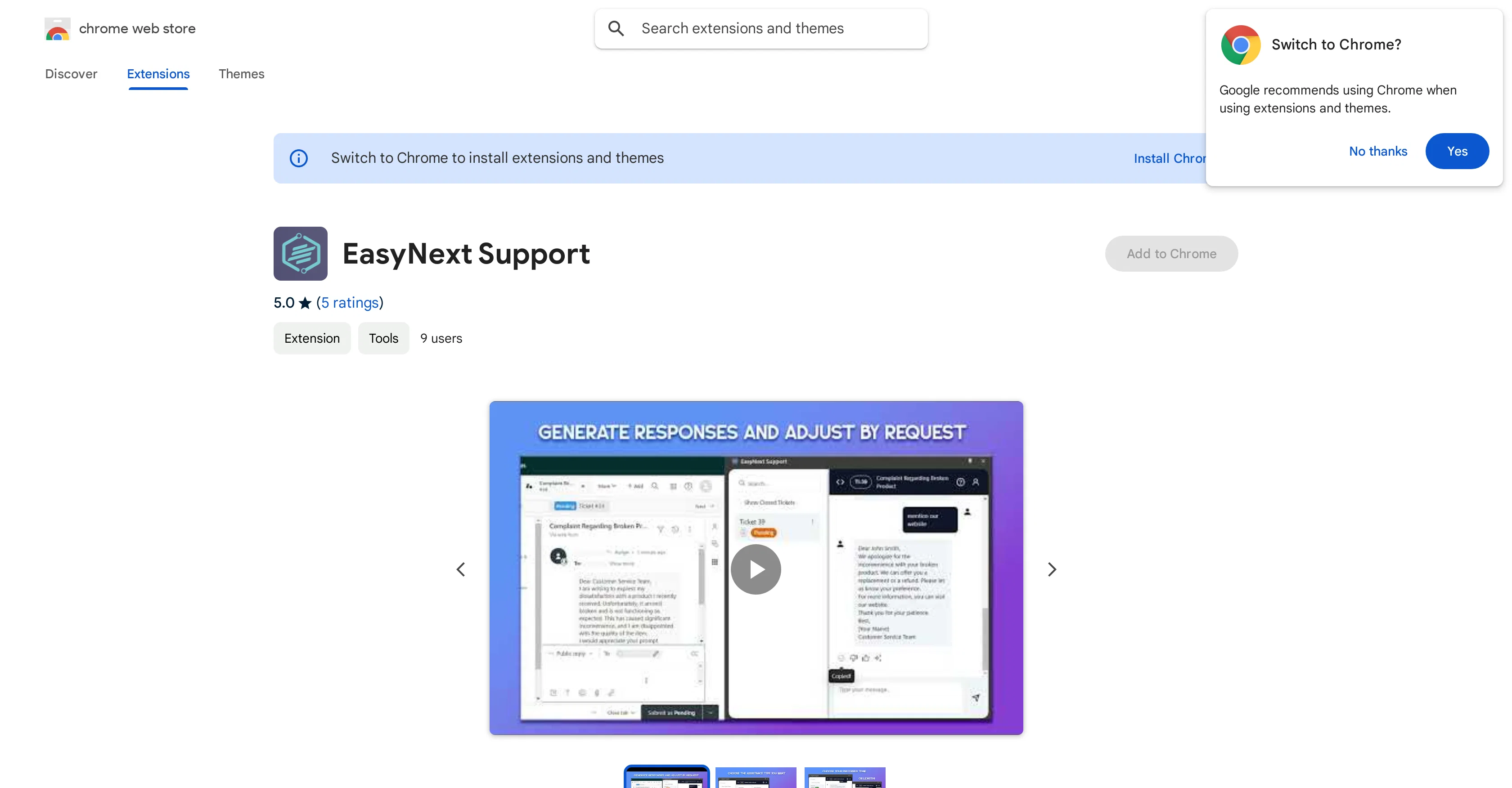
EasyNext Support is an AI-powered extension for Google Chrome designed to augment the customer support experience in Zendesk. Functionality includes AI-assisted response creation, real-time ticket analysis, and interactive AI inquiries that help users manage and resolve tickets more effectively.
Additional features include AI-powered contextual assistance which forms responses based on the context of a Zendesk ticket, Advanced Summarization for condensing lengthy interactions into concise summaries, and Customizable Tone where the AI adapts to the user's preferred communication style.
The extension also supports privacy as it operates within the browser and does not store user interactions or ticket information, offering the user control over their data.
Lastly, it is free to use and doesn't require any complex set-up. An emphasis is placed on efficiency and privacy making it a supportive tool for resolving customer support issues.
Access & connections
Where you can use EasyNext Support, and what it plugs into.
Platforms
Capabilities
What this tool accepts, produces, and is strongest at.
Input
- Text
Output
- Text
Pros & cons
Pros
- Free to use
- Google Chrome extension
- Real-time ticket analysis
- Advanced summarization feature
- Customizable communication tone
- Operates within the browser
- Doesn't store user interactions
- User data control
Show 29 more
- No complex setup required
- Privacy supportive
- Zendesk integration
- Efficient ticket management
- Customer interaction enhancement
- Support team empowerment
- Seamless and private integration
- Direct browser integration
- Context-aware responses
- Efficient ticket management
- Support team empowerment
- No data storage policy
- Enhanced workflow
- Improved customer satisfaction
- Customizable summaries
- Automated responses
- Personalized communication
- Streamlined support workflow
- Context-aware replies generation
- Adjustable detail level for summaries
- Adaptable to various tones
- Empowers Zendesk experience
- Improves response quality
- Streamlines complex tasks
- Facilitates quick accurate responses
- Remains within users' preferred communication style
- High privacy standards
- Not used to determine creditworthiness or for lending
- Data not sold to third parties
Cons
- Only for Google Chrome
- Specific to Zendesk integration
- No mobile application
- No language customization
- Lack of offline functionality
- Dependent on internet connection
- Limited user data control
- No complex setup offered
Show 2 more
- Limited customization options
- Only operates within browser
Compare alternatives
Similar tools in the catalog — with a clear reason to open each one.

GPT Trainer ✓
FreemiumAI Voice and Text Agents with No-Code
Why look Offers a public API
Full comparison
Social Intents ✓
Free TrialReal-time support & sales via messaging platforms.
Free + from $39/mo
Full comparison
Chatisto ✓
FreemiumAI-powered live chat for better customer support.
Why look Higher community rating
Full comparison
IllumiChat ✓
FreemiumFrom Ticket Backlog to Instant Answers Powered by AI
Why look Offers a public API
Full comparison

CoSupport AI ✓
Free TrialAI for support ops that drown in repetitive tickets.
Why look Offers a public API
Full comparisonReleases 1
FAQ 12
What is EasyNext Support?
What capabilities does the AI in EasyNext Support offer?
How does EasyNext Support integrate with Zendesk?
Can EasyNext Support generate automatic responses?
How does the real-time ticket analysis in EasyNext Support work?
What is the interactive AI inquiry feature in EasyNext Support?
What kind of assistance does the AI-powered contextual assistance feature provide?
What is Advanced Summarization in EasyNext Support?
How can I adjust the communication style in EasyNext Support?
Where does EasyNext Support store user interactions and ticket information?
Is EasyNext Support really free to use?
Why is EasyNext Support so efficient?
Related tools
Recommended

Saufter ✓
Free TrialEmail Behavioral Campaigns - AI Drafted, Designed, Delivered - Approve in 2mins

VideoPal AI ✓
FreemiumCreate viral faceless videos with AI

RewriteSomething ✓
FreeCreate product descriptions that sell with AI

GlobalGPT ✓
Free TrialAll-in-One Access to AI power: GPT4, Claude, Gemini, Perplexity, Midjourney, Kling and

Flexpilot ✓
FreeOpen-source Copilot alternative for VS Code

Vid AI ✓
PaidInstantly create viral-ready short videos with AI-driven simplicity