

Vid AI ✓
Instantly create viral-ready short videos with AI-driven simplicity
from $58/mo
Verdict
A quick read before you dig into the full page.
- Best if
- You are social media marketers and need: Generating YouTube Shorts
- Skip if
- Possibly complex user interface
- Pick this when
- Video Processing Capability
Considering freebeat AI instead? Compare side by side
Overview
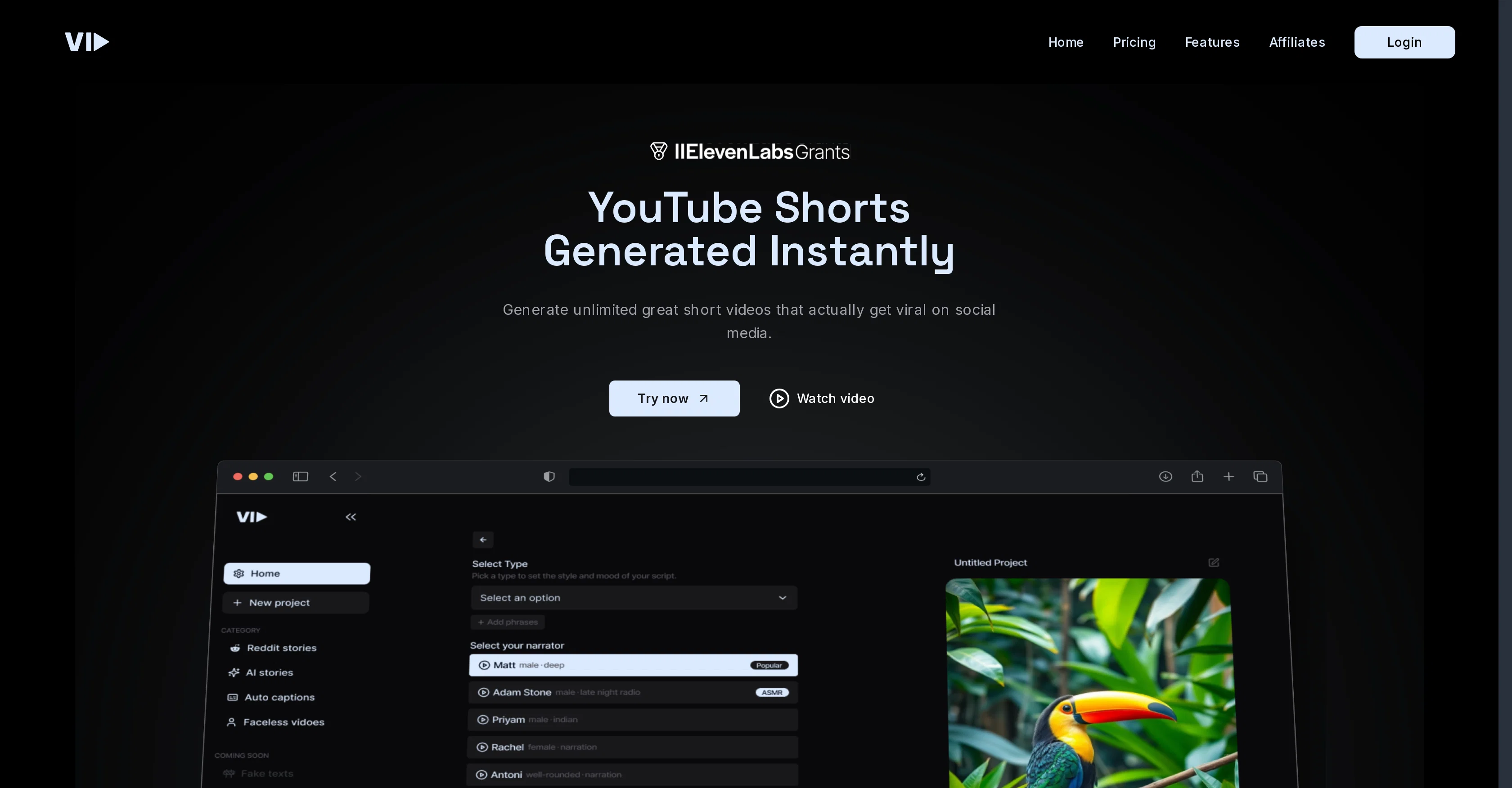
The tool offers an AI-powered video editor and a built-in stock library, which provides access to stock images, audio, and gameplay backgrounds. Users can create diverse content types such as YouTube Shorts, fact-based videos, story shorts, and clips for podcasts (coming soon). VidAI also supports animated images and integrates audio subtitles for accessibility and engagement.
The platform’s four-step workflow—project setup, input configuration, content editing, and export—makes video creation accessible even for beginners, with the potential for rapid scaling. VidAI is primarily targeted at content creators, influencers, and entrepreneurs looking to increase social media reach through engaging short videos without extensive video production skills.
Best for
Short scenarios where Vid AI tends to shine.
-
Generating YouTube Shorts
Best for Social media marketers
-
Creating Instagram Reels
Best for Content creators
-
Making TikTok Videos
Best for Influencers
-
Producing Faceless Shorts
Best for Video editors
-
Creating Facts Videos
Best for Businesses
-
Generating Gameplay Shorts
Best for Social media marketers
-
Making Subtitles Shorts
Best for Social media marketers
Example outputs 1
Sample generations and before/after results for Vid AI.
Access & connections
Where you can use Vid AI, and what it plugs into.
Platforms
Integrations
Pros & cons
Pros
- Video Processing Capability
- Video Editing Functions
- Efficiency in Workflow
- Streamlining capabilities
- Specialized in videos
- Optimized for video processing
- Strength in video editing
- Unique Streamlining features
Show 15 more
- Workflow Efficiency
- Specifically designed for videos
- Saves time on workflow
- Highly efficient processing
- Streamlined workflow management
- Powerful video editing features
- Optimized for workflow efficiency
- Maximizes video processing
- Enhances video editing tasks
- Superior workflow streamlining
- Quick video processing
- Effective workflow management
- Mastery in video editing
- Promises increased efficiency
- Versatile in video handling
Cons
- No description available
- Lack of documentation
- No editing tools
- Limited workflow options
- No optimization options
- Inefficient streaming
- Lack of efficiency
- Possibly complex user interface
Show 2 more
- No integrated video renderer
- Lack of advanced features
Compare alternatives
Similar tools in the catalog — with a clear reason to open each one.

freebeat AI ✓
FreemiumTurn Music & Ideas into Viral Videos In One Click
Why look Freemium alternative
Full comparison
MagicLight ✓
FreemiumTransform text into captivating videos instantly.
Why look Freemium alternative
Full comparison
HeyGen ✓
FreemiumCreate AI spokesperson videos from text
Why look Freemium alternative
Full comparison
Seedance ✓
FreemiumMulti-shot video generation from text and image.
Why look Typically cheaper
Full comparisonPeople also view
Tools that often show up alongside Vid AI in collections and comparisons.
Seedance ✓
FreemiumMulti-shot video generation from text and image.
MagicLight ✓
FreemiumTransform text into captivating videos instantly.

Kaiber Superstudio ✓
Free TrialAI Video Generation
HeyGen ✓
FreemiumCreate AI spokesperson videos from text
freebeat AI ✓
FreemiumTurn Music & Ideas into Viral Videos In One Click

D-ID ✓
FreemiumCreate AI-generated videos with ease

ResearchMonkey AI | YouTube Summarizer ✓
Free TrialSave Hours of Research in Seconds with 40+ AI Tools

OutlierKit ✓
PaidEnter one channel, see the entire niche.
Releases 1
Imported reviews 3
it need to have animated videos.
Vedio transition
As soon as I log in, I see a screen asking me to pay for two different types of subscriptions. There is no X to close the pop-up.
FAQ 12
What exactly is Vid AI?
How does Vid AI help in video processing?
How can Vid AI optimize my AI workflow?
Can Vid AI be used for video editing?
What does Vid AI do to improve workflow efficiency?
How does Vid AI streamline video processing tasks?
What are the main features of Vid AI?
Is Vid AI capable of AI optimization?
Can Vid AI handle high-volume video processing tasks?
What types of videos can I edit with Vid AI?
How can Vid AI improve my video processing speed?
How does Vid AI leverage AI to simplify workflow?
Related tools
Recommended

VideoPal AI ✓
FreemiumCreate viral faceless videos with AI

VenturusAI ✓
FreemiumBusiness idea analysis and reporting.

Automateed ✓
Free TrialCreate eBooks effortlessly with Automateed, the AI-powered writing tool.

RewriteSomething ✓
FreeCreate product descriptions that sell with AI

Fliz ✓
Free TrialURLs transformed into captivating videos.

KeywordSearch ✓
FreemiumDiscover and target YouTube audiences.