

Dypt ✓
Break down tasks with AI-powered productivity.
Free + from $4.29/mo
Verdict
A quick read before you dig into the full page.
- Best if
- Break down tasks with AI-powered productivity
- Skip if
- Limited interpretation of images
- Pick this when
- Infinite task breakdown
Considering Ping: AI-Powered To Do List instead? Compare side by side
Overview
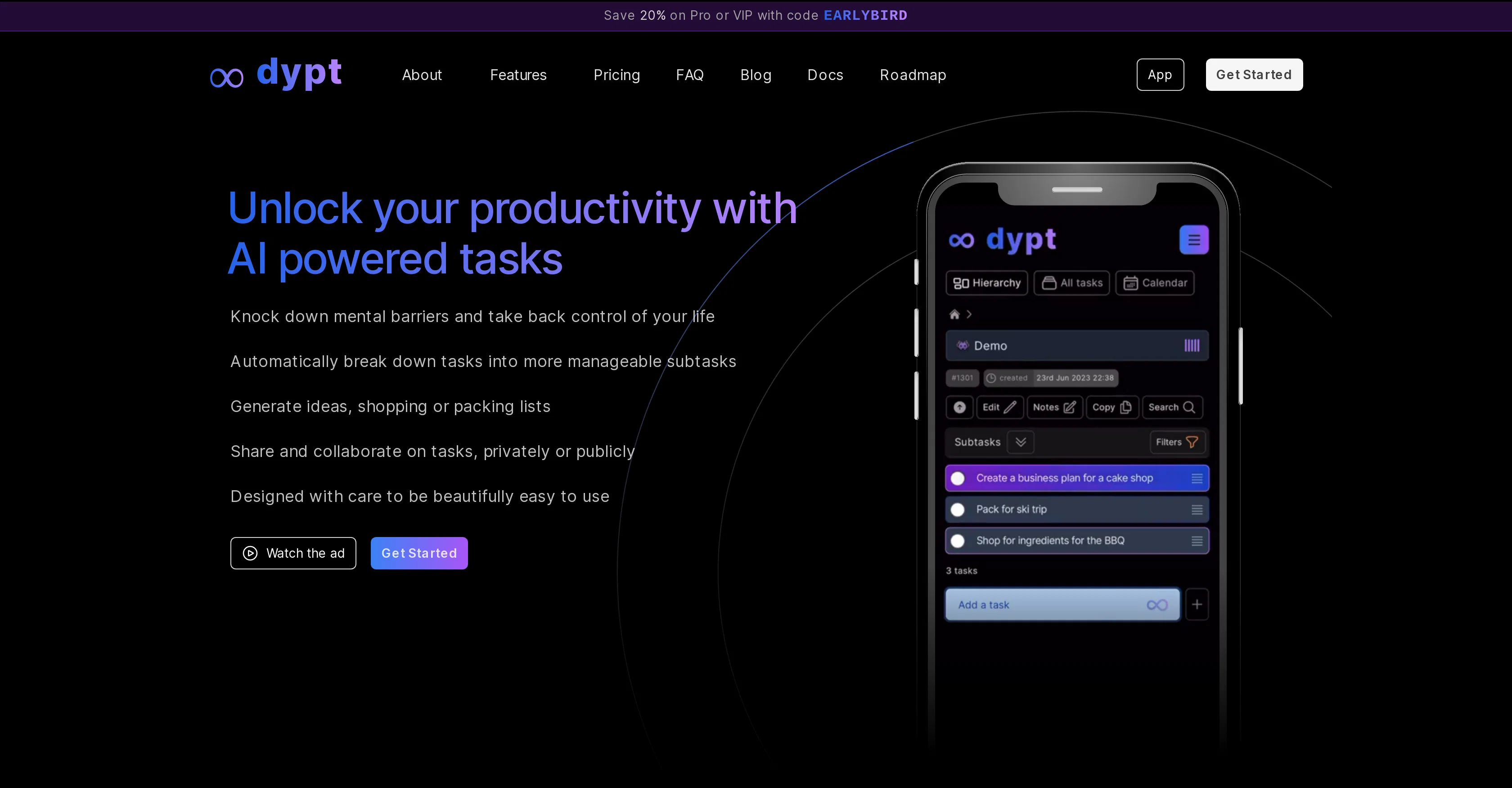
dypt is an AI-powered productivity tool designed to assist with task management through the automatic breakdown of tasks into more manageable subtasks.
This feature is ideal for helping users organise their life and work effectively. With the capacity to accommodate an infinite depth of tasks, dypt allows users to divide larger tasks into smaller, manageable chunks until it reaches a level that suits them best.
In addition to task division, dypt utilises AI to generate ideas and compile shopping or to-do lists, further enhancing its utility as a planning tool.The tool also provides features that facilitate Deadline and Reminder setting that help to promote task completion and time management.
Tasks can be viewed in a calendar format for a comprehensive view of set deadlines. One of its key sharing features allows for task collaboration, whether it be privately or publicly, and users can take inspiration from other tasks previously made public to enhance their own.Apart from text-based task inputs, dypt has extended its functionality to interpret tasks from images, offering convenience in various settings, such as meetings.
A distinguishing feature of the tool lies in its 'super intelligent' AI model, which is adaptable per each task's requirement. Filter, sort, and prioritise tasks according to relevance, and receive daily or weekly summaries of task progress through your inbox.
dypt is accessible on any device to ensure continuous access to task updates, complete with superior keyboard support for comfortable navigation.
Access & connections
Where you can use Dypt.
Platforms
Capabilities
What this tool accepts, produces, and is strongest at.
Input
- Image
- Text
Output
- Tabular
- Text
Pros & cons
Pros
- Infinite task breakdown
- Generates ideas and lists
- Deadline & Reminder features
- Calendar view of tasks
- Task collaboration feature
- Public task sharing
- Private task sharing
- Inspiration from public tasks
Show 15 more
- Task interpretation from images
- Task filter, sort, prioritise
- Daily/Weekly task summaries
- Email progress reports
- Access on any device
- Superior keyboard support
- Task reorganisation
- Priority level application
- Bookmarking of filters
- Inbox task summaries
- App-like experience on home screen
- Add tasks from photos
- Collaboration between users
- Daily email reports
- Hierarchical task management
Cons
- Limited collaboration numbers
- Requires subscription for advanced features
- No dedicated app
- Limited interpretation of images
- Task prioritisation not automated
- No voice input support
- Inbox dependency for summaries
- No cross-platform sync mentioned
Compare alternatives
Similar tools in the catalog — with a clear reason to open each one.

Ping: AI-Powered To Do List ✓
FreemiumAI-powered task list: Dictate tasks, integrate with Gmail, Slack, ChatGPT & Calendar.
Free + from $3.66/mo
Full comparison
Bracket ✓
Free TrialManage tasks directly in Slack & email
Why look Offers a public API
Full comparison
Todoist Ramble ✓
FreemiumCapture tasks at the speed of thought.
Why look Offers a public API
Full comparison
OneTask ✓
FreemiumAI to-do app that prioritizes tasks for creatives
Free + from $8/mo
Full comparison
Sidejot ✓
FreeAI-powered task planner for focused productivity.
Why look Fully free option
Full comparison
Releases 1
Imported reviews 1
No limit to the tasks within tasks. Never seen that before. The AI prompts are amazingly useful and often suggest sub tasks that improve on my own. My whole team have switched to DYPT as we can share tasks
FAQ 12
What is dypt?
How does dypt's AI technology help with task management?
Can I divide tasks into unlimited subtasks with dypt?
Does dypt offer features to create shopping or to-do lists?
How does dypt help me with setting deadlines and reminders?
Can I view my tasks in a calendar format on dypt?
Does dypt allow task collaboration?
Can I import tasks to dypt from images?
What's dypt's 'super intelligent' AI model?
How can I filter, sort, and prioritise tasks on dypt?
Can I receive daily or weekly task progress summaries with dypt?
Is dypt accessible on any digital device?
Related tools
Recommended

Hyperis ✓
FreemiumOrganized task prioritization.

LearningStudioAI ✓
Free TrialAI-powered authoring tool for effortless online course creation.

Recall ✓
FreemiumSummarize Anything, Forget Nothing!

ownAI ✓
FreemiumThe AI that belongs to you – open source, local, self-evolving.

timeMaster ✓
FreemiumSupercharge your focus and productivity with AI-powered time tracking.

TutorAI ✓
FreemiumInstant knowledge on any topic