
Document CoPilot ✓
Your AI copilot for seamless doc collaboration
Verdict
A quick read before you dig into the full page.
- Best if
- Your AI copilot for seamless doc collaboration
- Skip if
- Limited to documents, no .docx
- Pick this when
- Inline comments and replies
Considering The Drive AI instead? Compare side by side
Overview
Document CoPilot is an AI tool designed to facilitate collaboration on Google Documents. Its primary function is to provide in-line comments and replies to facilitate document revision and editing.
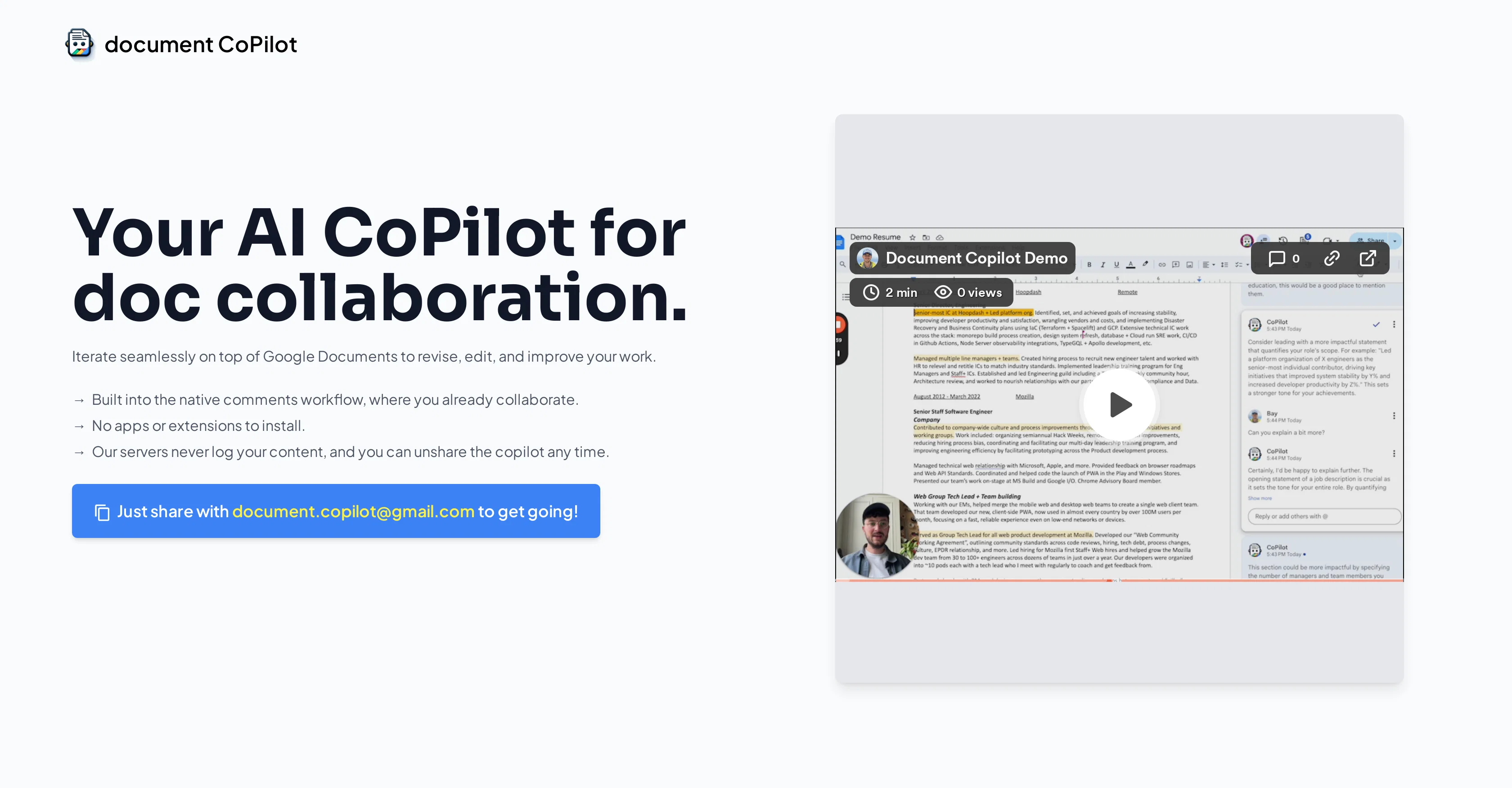
It integrates with Google Document's native commenting system, requiring no additional applications or extensions. Users can share their Google Docs with Document CoPilot to initiate an editing session.
The AI tool then joins the document and starts to provide comments and replies. Users can also ask specific questions or request elaborations on suggestions.
Document CoPilot also has an auto-exit feature. If a user takes a break for more than 30 minutes, the tool automatically leaves the document, ensuring privacy.
It can be easily re-invited for further collaboration when needed. Document CoPilot can handle a wide range of document topics, however, it currently only supports Google Documents.
It does not support other Google Suite tools like Spreadsheets, Slides, or .docx files. As to privacy concerns, Document CoPilot doesn't log or store user content, and it unshares itself from the document at the end of each session.
The data passed between the user and the AI tool is subject to the privacy policies of the language models it relies on, specifically Anthropic's Claude and OpenAI's GPT.
Finally, although Document CoPilot is free to start with, continued use beyond a set amount of comments incurs a fee. Users are charged for every few additional hundred comments.
Access & connections
Where you can use Document CoPilot.
Platforms
Capabilities
What this tool accepts, produces, and is strongest at.
Input
- Text
Output
- Text
Pros & cons
Pros
- Inline comments and replies
- Compatible with Google Documents
- No additional apps required
- Facilitates document sharing
- Auto-exit during long breaks
- Well-versed in multiple topics
- Ensures user privacy
- Does not log content
Show 16 more
- Flexible re-invitation system
- User-driven question and elaboration
- Supports wide document range
- Charges only beyond free comments
- Compatible with Anthropic's Claude
- Unshares from docs post-session
- Responds swiftly (within seconds)
- Provides both minute and major feedback
- Supports versatile document topics
- Automatic session end privacy
- Dedicated email for feedback
- Individualized command interpretation
- Transparent cost policy
- Integrated into native workflow
- Specific comment-guided interaction
- Easily instigate collaboration
Cons
- Supports only Google Documents
- Charges for additional comments
- Unexpected auto-exit feature
- Privacy reliant on third-party
- Lacks integration with spreadsheets/slide tools
- Limited to documents, no .docx
- Requires edit access sharing
- Could offer banal suggestions
Show 2 more
- Reliance on user for tool direction
- Unpredicted outages possible
Compare alternatives
Similar tools in the catalog — with a clear reason to open each one.


RenameClick ✓
FreemiumRename, organize, and search files by content with local AI
Why look More privacy-focused
Full comparison
Wellsent — Your forms, filled and filed. ✓
PaidAI fills out your PDF forms — then notarizes them by video
from $12
Full comparison
Renamer.ai ✓
FreemiumAI-Powered Bulk File Renamer & Organizer
Why look Offers a public API
Full comparison

Releases 1
FAQ 12
What is Document CoPilot?
What is the primary function of Document CoPilot?
How does Document CoPilot integrate with Google Document's native commenting system?
How do I share my Google Document with Document CoPilot?
[email protected]
. You'll need to share with 'edit' access and make sure to check the 'notify people' checkbox.
What happens when Document CoPilot joins a document?
Can I ask specific questions or request elaborations on suggestions from Document CoPilot?
What is the auto-exit feature in Document CoPilot?
Why does Document CoPilot leave a document after a user's 30-minute break?
Can Document CoPilot handle a range of document topics?
Why doesn't Document CoPilot support Google Suite tools like Spreadsheets, Slides, or .docx files?
How does Document CoPilot ensure user privacy?
Does Document CoPilot store user content?
Related tools
Recommended

LearningStudioAI ✓
Free TrialAI-powered authoring tool for effortless online course creation.

VenturusAI ✓
FreemiumBusiness idea analysis and reporting.

Agentgpt ✓
FreemiumDeploy autonomous AI Agents effortlessly in your browser.

DataSquirrel ✓
FreemiumData cleaning & visualization for insights gained.

PrometAI ✓
FreemiumTurn ideas into viable reality with AI business plan generator.

Aiter.io | Paste a URL. Ship a Campaign That Sounds L... ✓
FreemiumAI marketing that sounds like you, not everyone else.