

Doc2Lang Online Excel Translator ✓
Translate Excel files into any language instantly.
Trial; then from $0.10
Verdict
A quick read before you dig into the full page.
- Best if
- Translate Excel files into any language instantly
- Skip if
- Pay-per-usage model
- Pick this when
- Translates multiple document types
Considering AI Excel Translator instead? Compare side by side
Overview
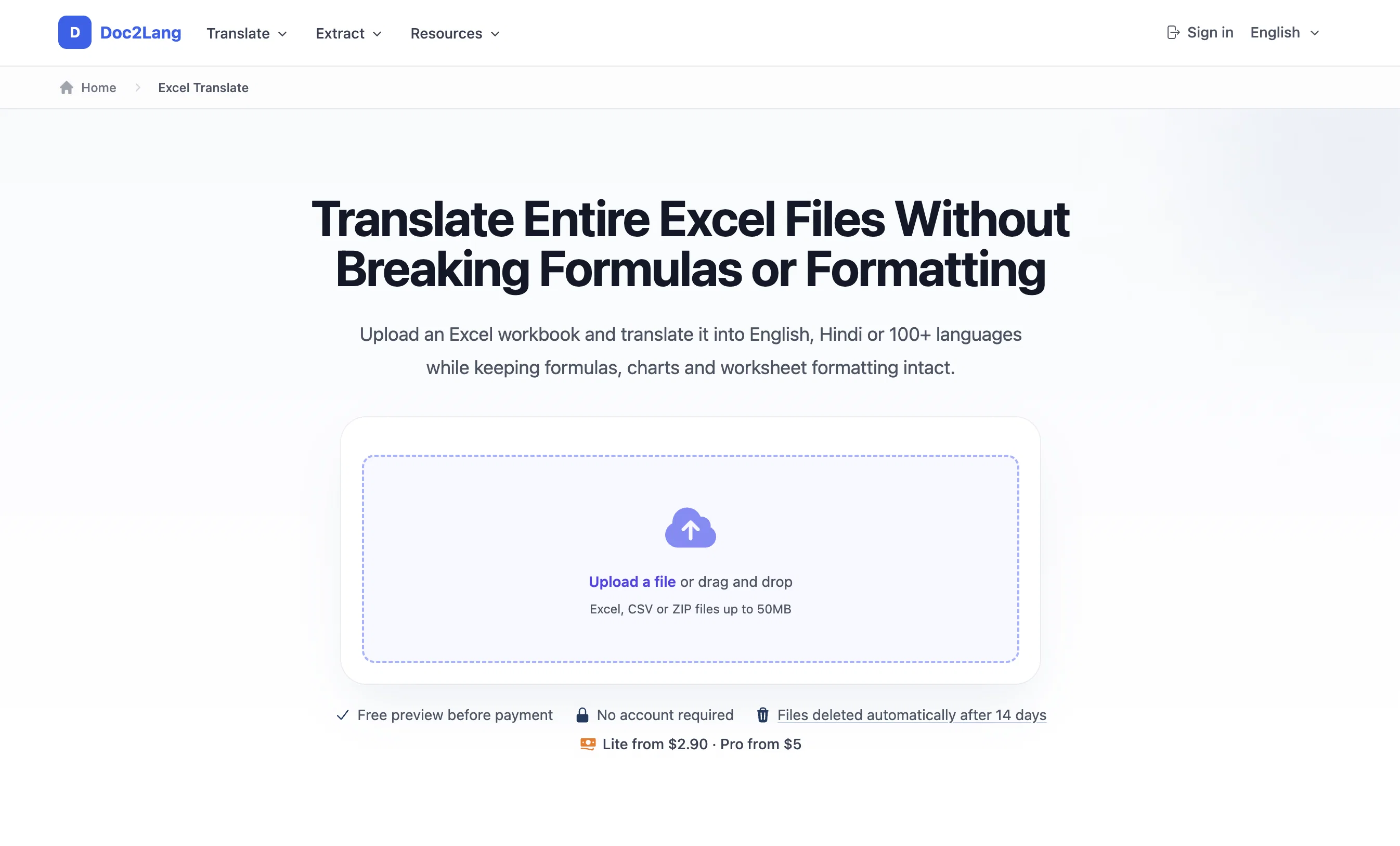
The Doc2Lang Online Excel Translator is a cloud-based tool specialising in the translation of Excel files into various languages. This advanced AI tool is equipped to translate entire Excel spreadsheets, undertaking a potentially tedious task with accuracy and efficiency.
The process entails uploading the document to the platform, where users can choose the target language after which the AI will perform the translation.
To maximise accuracy, the system is built on the AI model GPT and contrasts with built-in Excel translations and other translation tools by offering context-aware translations that make sense in the language of choice.
Alongside its translation abilities, Doc2Lang preserves the original layout and formatting of the document, including formulas, macros, and visual data like charts and images, ensuring the translated file mirrors the original.
Furthermore, it also supports the translation of multiple files at once, offering batch file processing for ZIP uploads while maintaining their structure and naming.
It provides extensive language support, covering almost a hundred languages, promoting effective communication across a global scope. Lastly, the platform operates on a pay-as-you-translate pricing system, eliminating the need for subscriptions or registrations.
Access & connections
Where you can use Doc2Lang Online Excel Translator, and what it plugs into.
Platforms
Capabilities
What this tool accepts, produces, and is strongest at.
Input
- Tabular
Output
- Tabular
- Text
Highlights
- No Signup
Supported features
- Automation
- No Signup
- Spreadsheets
- Translation
Pros & cons
Pros
- Translates multiple document types
- Supports multimedia translations
- Maintains original document format
- Cloud-based tool
- No software installation required
- No account registration needed
- Wide language support
- Pay-as-you-go model
Show 35 more
- Allows ZIP archive uploads
- Batch file processing
- Supports global communication
- Maintains Excel layout
- Translates full documents
- Context-aware translations
- Preserves formulas and macros
- Translates CSV files
- Preserves visual data
- Free translation for small documents
- Extensive language support
- Compatible with major Excel formats
- Instant premium translation processing
- Email notifications for premium
- No file size limit for premium
- Preserves non-text elements
- Maintains original formula logic
- Accurate workbook cell translations
- One-file or batch upload
- Automatic full document translation
- Easy file download post-translation
- Mirror image layout preservation
- Clear and upfront pricing
- Over 100 available languages
- Preview feature for checks pre-payment
- Allows deletion of files after translation
- Handles large workbooks
- Preserves macros and pivot tables
- Supports concurrent translation of multiple Excel files
- Translates Excel, Word, PowerPoint, CSV, Multimedia files
- Good for translating CSV, Excel data files
- Retains images in translated documents
- Suited for ZIP batch translation
- Preserves original file structure, naming
- Download sample of translated document
Cons
- Pay-per-usage model
- Only supports cloud-based usage
- No software installation available
- Doesn't translate embedded images
- Formulas remain untranslated
- No direct Google Sheets link
- Requires UTF-8 encoding for CSV
- Only supports ZIP for batch uploads
Show 2 more
- Doesn't translate VBA code
- Requires manual conversions for locale-specific functions
Compare alternatives
Similar tools in the catalog — with a clear reason to open each one.

AI Excel Translator ✓
FreemiumTranslate Excel and CSV Files Instantly with AI
Free + from $9.99/mo
Full comparison

RowSpeak ✓
FreemiumAI data analysis for messy spreadsheets and business files
Free + from $9.9/mo
Full comparison
SheetAI App - AI For Sheets ✓
FreemiumAI with brain power inside Google Sheets
Why look Offers a public API
Full comparison
Releases 1
FAQ 12
What languages does Doc2Lang Online Excel Translator support?
How does Doc2Lang Online Excel Translator maintain document format during translation?
Does Doc2Lang Online Excel Translator require any software installations?
How does the 'pay-as-you-go' model for Doc2Lang Online Excel Translator work?
Can Doc2Lang Online Excel Translator translate ZIP archives for batch file processing?
What document types besides Excel can Doc2Lang Online Excel Translator handle?
How does Doc2Lang Online Excel Translator handle multimedia translations?
Does Doc2Lang Online Excel Translator support Word, PDF, and PowerPoint translations?
Is there a size limit to the documents that Doc2Lang Online Excel Translator can translate?
How does the AI translation in Doc2Lang Online Excel Translator ensure accuracy?
How does Doc2Lang Online Excel Translator compare to other translation tools?
What kind of accounts or registration does Doc2Lang Online Excel Translator require?
Related tools
Recommended

freebeat AI ✓
FreemiumTurn Music & Ideas into Viral Videos In One Click

Vertech Academy ✓
Free TrialPre-built AI study workflows that outperform raw ChatGPT prompts.

X-Pilot AI ✓
FreemiumTurn Documents into Accurate Video Course Series

Scottie — Read Less, Know More ✓
Free TrialRead the news 30x faster

Noiz Agent ✓
FreeYour voice, reimagined by AI

OdysseyGPT ✓
Free TrialTransform documents into interactive knowledge bases using advanced AI.