

Do Browser ✓
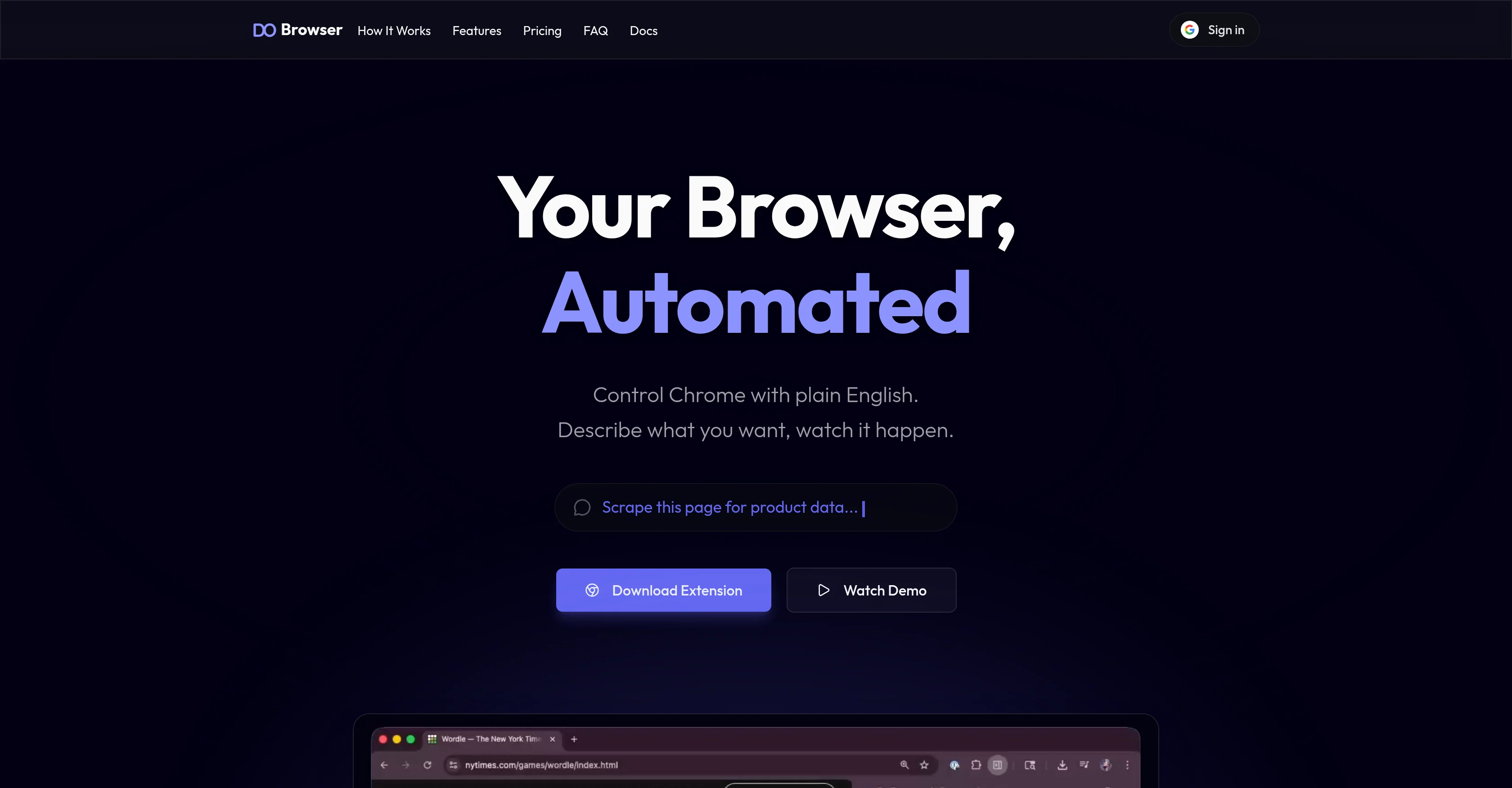
Control Chrome with plain English.
Free + from $25/mo
Verdict
A quick read before you dig into the full page.
- Best if
- Control Chrome with plain English
- Skip if
- Paid plans required for heavy usage
- Pick this when
- Browser automation
Considering Chrome Sidekick instead? Compare side by side
Overview
Do Browser is an AI-based browser automation tool aimed at streamlining complex digital tasks. This tool is controlled through natural language instructions directly in Chrome, allowing users to automate any command that can manually be performed in a browser, including but not limited to web scraping, form filling, data extraction, and managing multiple tabs.
Users simply describe what they want, and Do Browser executes the command. There is no need for setup, scripting, or workflow builders, rendering it user-friendly and accessible to non-coders.
The tool is capable of executing tasks like exporting connections from networking sites to CSV files, creating digests of urgent messages from communication platforms, and making charts from sales data.
Do Browser also has features to create AI-generated presentation slides and build custom tools like to-do apps, trackers, and dashboards without the need for coding.
Furthermore, it can extract insights from any webpage, enabling you to analyze trends and translate raw data into actionable intelligence. The tool also includes options for both hosted and free tier plans, catering to different user needs and requirements.
The hosted plans include various usage limits, and every account receives some free messages to trial the hosted model. Despite its automation capabilities, user data safety remains a prioritythe tool only stores conversations locally and does not use user data to train the AI models.
This tool, therefore, offers a comprehensive approach to browser automation with a keen focus on user interactivity, data safety, and customizability.
Access & connections
Where you can use Do Browser, and what it plugs into.
Platforms
Integrations
Capabilities
What this tool accepts, produces, and is strongest at.
Input
- Text
Output
- Text
Supported features
- Crawling & Scrapping
Pros & cons
Pros
- Browser automation
- Natural language instructions
- No setup required
- No scripting
- User-friendly
- Non-coders friendly
- Web scraping capability
- Form filling capability
Show 32 more
- Data extraction capability
- Multiple tabs management
- Data export to CSV
- Digest creation of messages
- Charts creation from data
- Custom tools creation
- No coding required for tools
- Webpage insights extraction
- Analyze trends
- Data translation to actionable intelligence
- Hosted Plan option
- Free Tier Plan option
- Different usage limits
- User data safety
- Local conversation storage
- Control Chrome in English
- Data safety feature
- Automate tasks on user's behalf
- Transform ideas into presentations
- Custom todo application
- Data visualization and analytics
- Automated tasks
- Data scraping
- Natural language automation
- File creation and export
- Works across multiple tabs
- Access to GPT-5.4
- Locally stored conversations
- Safe interaction with password fields
- Screenshot taking
- Navigating between pages
- Clicking buttons automation
Cons
- Limited to Chrome
- No setup can lead to confusion
- No workflow builder
- Limited free messages
- Data handling is local only
- Limited usage on hosted plans
- Cannot extract existing saved passwords
- Restricted to desktop browsers
Show 1 more
- Paid plans required for heavy usage
Compare alternatives
Similar tools in the catalog — with a clear reason to open each one.

Chrome Sidekick ✓
FreemiumYour AI browser assistant for Chrome superpowers.
Why look Typically cheaper
Full comparison
Norton Neo Browser ✓
FreeThe first safe AI-native browser.
Why look Fully free option
Full comparison

Hyperbrowser ✓
FreemiumCloud browsers for AI agents and apps.
Why look Higher community rating
Full comparison
SurfMind ✓
FreemiumAI browser extension that understands any webpage's context.
Why look Typically cheaper
Full comparison
Sigma AI Browser ✓
FreemiumChange the way you browse with AI-powered features
Why look Typically cheaper
Full comparisonReleases 1
FAQ 12
What is Do Browser?
How does Do Browser handle browser automation?
Does Do Browser require any setup or coding knowledge?
Can I control Do Browser using natural language commands?
What tasks can Do Browser automate?
How does Do Browser help with web scraping and data extraction?
Can Do Browser create AI-generated presentation slides?
Is it possible to build custom tools like trackers and dashboards with Do Browser?
Can Do Browser assist in data analysis and trend identification?
What are the differences between hosted and free tier plans of Do Browser?
Are there any usage limits on the hosted plans?
How does Do Browser ensure user data safety?
Related tools
Recommended

Nextbrowser ✓
FreemiumAI Browser Agent that automates professional tasks through chat.

Starizon AI ✓
FreemiumAI assistant for smarter browsing and web automation.

SureThing.io - "OpenClaw" for Beginners ✓
FreemiumFirst General AI Agency. Designed for long-horizon tasks.

TheBar from linesNcircles ✓
FreemiumTheBar: Where AI and Internet Meet

SpacePrompts ✓
FreemiumYour prompts. Enhanced by AI. Ready to run anywhere.

OsirisBrain ✓
FreemiumAn AI expert for everything you do.