

Dictly ✓
Private, on-device dictation for macOS & iOS.
from $4.99/mo
Verdict
A quick read before you dig into the full page.
- Best if
- Private, on-device dictation for macOS & iOS
- Skip if
- Limited personalized dictionary entries (free ver.)
- Pick this when
- macOS, iOS, iPadOS compatibility
Considering Voicetype AI instead? Compare side by side
Overview
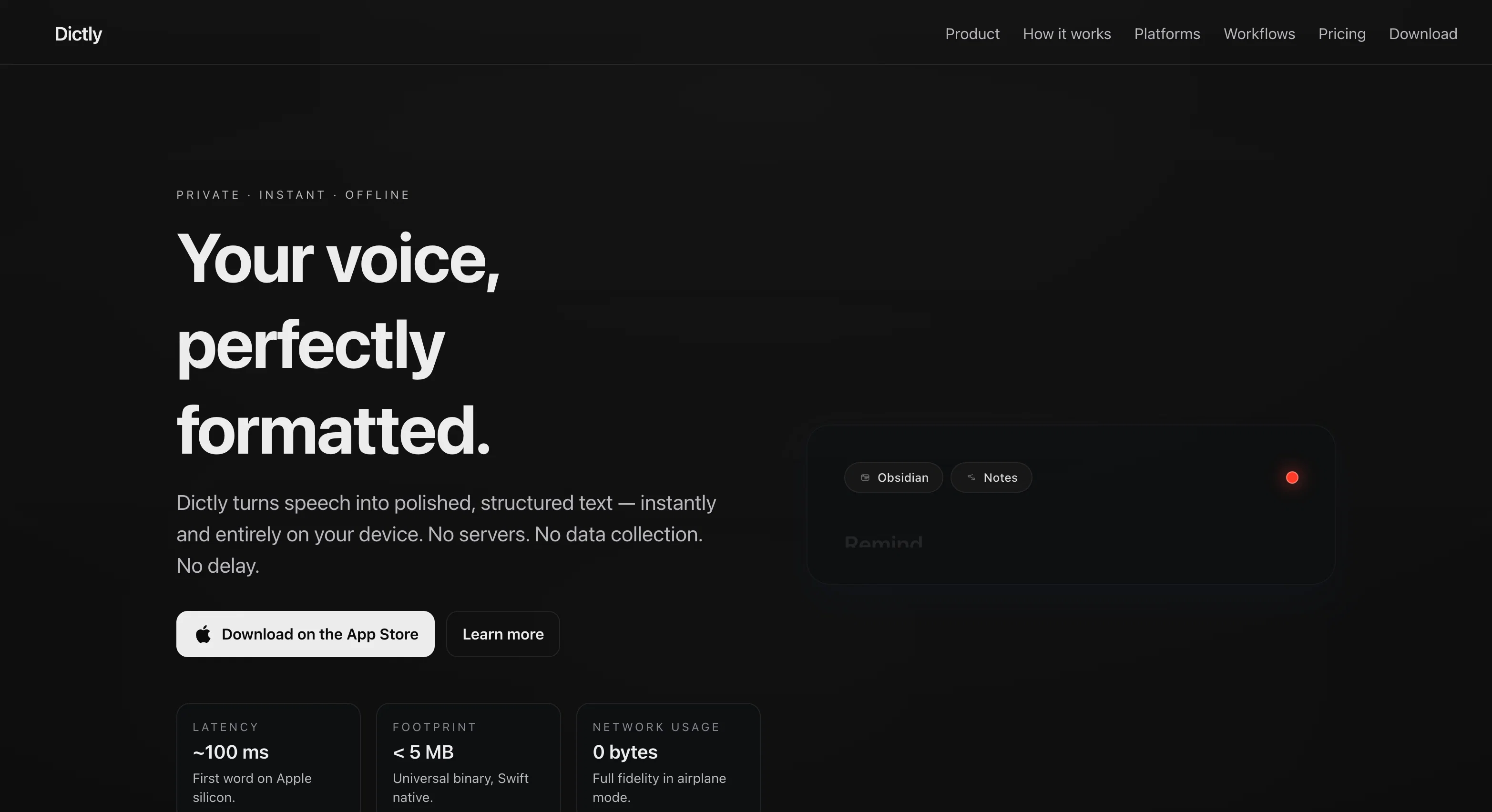
Dictly is a privacy-focused on-device dictation tool designed specifically for macOS, iOS, and iPadOS platforms. It turns speech into structured, polished text in real-time without the need for servers, data collection or delays.
The tool functions both online and offline, performing speech recognition, text formatting, and data storage entirely on the user's device, thus ensuring data privacy.
Dictly operates without an internet connection, making it suitable for use in environments including flights and hospitals. It includes a Quick Capture feature that allows for natural speech input, with the output inserted wherever the user's cursor is placed.
Dictly offers users control through programmable Workflows and Per-App Profiles, enabling customisation of the tone, text structure, and dictation behaviour for each app used.
Additionally, it possesses a live, customizable pipeline which processes and formats user speech in real time. The tool auto-submits dictated text into any field via Type-out, Paste, or Copy with an offline submission option.
Dictly on iPadOS and iOS features an instant capture UI designed for one-handed input, shared workflows with macOS, and a history viewer with share sheet export.
The macOS version also supports various insertion modes, custom dictionaries, local analytics, full transcription history with search, and offline operation with identical latency.
Dictly provides both free (Dictly Core) and paid (Dictly Pro) versions. The Pro version offers additional features such as unlimited workflows, profiles, and export options.
The tool supports commands for drafting emails, jotting notes or commenting code, shaping words to user preference before they appear on the page. In consideration of privacy and security, Dictly uses Local SwiftData storage with an upcoming option for private CloudKit sync.
There is no data transmission with Dictly, ensuring that user data never leaves the Apple ecosystem.
Access & connections
Where you can use Dictly.
Capabilities
What this tool accepts, produces, and is strongest at.
Input
- Audio
Output
- Text
Supported features
- Transcription
- Autocomplete
Pros & cons
Pros
- macOS, iOS, iPadOS compatibility
- Offline functionality
- Structured text output
- Real-time speech-to-text process
- Programmable workflows
- Flexibility and customizability
- Customizable per-app profiles
- On-device data computation
Show 21 more
- Private, controlled functionalities
- Quick Capture feature
- Auto-submit functionality
- One-handed input for iOS/iPadOS
- Shared workflows on macOS
- Insertion Modes, Custom Dictionaries
- No Data Transmission
- SwiftData Storage, CloudKit Sync
- Built-in history viewer
- Full transcription history
- Real-time Formatting, Live Pipeline
- Flexible pricing: Core and Pro
- Localized analytics
- Offline submission option
- Dictation for email drafting, note jotting, code commenting
- Identical function and latency offline
- No telemetry or analytics data
- Swift-native apps
- Local SwiftData storage
- Private CloudKit sync upcoming
- All data stays in Apple ecosystem
Cons
- Only for Apple platforms
- No cross-platform compatibility
- No server or cloud backup
- Private CloudKit sync upcoming (unavailable)
- Offline functionality limitations
- Paid version for full features
- Potential latency on older devices
- Limited dictation history on free version
Show 2 more
- Daily use might consume storage
- Limited personalized dictionary entries (free ver.)
Compare alternatives
Similar tools in the catalog — with a clear reason to open each one.

Voicetype AI ✓
Free TrialWrite 9x Faster with AI Speech to Text on all Apps
Why look Better for writing
Full comparison
Transcript LOL ✓
FreemiumUnlimited transcripts, summaries, 99.8% accuracy, speaker recognition, superfast
Why look Freemium alternative
Full comparison
TurboScribe ✓
Freemium🎯 3 free transcripts every day. 🔥 Unlimited transcription starting at $10/mo.
Why look Freemium alternative
Full comparison
RambleFix ✓
Paid⚡ Write by thinking aloud - emails, notes, articles, in your style.
Why look Better for writing
Full comparison
Paraspeech ✓
Free TrialPrivate dictation, cloud optional
Why look More privacy-focused
Full comparisonReleases 1
FAQ 12
What platforms does Dictly support?
How does Dictly process speech-to-text conversion?
What is Dictly's policy on privacy and data security?
Can Dictly be used offline?
Does Dictly work on device or does it require a server connection?
How does Dictly offer user personalization and customization?
What does Dictly's workflow automation feature entail?
What are the local storage options provided by Dictly?
What is the latency with Dictly?
How is Dictly different in terms of user control and privacy?
How does Dictly ensure data protection?
Does Dictly collect any form of analytics or telemetry data?
Related tools
Recommended

ChatGPT ✓
FreemiumAsk anything, create anything, and move from idea to action.

TheLibrarian.io ✓
Free TrialYour WhatsApp AI assistant for instant productivity.

Automateed ✓
Free TrialCreate eBooks effortlessly with Automateed, the AI-powered writing tool.

Suno ✓
FreemiumMake music at the speed of your ideas.

Notis ✓
Free TrialThe first WhatsApp assistant that runs on your ChatGPT and Claude subscriptions

freebeat AI ✓
FreemiumTurn Music & Ideas into Viral Videos In One Click