
WordPress 2026 Rank: #2791

BuildPress ✓

Give your WordPress site the AI brain it deserves.

Source rating 3.8 (4) 277 views 1 saves Paid
More categories (3)

Verdict

A quick read before you dig into the full page.

Best if
Give your WordPress site the AI brain it deserves
Skip if
Limited widget variety
Pick this when
Intention-driven website creation

Considering AI Power instead? Compare side by side

Overview

BuildPress is an innovative tool designed for WordPress site building, leveraging Artificial Intelligence (AI) to enhance website creation. It allows any AI client, such as Claude, Codex, or Cursor, to be integrated directly into a WordPress site.

The AI tool enables the description of the intentions for creation, which bridges the gap between concept and execution by using AI to build real pages inside the platform.

BuildPress facilitates user feedback on the page, and AI is leveraged to make any necessary adjustments. Furthermore, its features extend beyond page building.

It keeps the AI within strict parameters to ensure consistency with the design system, making use of real, reusable widgets bound to your tokens.The AI operates inside the WordPress dashboard, creating pages, setting global colors, registering post types, and deploying content using the plugins already at use on the site.

After each build, the system checks each page for HTTP status, widget presence, dynamic content, and PHP errors, allowing the AI to rectify problems before they are noticed.BuildPress also functions post-launch, letting users apply feedback directly onto the live site and having AI work from any session to create fixes for review.

It is built to work effectively with plugins and tools already in use, providing integrations that keep the tool adaptable and efficient in its operations.

This includes working with WordPress, Elementor, JetEngine, ACF and GSAP, among others.
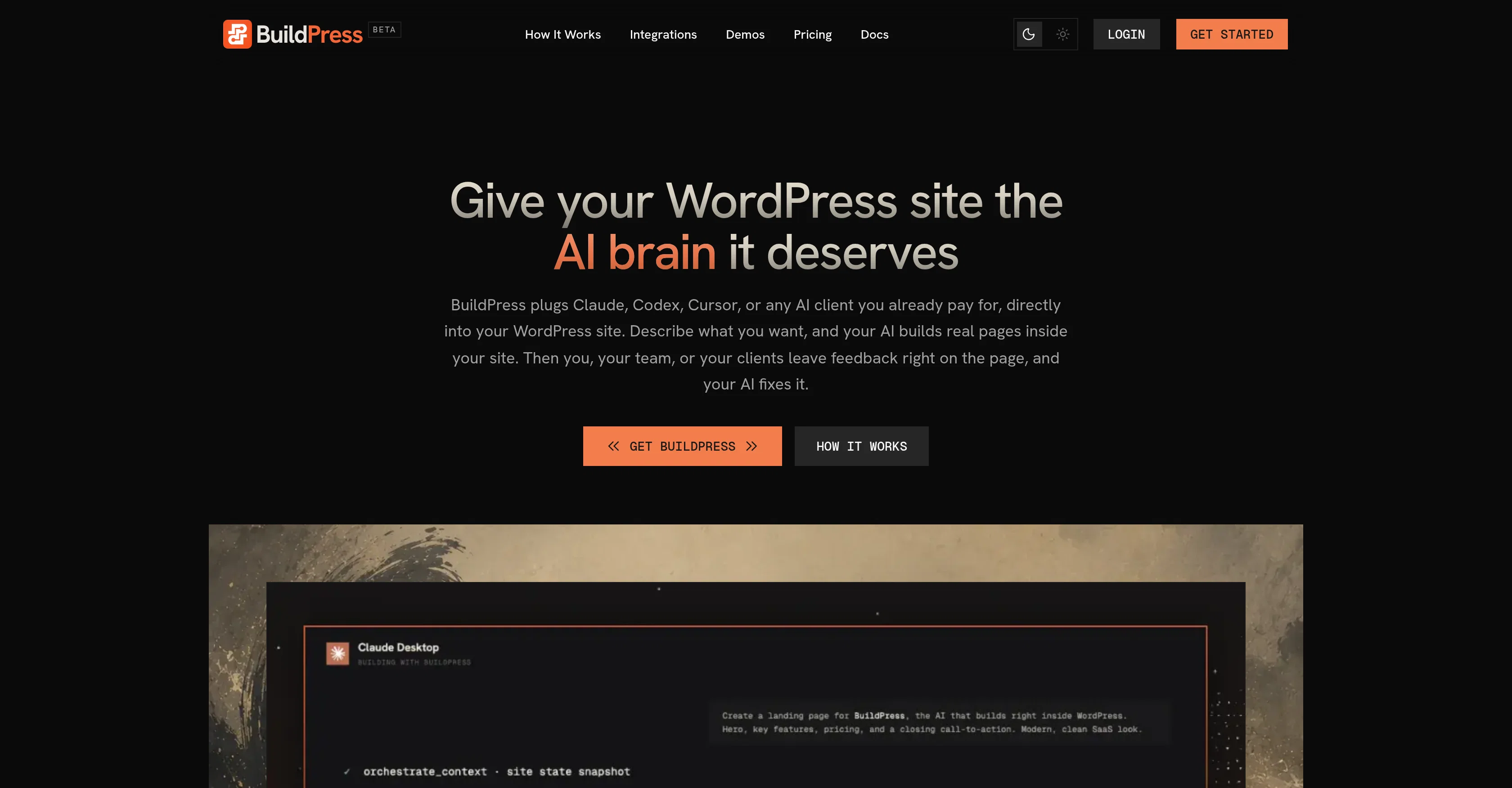
BuildPress website

Access & connections

Where you can use BuildPress, and what it plugs into.

Platforms

Web

Integrations

Capabilities

What this tool accepts, produces, and is strongest at.

Input

  • Text

Output

  • Text

Pros & cons

Pros

  • Intention-driven website creation
  • User feedback incorporation
  • Design consistency control
  • Real, reusable widgets
  • Operations within WordPress dashboard
  • Page creation feature
  • Setting global colors
  • Post type registration
Show 40 more
  • Content deployment
  • Automated adjustments
  • HTTP status checking
  • Widget presence validation
  • Dynamic content check
  • PHP error test
  • Pre-emptive error rectification
  • Post-launch functionality
  • Live feedback application
  • Plugin compatibility
  • Elementor support
  • JetEngine support
  • ACF Compatibility
  • GSAP Integration
  • Realtime updates
  • Adaptive design
  • Blends with existing tools
  • Ensures token integrity
  • Eliminates rogue code
  • Screenshot feedback feature
  • Breakpoint specification
  • Works from any session
  • Widget-based build checks
  • Check for dynamic content
  • Registration of post types
  • Global color setting
  • Plug-in integrations
  • Debugging capabilities
  • REST passthrough availability
  • Works with WooCommerce
  • Field group manipulation
  • Repeater value handling
  • JSON sync ability
  • GSAP Animation Engine
  • Design token safeguard
  • Custom post type handling
  • Built-in PHP error logs
  • Bound widgets to tokens
  • Conversation-based building approach
  • Feedback system included

Cons

  • Limited to WordPress
  • No offline functionality
  • Incompatible with certain plugins
  • Relies on stable internet connection
  • Potential PHP error conflicts
  • Limited widget variety
  • No code snippets translation
  • Closed Beta

Compare alternatives

Similar tools in the catalog — with a clear reason to open each one.

Releases 1

Initial release July 19, 2026 Current
Initial release of BuildPress.

FAQ 12

What exactly does BuildPress do?
BuildPress serves as an enhanced tool for WordPress site creation, where it uses Artificial Intelligence to significantly streamline and enhance website building process. It effortlessly houses any AI client such as Claude, Codex, or Cursor into a WordPress site, enabling them to construct real pages in the platform. Apart from creating pages, BuildPress sets global colors, records post types, rolls out content and executes necessary checks for errors post-launch in every page. A post launch function is also in place where AI works anytime to design and present fixes to be reviewed once feedback is implemented onto the live site.
How does BuildPress incorporate AI?
BuildPress integrates Artificial Intelligence to both conceptually and physically enhance website building. Users can describe what they want to create and the AI tool bridges the gap between this concept and the execution by creating real pages in the platform. Upon feedback, AI makes the necessary adjustments. Moreover, to maintain the design consistency, the AI works within certain boundaries and utilizes real, reusable widgets linked to user tokens.
How does BuildPress facilitate the integration of AI clients?
BuildPress facilitates AI client integration by permitting any AI client, such as Claude, Codex, or Cursor, to be incorporated directly into a WordPress site. Once integrated, the AI client operates within the WordPress dashboard, allowing it to create pages, set global colors, register post types, and deploy content using the plugins already active on the site.
What does the description of intentions for creation mean in BuildPress?
In the BuildPress system, the 'description of intentions for creation' means conveying what the user wants to create. The AI tool interprets these descriptions or instructions and brings the concepts to life by building actual pages within the platform. This function of AI bridges the gap between concept and execution, making the page creation process smoother.
How does BuildPress handle user feedback?
BuildPress employs AI to manage user feedback. After the launch of a website, users can give actionable feedback directly onto the live site. The AI then processes this feedback from any session and creates fixes for review. This improves the overall efficiency and adaptability of the system.
Can you also adjust the design system with BuildPress?
Yes, BuildPress allows adjustment to the design system while keeping the AI within strict parameters to ensure consistency. It uses real, reusable widgets that are linked to user tokens for stable design conformity.
Could you explain the use of real, reusable widgets in BuildPress?
BuildPress adopts real, reusable widgets in a way that keeps the AI within stringent parameters. This ensures a uniform design system. These widgets, which are bound to user tokens, contribute significantly to maintaining the design system's robustness and consistency.
What functions does AI execute within the WordPress dashboard with the help of BuildPress?
AI, with the help of BuildPress, carries out multiple functions within the WordPress dashboard. It manages the creation of pages, setting global colors, registering post types. It also ensures content deployment through the plugins already in use on the site and performs checks for HTTP status, widget presence, dynamic content, and PHP errors, rectifying issues before they become noticeable.
How does BuildPress check for errors?
BuildPress employs its AI tool in verifying every build upon completion. The system loads each page checking for HTTP status, the presence of widgets, dynamic content, and PHP errors. This allows the AI to correct any mistakes before the page goes live or any issue is noticed.
How does BuildPress function post-launch?
BuildPress functions post-launch by letting users provide feedback directly to the live site. From any session, AI begins working, creating fixes for any issues based on the feedback and making those fixes available for review. This maintains the robustness and effectiveness of the platform even after the site has gone live.
Which plugins and tools is it compatible with?
BuildPress maintains its efficiency by working seamlessly with plugins and tools already in use on the site. This includes popular platforms like WordPress, Elementor, JetEngine, ACF, and GSAP.
What does BuildPress mean by 'giving the WordPress site the AI brain it deserves'?
BuildPress provides WordPress sites the 'AI brain it deserves' by enabling AI clients like Claude, Codex, or Cursor to be infused directly into the site. This translates to the AI clients working within the WordPress dashboard creating pages, setting global colors, registering post types, and deploying content with the plugins the site already utilizes. It brings in AI to make necessary builds and adjustments based on user feedback.
BuildPress from $49.00/yr