

Design feedback 2026 Rank: #3034
Floto ✓
Get AI design feedback directly in Figma.
Verdict
A quick read before you dig into the full page.
- Best if
- Get AI design feedback directly in Figma
- Skip if
- Credits may prove expensive
- Pick this when
- Figma integration
Considering Design Buddy instead? Compare side by side
Overview
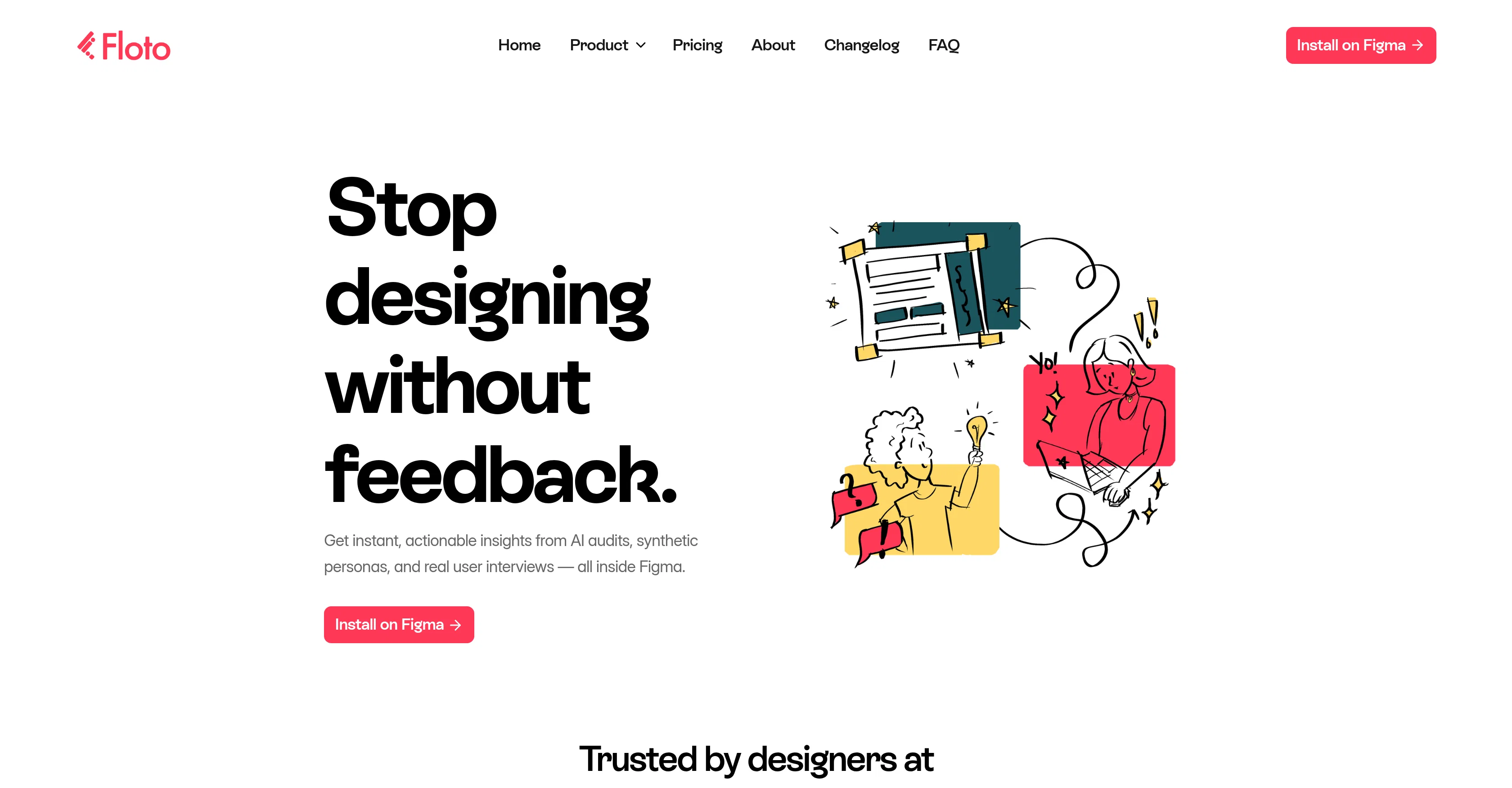
Floto is an AI-powered tool designed to assist designers with their work in Figma. The main focus of this tool is to provide actionable feedback and enhance the design process.
It integrates directly into Figma, facilitating an easy-to-use, convenient workflow. Floto offers a range of features, including AI audits that critique and provide insights into your design, helping you to identify and fix broken elements swiftly.
Flow Testing assists in validating end-to-end journeys in your prototypes, allowing you to detect friction points before they become user issues. With Design Diff, users can ensure that their team delivers exactly what they've designed.
Floto also introduces Persona Testing, a feature that mimics user interaction with your design offering feedback from the perspective of synthetic personas.
Additionally, Floto conducts user interviews, skipping the scheduling slog and straight to delivering you insights from actual users. This tool is beneficial for those seeking immediate, relevant feedback on their designs, aiming to enhance user satisfaction and maintain high standards in design.
Access & connections
Where you can use Floto, and what it plugs into.
Platforms
Capabilities
What this tool accepts, produces, and is strongest at.
Input
- Tabular
- Image
Output
- Text
Highlights
- MCP
Supported features
- MCP
Pros & cons
Pros
- Figma integration
- Instant design audit
- Flow Testing feature
- Design Diff aid
- Persona Testing functionality
- Real-time design feedback
- Fixes design elements
- User experience enhancement
Show 32 more
- Mimics user interaction
- Improves design workflow
- Identifies broken elements
- Detects friction points
- Delivers team accountability
- Insights from synthetic personas
- Eliminates interview scheduling
- Replaces manual transcription
- Plugin form
- Enhances user satisfaction
- Maintains high design standards
- Immediate, relevant feedback
- User interviews without scheduling
- Insights directly in Figma
- Direct to canvas features
- Design audits within seconds
- Facilitates end-to-end testing
- Immediate actionable insights
- Improvement of UI design
- No need for recording
- Design broken elements fixer
- Helps with user journeys
- Ensures original design delivery
- Free credits to start
- Offers pricing plans
- Customizable features for workflow
- Shared context for teams
- Credits for feature use
- Rate limits on Pro
- Delivers feedback in minutes
- View design from user's eyes
- Free version available
Cons
- Only integrates with Figma
- No offline operation
- Limited to design feedback
- User interviews not in-person
- Doesn't function outside Figma
- Feedback from synthetic personas only
- Dependent on credits for features
- Credits may prove expensive
Show 2 more
- Lacks manual audit option
- No customizable user personas
Compare alternatives
Similar tools in the catalog — with a clear reason to open each one.

Design Buddy ✓
Free TrialCatch design issues before anyone else does. Show up confident.
Why look Higher community rating
Full comparison

Feedback Wizard ✓
FreemiumInstant design feedback, right within Figma.
Why look Typically cheaper
Full comparison


Releases 1
FAQ 12
What is Floto?
How does Floto facilitate design feedback within Figma?
What are the main features of Floto?
How does the Design Audit feature work in Floto?
What is the purpose of the Flow Testing feature in Floto?
Can you explain the function of the Design Diff feature in Floto?
What is Persona Testing in Floto?
How does Floto use AI to assist with user interviews?
How can I install Floto in Figma?
Is Floto beneficial for product developers?
How can Floto help improve my design process?
Does Floto provide real user feedback?
Related tools
Recommended

MagicSlides.app AI PPT Maker ✓
FreemiumCreate Stunning PPTs in Seconds with the AI PPT Maker

B12 AI Website Builder ✓
FreemiumAI-powered website builder

GetLogit ✓
FreemiumArtificial intelligence, available for everyone.

Thea ✓
FreemiumAI study tools to master material, not just memorize it.

ChatGPT ✓
FreemiumAsk anything, create anything, and move from idea to action.

Automateed ✓
Free TrialCreate eBooks effortlessly with Automateed, the AI-powered writing tool.