
Design.com | AI Logo Generator ✓
Generate beautiful logos with advanced AI in seconds.
Free + from $5/mo
Verdict
A quick read before you dig into the full page.
- Best if
- You are small business owners and need: Create a logo for a new business
- Skip if
- Dependent on brief description
- Pick this when
- Creates unique logos
Considering Logodiffusion instead? Compare side by side
Overview
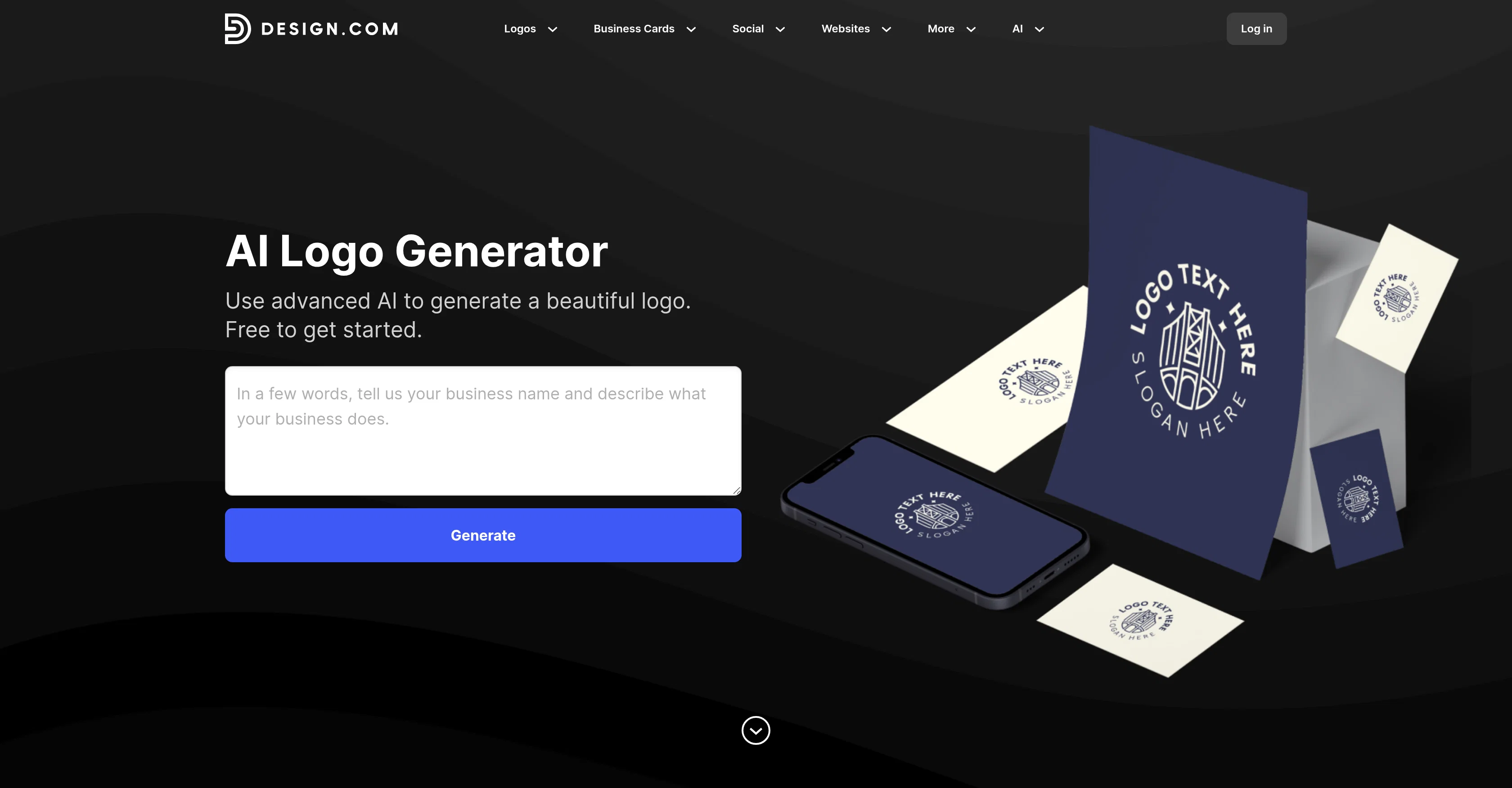
Design.com's AI Logo Generator uses advanced artificial intelligence to create unique, tailored logos for businesses across a range of industries. This tool works by taking a brief description of the business and the business name, generating a selection of logos customized to these parameters.
The logos are produced in seconds, each one being a one-of-a-kind creation from the tool's vast collection of pre-designed logos. Once a user selects a preferred design, the tool further allows for personalization including modifications to fonts, colors, layouts and addition of unique shapes.
Additionally, the logo can be fine-tuned by adjusting business description or adding keywords. When the final design is ready, the user can download high-resolution files suitable for print, social media, and websites.
Variations of the logo and other necessary files are accessible from the user account, ready for download anytime.
Best for
Short scenarios where Design.com | AI Logo Generator tends to shine.
-
Create a logo for a new business
Best for Small business owners
-
Design a professional brand identity
Best for Startups
-
Refresh or redesign an existing logo
Best for Entrepreneurs
-
Generate logos for startups, freelancers, and small businesses
Best for Marketing professionals
Example outputs 1
Sample generations and before/after results for Design.com | AI Logo Generator.
Access & connections
Where you can use Design.com | AI Logo Generator, and what it plugs into.
Platforms
Integrations
Capabilities
What this tool accepts, produces, and is strongest at.
Input
- Tabular
- Text
Output
- Text
- Image
Highlights
- API
Supported features
- API
- SVG
Pros & cons
Pros
- Creates unique logos
- Fast generation process
- Customization of fonts
- Customization of colors
- Customization of layouts
- Addition of unique shapes
- Business description modification
- Keyword addition
Show 17 more
- Multiple high-resolution formats
- Print-ready files
- Suitable for social media
- Suitable for websites
- Instantaneous download of logos
- Option to shortlist favorites
- Logo variations
- Access files anytime
- Creates logos for all industries
- Requires just brief description
- Logo modification options
- Logo designs based on keywords
- Tailored logos for businesses
- Automatic logo generation
- Effortless transformation of logos
- Advanced editing tools
- Transparent background files
Cons
- Dependent on brief description
- No collaborative feature
- No integration with design software
- No real-time support
- No direct sharing options
- Lack of guided tool walkthrough
- No user community
- Dependent on pre-designed logos
Compare alternatives
Similar tools in the catalog — with a clear reason to open each one.

Logodiffusion ✓
PaidDesign custom logos instantly with AI.
Why look Stronger for image work
Full comparison
Looka ✓
PaidAI-powered logo and brand identity design
Why look Stronger for image work
Full comparison
Namecheap Free Logo Maker ✓
FreeCreate custom logos for free in minutes
Why look Fully free option
Full comparisonPeople also view
Tools that often show up alongside Design.com | AI Logo Generator in collections and comparisons.
Namecheap Free Logo Maker ✓
FreeCreate custom logos for free in minutes
Looka ✓
PaidAI-powered logo and brand identity design
Logodiffusion ✓
PaidDesign custom logos instantly with AI.

LogoCreatorAI ✓
Free TrialAI-powered logo creation for startups and solopreneurs

LogoAi ✓
PaidAI-powered branding in seconds.

BrandCrowd | AI Logo Generator ✓
FreemiumAI generates perfect logos in seconds.

StarterPilot ✓
Free TrialValidate ideas, name your business, create logos, and build websites in minutes

Logo Background Remover ✓
FreemiumMake logos transparent in seconds.
Releases 1
Imported reviews 2
Great tool for getting some logo ideas, works fine 👍
This is not free; don't spread misinformation, as you will be penalized.
FAQ 12
What is the AI Logo Generator at Design.com?
How does the AI Logo Generator work?
What information do I need to provide to generate a logo?
Can I customize the AI-generated logo?
What editing tools does Design.com provide for customizing logos?
How can I create a shortlist of my favorite AI-generated logos?
In what formats can I download the high-resolution logo files?
Where can I use the AI-generated logo files?
Does the AI Logo Generator work for specific industries?
How fast does the AI Logo Generator create logos?
What's the process of fine-tuning my logo with Design.com's editing tools?
Can I use the AI Logo Generator for my start-up business?
Related tools
Recommended

Promtist AI ✓
FreeGenerate optimized prompts for better AI results.

VisualGPT ✓
FreemiumCreate, edit, and enhance images with AI.

Video Transcriber AI ✓
FreeTranscribe video to text online free