

DeckAssistant ✓
AI assistant for Stream Deck at your fingertips.
From SGD 14.52 / month
Verdict
A quick read before you dig into the full page.
- Best if
- AI assistant for Stream Deck at your fingertips
- Skip if
- Limited to macOS 11+
- Pick this when
- Stream Deck integration
Considering RedPill AI instead? Compare side by side
Overview
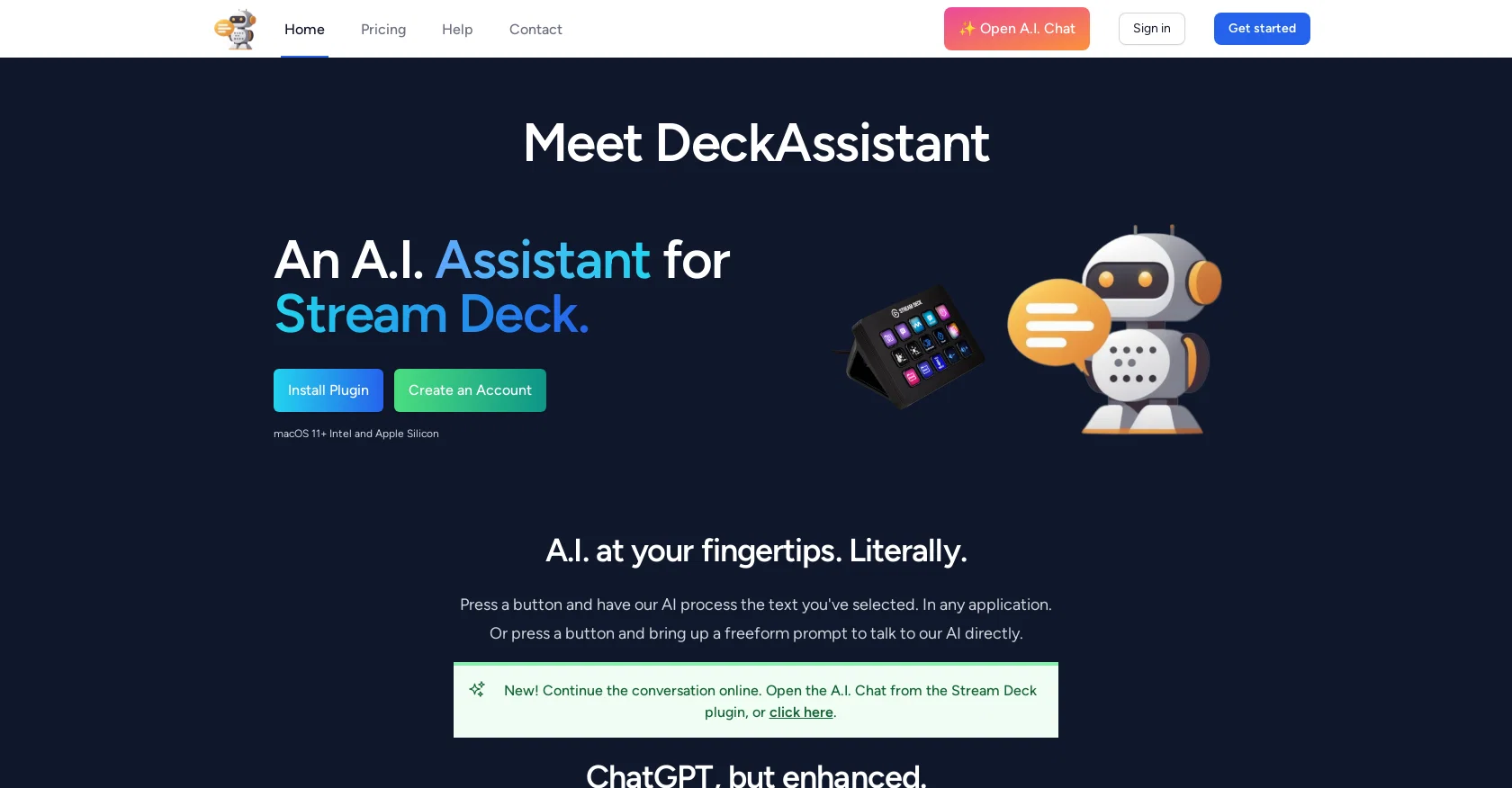
DeckAssistant is a Stream Deck plugin that integrates with an AI assistant, allowing users to interact with it through their Stream Deck. Users can select any text in any application, press a button, and let the AI process the text.
It also offers a freeform prompt feature that allows users to ask the AI a question directly. The AI assistant is ChatGPT, enhanced with features such as folder organization, custom prompts, message editing, history search, and data export.
DeckAssistant is available for macOS 11+ Intel and Apple Silicon. To get started with DeckAssistant, users must create an account and copy the API token from their dashboard.
They must also install the Stream Deck plugin and add a button, where they can paste the API token to see the AI in action. Users can configure prompt buttons by giving them a title, changing their icon, and typing in their prompt or selecting one from the available examples.
Users can also subscribe for updates through the website or follow Martijn Smit, the creator of DeckAssistant, on Twitter. Overall, DeckAssistant provides a simple and convenient way for Stream Deck users to access an AI assistant and perform tasks such as processing text and asking questions.
With its enhanced features, users can more efficiently organize and interact with the AI assistant through their Stream Deck.
Access & connections
Where you can use DeckAssistant, and what it plugs into.
Platforms
Integrations
Capabilities
What this tool accepts, produces, and is strongest at.
Input
- API
- Text
Output
- API
- Text
Pros & cons
Pros
- Stream Deck integration
- Freeform prompt feature
- Works with ChatGPT
- Folder organization feature
- Custom prompts
- Message editing
- History Search
- Data export functionality
Show 11 more
- macOS 11+ Intel compatibility
- macOS 11+ Apple Silicon compatibility
- API token authentication
- Configurable prompt buttons
- Prompt title customization
- Prompt icon customization
- Selection of example prompts
- Accessible customer support
- Available updates subscription
- Text processing in any application
- Creator active on Twitter
Cons
- Limited to macOS 11+
- Requires additional Stream Deck plugin
- Needs account creation
- API token required
- Prompt configuration necessary
- Lacks broader application compatibility
- No inline chat function
- Requires manual data input
Compare alternatives
Similar tools in the catalog — with a clear reason to open each one.

RedPill AI ✓
FreemiumProvable Confidential AI - Encrypted, Verifiable, and Truly Private
Why look Offers a public API
Full comparison


Memorr.AI ✓
PaidYour AI conversations, never forgotten
Why look Higher community rating
Full comparison
FireTexts ✓
FreemiumGenerate text messages for flirting, rizz, or talking, sexting, and dating
Free + from $3.99/mo
Full comparison
PrivateLLM ✓
PaidYour private AI chatbot for Apple devices, offline and secure.
Why look More privacy-focused
Full comparisonReleases 1
FAQ 12
What is DeckAssistant?
What does the DeckAssistant AI do?
Who is the creator of DeckAssistant?
How do I set up DeckAssistant on my Stream Deck?
What is the freeform prompt feature in DeckAssistant?
On which operating systems can DeckAssistant be installed?
How does DeckAssistant use the ChatGPT AI?
What are the enhanced features of DeckAssistant?
What is the process to ask a direct question to the AI using DeckAssistant?
How do I configure prompt buttons in DeckAssistant?
How can I subscribe for updates about DeckAssistant?
What are some examples of the prompts in DeckAssistant?
Related tools
Recommended

Agentgpt ✓
FreemiumDeploy autonomous AI Agents effortlessly in your browser.

GhostTheWriter
Free TrialSummon spirits to write for you while you watch.

Revmo AI ✓
Free TrialConversational AI that remembers every customer and completes every workflow

Findsight ✓
FreeCompare non-fiction ideas from multiple sources.

What-A-Prompt ✓
FreeSupercharge your ChatGPT prompts for better results.

Codeium ✓
FreemiumAI-powered code completion for 20+ languages