
Crayon AI ✓
AI-powered image toolbox for effortless creation and editing
Trial; then from $0.99
Verdict
A quick read before you dig into the full page.
- Best if
- AI-powered image toolbox for effortless creation and editing
- Skip if
- Limited image generation styles
- Pick this when
- Seamless photo alterations
Considering Photo AI instead? Compare side by side
Overview
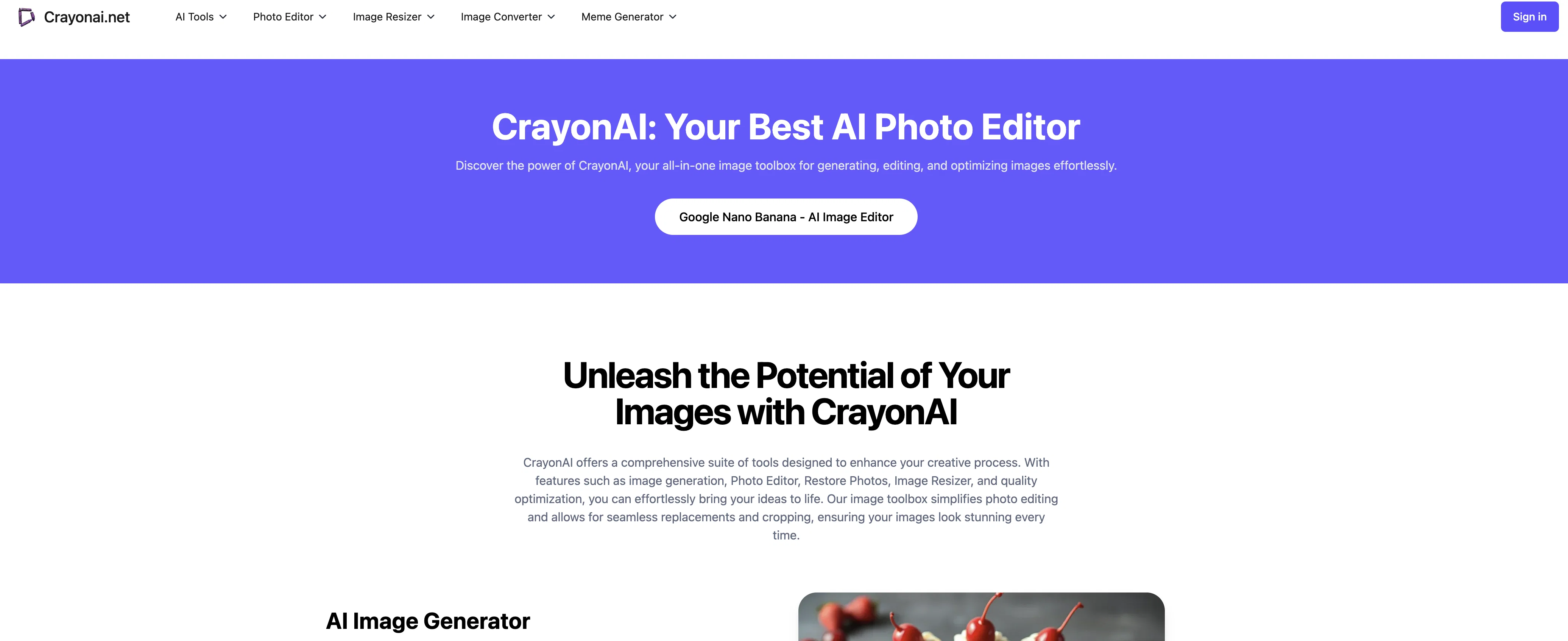
Crayon AI is an all-inclusive online platform jam-packed with artificial intelligence driven image creation, editing, and optimization tools. It allows users of all proficiency levels to simplify their creative procedures.
Crayon AI provides various tools including image generation, Photo Editor, Restore Photos, Image Resizer and quality optimization, facilitating seamless photo alterations and cropping and thereby enhancing image appearance.
Flux1, the software's AI image generator, revolutionizes the creative process by converting text into compelling visuals through various modes, allowing for a diverse array of style customization with impressive generation speeds.
The AI Photo Editor includes easy-to-use editing tools with features such as Cropping, Resizing, Rotating, Flipping among many more, bolstered with a user-friendly interface and providing real-time edits.
Users can enhance image quality or restore damaged photos using the Restore Photos feature, which employs advanced AI technology. There are other fun features like Random Animal Generator providing a vast range of species and supported details for educational or creative purposes.
Slang Meme Generator facilitates creating custom images of characters holding signs with your text. Background Removal is also a key feature, allowing for easy removal of undesirable backgrounds from images.
Image quality can be optimized using efficient algorithms for clarity and color. The platform also offers a variety of templates catering to different creative needs, and based on user behavior, Crayon AI can provide intelligent recommendations for a more efficient work process.
It operates on multiple platforms, including computers, tablets, and mobile phones, meeting various mobile needs.
Access & connections
Where you can use Crayon AI.
Platforms
Capabilities
What this tool accepts, produces, and is strongest at.
Input
- Text
Output
- Image
Pros & cons
Pros
- Seamless photo alterations
- Efficient cropping tools
- Real-time edits
- Image quality enhancement
- Photo restoration feature
- Random Animal Generator
- Slang Meme Generator
- Efficient background removal
Show 11 more
- Quality optimization algorithms
- Variety of creative templates
- Intelligent recommendations
- Multi-platform support
- User-friendly interface
- Image Resizer feature
- Rotate and flip tools
- Also works on mobile
- Rich template selection
- Live preview of modifications
- Convenient user interface
Cons
- Lacks batch editing capabilities
- Missing advanced editing features
- No downloadable desktop version
- No image classification tool
- No collaboration features
- Limited image generation styles
- No video editing capabilities
- No integrated sharing options
Show 1 more
- No free version stated
Compare alternatives
Similar tools in the catalog — with a clear reason to open each one.


Stockimg AI ✓
PaidGenerated images and text for design ease.
Why look Stronger for image work
Full comparison


Releases 1
Imported reviews 2
I love the feature 'Restore Photos', it can restore my damaged photos, enhance the image's quality
https://crayonai.net/ai-photo-editor/restore-photos
The photo editor is free, and slang meme is interesting
FAQ 12
What is Crayon AI?
What features does Crayon AI offer?
Does Crayon AI do Image generation?
What is Flux1 in Crayon AI?
What can the AI Photo Editor tool in Crayon AI do?
Can Crayon AI restore photos?
What is the Random Animal Generator feature in Crayon AI?
What can I do with the Slang Meme Generator in Crayon AI?
How is Background Removal used in Crayon AI?
Can Crayon AI optimize image quality?
Does Crayon AI have templates for editing?
What platforms is Crayon AI available on?
Related tools
Recommended
Snap Enhancer ✓
FreemiumAI-powered photo transformation for stunning portraits.

Kin - Personal AI Advisors ✓
FreePrivacy-first & designed your for mind, and life at work

SEO Writing AI ✓
Freemium1-click SEO-optimized articles generation

Namecheap Free Logo Maker ✓
FreeCreate custom logos for free in minutes

Ideamap - Brainstorm and Mindmap AI ✓
FreemiumBoost your creativity with AI-powered brainstorming.

Blend AI ✓
FreemiumYou favorite AI, all in one place (-20% with TAAFT at checkout)