

Cotyper ✓
Build custom AI copilots for your browser.
Verdict
A quick read before you dig into the full page.
- Best if
- Build custom AI copilots for your browser
- Skip if
- Only for Chrome initially
- Pick this when
- Custom web copilots creation
Considering SureThing.io - "OpenClaw" for Beginners instead? Compare side by side
Overview
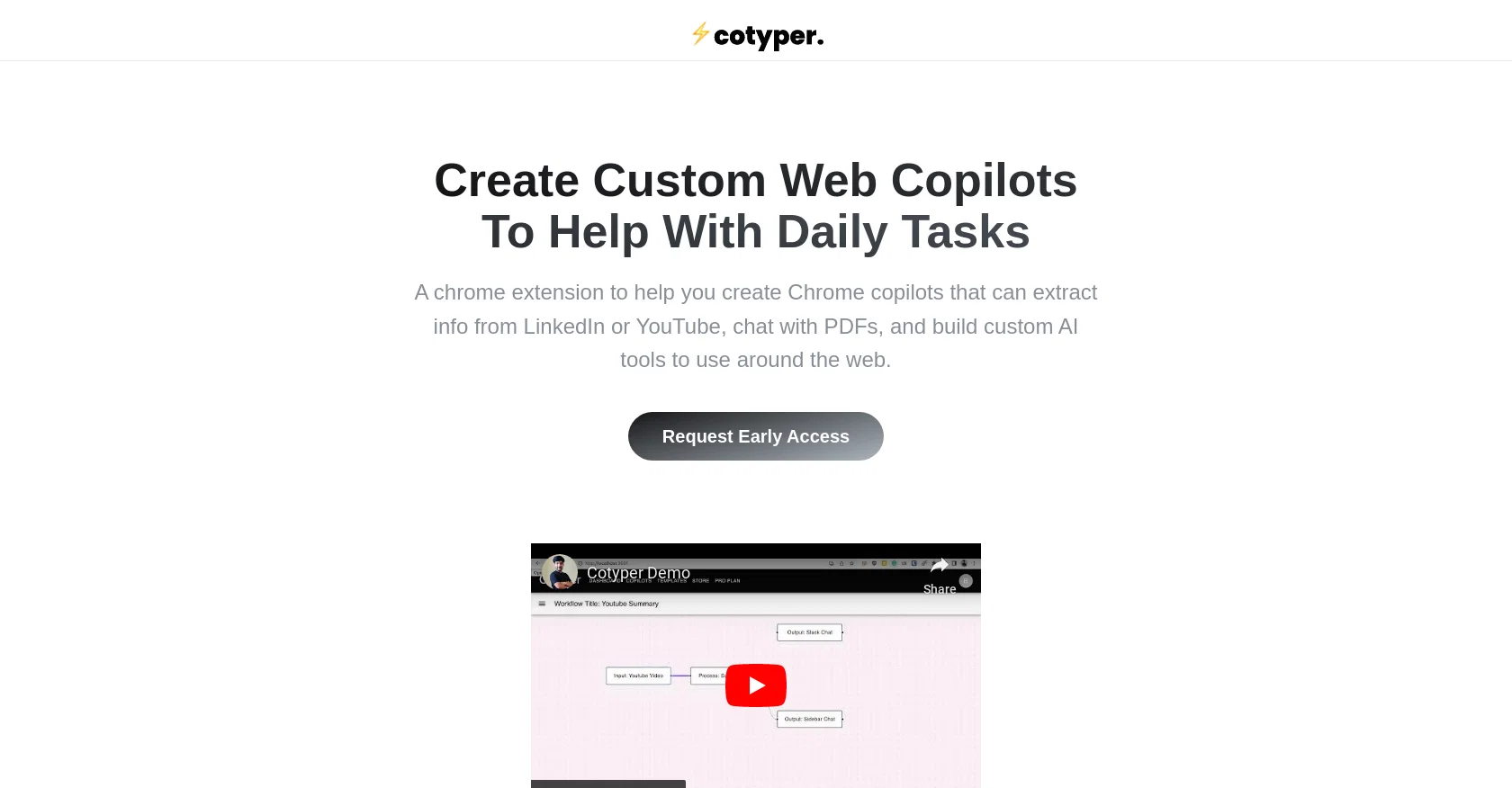
Cotyper is a browser extension called "Copilots for Web" that helps users build custom web copilots, enabling them to automate daily tasks and streamline their browsing experience.
Currently available only for Google Chrome and Chromium-based browsers like Microsoft Edge and Brave Browser, with support for Firefox and Safari coming soon, Cotyper extends the functionality of the browser.With Cotyper, users can create Chrome copilots that extract information from websites such as LinkedIn or YouTube, chat with PDFs, and develop custom AI tools to use across the web.
The tool simplifies the process of creating and utilizing AI-powered tools, enhancing productivity. Promoting customization, Cotyper allows users to personalize their browsing experience by building their own tools.
It empowers users to create a unique and tailored environment that increases efficiency and enjoyment while browsing.Regarding privacy, the tool assures users that their data is not used to sell advertisements or train AI models.
Cotyper relies on AI models from other providers and does not depend on user data for training purposes. Payment is handled securely through Paddle.com, ensuring the protection of credit card information.
Cancelling subscriptions is straightforward since Cotyper does not retain card details, allowing users to manage their subscriptions effortlessly.In summary, Cotyper is a Chrome extension that enables users to create customized web copilots, enhancing productivity and efficiency in browsing.
With a focus on customization and privacy, the tool aims to provide a user-friendly and secure experience.
Access & connections
Where you can use Cotyper, and what it plugs into.
Platforms
Capabilities
What this tool accepts, produces, and is strongest at.
Input
- Tabular
Output
- Code
Pros & cons
Pros
- Custom web copilots creation
- Browser task automation
- Data extraction from websites
- Can chat with PDFs
- Enhances productivity
- Promotes customization
- Personalized browsing experience
- Privacy-focused tool
Show 10 more
- Doesn't sell user data
- Payment handled securely through Paddle.com
- Doesn't retain card details
- Easy subscription cancellation
- Supports Chrome and Chromium browsers
- Firefox & Safari support coming
- Works on most websites
- User-friendly chrome extension
- Aims for secure user experience
- Doesn't depend on ads for income
Cons
- Only for Chrome initially
- Potential extension compatibility issues
- No free use available
- Urgent Firefox & Safari support
- Not all sites supported
- Manual tool creation necessary
- Susceptible to Chromium vulnerabilities
- Data protection relies on Paddle
Compare alternatives
Similar tools in the catalog — with a clear reason to open each one.

SureThing.io - "OpenClaw" for Beginners ✓
FreemiumFirst General AI Agency. Designed for long-horizon tasks.
Why look Offers a public API
Full comparison


Raccoon AI ✓
FreemiumThe AI Coworker for Apps, Research, Docs & Everything Else
Why look Offers a public API
Full comparison
Autopilots by Athena AI ✓
Free TrialAutonomous AI agents that execute tasks for you.
Why look Higher community rating
Full comparison
Releases 1
FAQ 12
What is Cotyper?
What is the purpose of Cotyper?
What kind of tasks can Cotyper automate?
How do I install Cotyper on my browser?
Can I use Cotyper on any other browsers other than Google Chrome?
Can I build my own tools in Cotyper?
What type of information can Cotyper extract from websites?
Does Cotyper support chatting with PDFs?
How does Cotyper ensure user privacy?
Does Cotyper use my data to sell advertisements?
Does Cotyper use my data to train AI models?
How does Cotyper handle payments?
Related tools
Recommended

Thinktask ✓
FreeBoost productivity with AI-powered project management

Photo AI ✓
PaidCreate beautiful AI photos and videos of real people

GPTinf ✓
PaidBypass AI detectors with one-click rephrasing.

Midjourney ✓
PaidExpand human imagination through AI-powered visuals.

GhostTheWriter
Free TrialSummon spirits to write for you while you watch.

Revmo AI ✓
Free TrialConversational AI that remembers every customer and completes every workflow