
CopySlides ✓
NotebookLM PDF to PowerPoint Converter
Trial; then from $10/mo
Verdict
A quick read before you dig into the full page.
- Best if
- NotebookLM PDF to PowerPoint Converter
- Skip if
- Limited font support
- Pick this when
- Processes images, PDFs, videos
Considering MagicSlides.app AI PPT Maker instead? Compare side by side
Overview
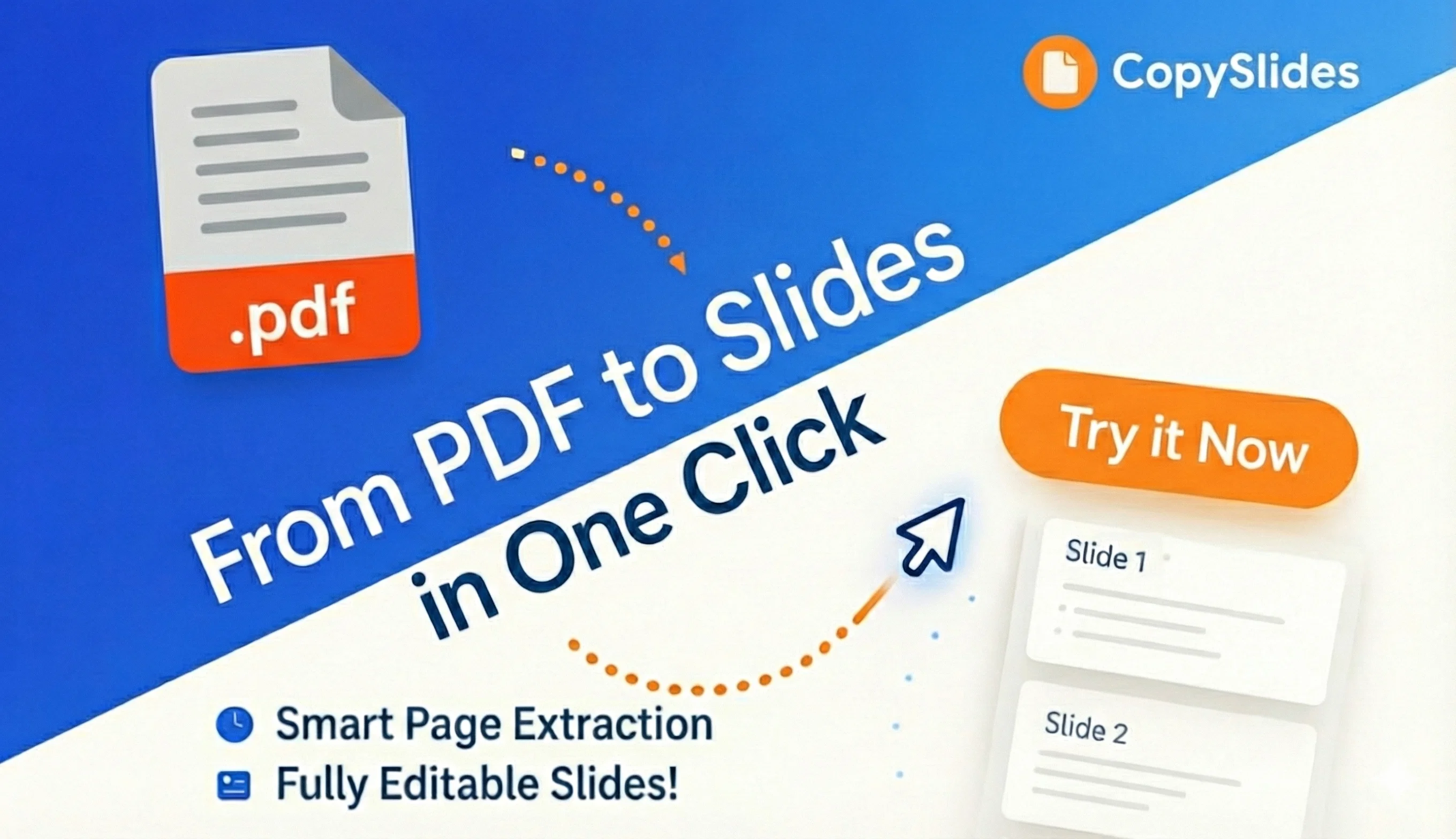
CopySlides is an AI-powered tool that transforms static content into editable slideshow presentations. The tool accepts inputs from images, PDFs and videos and then analyzes and reconstructs them into editable slides.
Its AI analyzes aspects such as layout, styles, colors, and fonts, keeping the layout intact while making the captured content easily editable. Additionally, it maintains the visual hierarchy and recreates the text as editable text boxes, allowing users to change fonts and rewrite content.
A distinguishing feature of CopySlides is its ability to extract and separate the different layers of the original content, such as background, images, and text layers.
One can download the output in PPTX format or open it directly in Google Slides. The tool is useful for various professionals such as consultants, researchers and teachers who frequently need to convert static content into editable slides, helping them save significant time and effort in their workflow.
Access & connections
Where you can use CopySlides.
Platforms
Capabilities
What this tool accepts, produces, and is strongest at.
Input
- Tabular
- Image
- Video
Output
- Code
- API
- Text
Highlights
- Local
Supported features
- Image Understanding
- Integrations
- Runs Locally
- Slides
- Styling
- Video Understanding
Pros & cons
Pros
- Processes images, PDFs, videos
- Reconstructs layout, styles, elements
- Automated style guide generation
- Smart detection of grids
- Maintains typography and color
- Fully editable output
- Matches closest standard fonts
- Recreates text as editable
Show 19 more
- Separates layers
- Trusted by professionals
- Reduces manual recreation time
- Outputs in PPTX format
- Direct opening in Google Slides
- Maintains visual hierarchy
- Supports Google Fonts
- Security deletes files in 24h
- Pricing options for different volumes
- Free, limited access available
- Data not used for training
- Video-to-slides conversion
- Image-to-slides conversion
- PDF-to-slides conversion
- Results are consistent
- Download or open in slides
- Efficiency enhancer
- Time saver
- Pro plan for heavy usage
Cons
- No offline functionality
- Limited free access
- Data deleted after 24 hours
- Failure to process files sometimes
- Monthly subscription required
- Consistent internet needed
- Limited font support
- Only PPTX and Google Slides support
Show 2 more
- Doesn't support non-standard fonts
- Cannot retain certain original file aspects
Compare alternatives
Similar tools in the catalog — with a clear reason to open each one.

MagicSlides.app AI PPT Maker ✓
FreemiumCreate Stunning PPTs in Seconds with the AI PPT Maker
Why look Typically cheaper
Full comparison
NextDocs.io ✓
FreemiumThe AI-native editor for docs, slides, and more
Why look Offers a public API
Full comparison
Gamma ✓
FreemiumAI-powered content creation, minus the hassle.
Why look Typically cheaper
Full comparison
AI Slide Generator ✓
Free TrialCreate stunning presentations from any text in seconds
Why look Typically cheaper
Full comparison

Releases 1
Imported reviews 1
Be very careful with this tool. I paid for a single test month and cancelled my subscription. Despite the cancellation, CopySlides has continued to debit my bank account every month without my consent. Customer support initially asked for proof of debits, but once provided, they completely stopped responding while continuing to charge my card.
Proceed with extreme caution and check your bank statements regularly.
FAQ 12
What does CopySlides do?
What type of files can I convert into slides with CopySlides?
How does CopySlides process the files?
What is the accuracy of layout, typography, and color when using CopySlides?
How are the converted slides editable?
What differentiates CopySlides from other similar tools?
What are the unique features of CopySlides?
Who are the main users of CopySlides?
Can I use CopySlides for free?
What do I get in the upgraded professional experience of CopySlides?
What kind of pricing options does CopySlides offer, and what do they include?
How secure is CopySlides and how does it process data?
Related tools
Recommended

TheLibrarian.io ✓
Free TrialYour WhatsApp AI assistant for instant productivity.

Gemini ✓
FreemiumGemini: Google's most capable AI model yet

Free AI Video Upscaler ✓
FreeUpscale videos or images with AI for free, right in your browser

Syft ✓
FreeAI-powered news tracking for any topic worldwide

Averi AI ✓
Free TrialThe AI Content Engine for Startups

AI Image to Image.io ✓
FreemiumTransform images with simple text commands.