

Meetings 2026 Rank: #406
Convo ✓
AI meeting assistant with real-time help and automatic notes.
Verdict
A quick read before you dig into the full page.
- Best if
- AI meeting assistant with real-time help and automatic notes
- Skip if
- Costly for individual users
- Pick this when
- Real-time assistance
Considering Hedy AI instead? Compare side by side
Overview


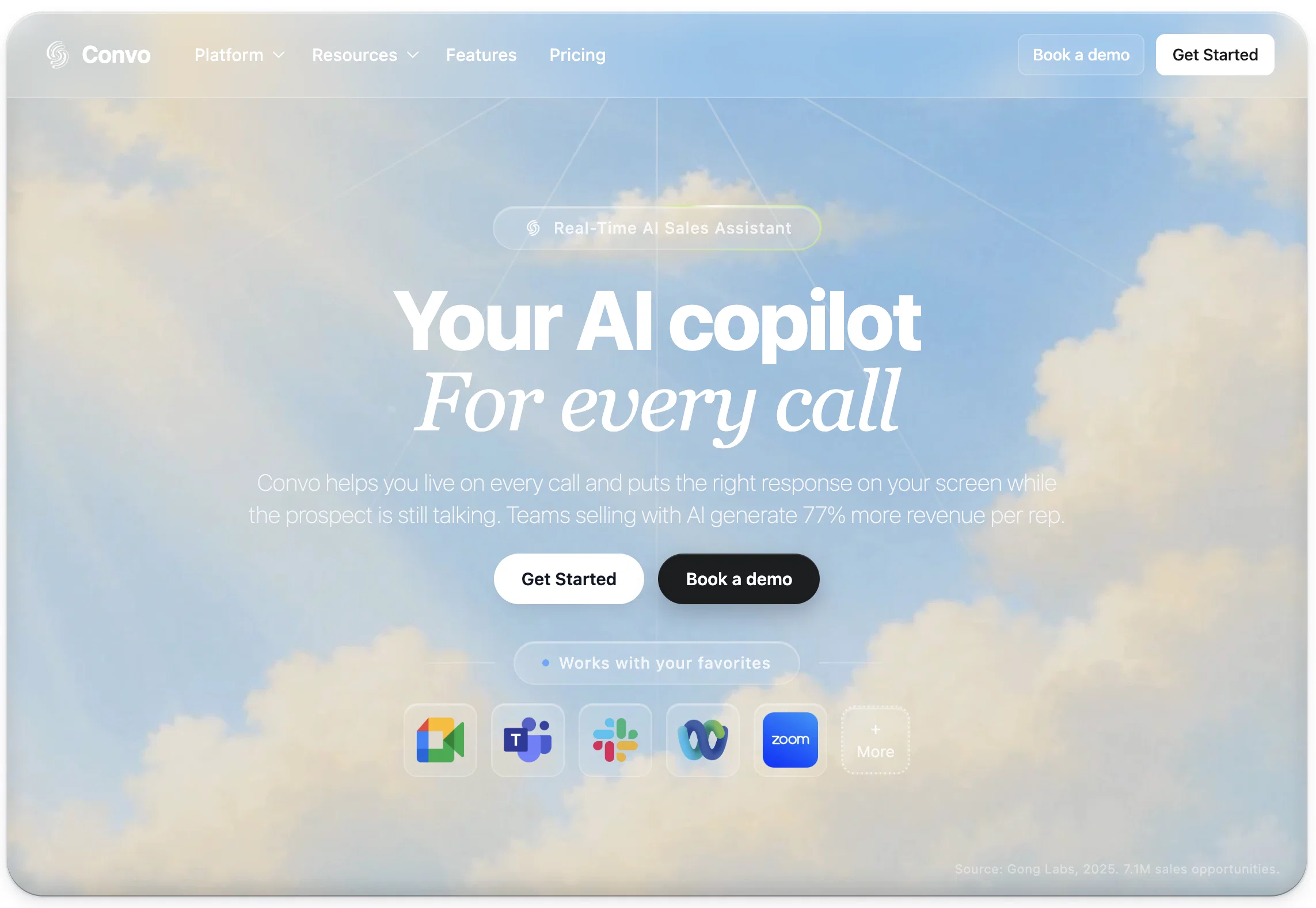
Convo is an AI meeting assistant designed to provide real-time assistance and automatic notes during virtual calls. Its capabilities allow users to never miss a key moment in their conversations and ensures fast access to complete transcripts, meeting summaries, and AI performance feedback within a single, organized dashboard.
Convo compliments conversation by offering real-time cues, key facts, and smart replies. Unlike many AI tools, Convo's operation remains invisible to other call participants, working silently in the background to analyze audio locally without disruption, ensuring total privacy.
It supports integration with popular platforms such as Zoom, Microsoft Teams, Google Meet, Slack, and Webex, turning meeting commitments into calendar events, follow-up emails, and shareable documentation automatically.
In addition, Convo enables accessibility of all meeting details and the ability to turn action items into tasks, eliminating the need for manual note-taking.
With end-to-end encryption and local data processing, Convo guarantees a secure and private experience, as conversations stay on-device and do not contribute to training AI models.
Furthermore, Convo's advanced compatibility allows it to work on all platforms, directly transcribing your Mac's audio, again, without the need for a bot to join the call.
Best for
Short scenarios where Convo tends to shine.
-
AI meeting assistant with real-time help and automatic notes.
Example outputs 1
Sample generations and before/after results for Convo.
Access & connections
Where you can use Convo, and what it plugs into.
Platforms
Integrations
Capabilities
What this tool accepts, produces, and is strongest at.
Input
- API
- Code
- Text
- Audio
Output
- Audio
- Text
Highlights
- API
Supported features
- Meeting Intelligence
- Assistant
- Transcription
- Memory
- Search
- Text Generation
- Integrations
- API
Pros & cons
Pros
- Real-time assistance
- Automatic note-taking
- Available on Zoom, Meet, Teams, Slack, Webex
- Offline audio processing
- Searchable meeting history
- Personalized responses using one's own voice
- Info fetching from 50+ apps
- Consolidated dashboard for meeting details
Show 30 more
- Converts meeting commitments to calendar events
- Drafts follow-up emails
- Exports meeting notes automatically
- Fully encrypted conversations
- Operates invisibly: no disruption during calls
- Doesn't use meeting bots
- Available on Mac and Windows
- Transcribes audio without bots
- Meeting summary and full transcript access
- Action items translated into tasks
- Secure: local data processing
- Never miss a key moment
- Makes key facts easy to find
- Can fetch personalized context info
- End-to-end encryption protected
- Compatible with many platforms, including Slack
- Processes audio locally on your device
- Sends smart replies
- Works without alerting participants
- Can work with Gemini, ChatGPT, and Claude
- Can connect with150+ integrations
- Automatically creates calendar events
- Turns every action item into tasks
- Protected with military-grade AES-256 encryption
- Automatically drafts follow-up emails
- Exports meeting notes
- Supports both Mac and Windows
- Real-time intelligent response suggestions
- Invisible to other meeting participants
- Real-time guidance in less than 5 seconds
Cons
- Needs constant internet connection
- Doesn't support mobile devices
- Limited to audio only
- No multi-language support
- Doesn't work offline
- No manual transcription option
- Doesn't integrate with all apps
- Costly for individual users
Show 2 more
- No option for anonymous use
- Limited historical data access
Compare alternatives
Similar tools in the catalog — with a clear reason to open each one.

Hedy AI ✓
FreemiumDominate every meeting with Hedy as your brilliant AI ally
Free + from $12.99/mo
Full comparison
Meet-Ting ✓
FreemiumAI assistant that books meetings over email.
Why look Typically cheaper
Full comparison
Vexa ✓
FreemiumReal-time AI assistant for flawless business meetings.
Free + from $20/mo
Full comparison
Fathom ✓
FreemiumNever take notes again - AI summarizes your meetings.
Free + from $19/mo
Full comparison
Amie - AI Note Taker ✓
Free TrialTurn meeting notes into automated workflows.
Free + from $20/mo
Full comparison
Teameet ✓
FreemiumTeameet: Free and Unlimited Video Calls with AI Translation
Why look Typically cheaper
Full comparisonPeople also view
Tools that often show up alongside Convo in collections and comparisons.
Hedy AI ✓
FreemiumDominate every meeting with Hedy as your brilliant AI ally
Vexa ✓
FreemiumReal-time AI assistant for flawless business meetings.
Teameet ✓
FreemiumTeameet: Free and Unlimited Video Calls with AI Translation
Meet-Ting ✓
FreemiumAI assistant that books meetings over email.
Fathom ✓
FreemiumNever take notes again - AI summarizes your meetings.
Amie - AI Note Taker ✓
Free TrialTurn meeting notes into automated workflows.

LinaFlow ✓
Free TrialAI scheduling assistant that turns emails into meetings.

Langless ✓
Free TrialYour AI interpreter for meetings, YouTube, TV, Game and more.
Releases 1
In the news
Launch coverage and community mentions for Convo.
Imported reviews 2
Quick thought after seeing Convo.
Meeting notes tools are a crowded $10 SaaS category.
But a tool that helps sales reps answer questions and handle objections live sits in a completely different value tier.
That shift alone can change pricing and conversion dynamics significantly.
Hi there, Markus from Convo here. Let us know if you have any questions we can answer :)
FAQ 12
What does Convo do?
How does Convo work with Zoom or Google Meet?
Is my data private when using Convo?
Does Convo provide notes after the meeting?
What kind of AI suggestions does Convo offer during meetings?
Does Convo work with other apps?
How does Convo organize my meeting details?
Can Convo turn commitments into calendar events?
Does Convo work on both Mac and Windows?
Does Convo offer real-time support during meetings?
Can meeting participants know I'm using Convo?
How does Convo keep track of my meeting history?
Related tools
Recommended

Notis ✓
Free TrialThe first WhatsApp assistant that runs on your ChatGPT and Claude subscriptions

Kolva ✓
FreemiumPay-as-you-go productivity. Meeting transcription at $0.25/hour, AI tasks, document search — no

GetLogit ✓
FreemiumArtificial intelligence, available for everyone.

Automateed ✓
Free TrialCreate eBooks effortlessly with Automateed, the AI-powered writing tool.

remio: Your Personal ChatGPT ✓
FreemiumGet Tailored Answer with Your Personal ChatGPT

Younet ✓
Free TrialAI Agent Orchestration and Automation. Build your agentic business.