

Comicsmaker ✓
Bring stories to life with AI-powered comics.
Free + from $5
Verdict
A quick read before you dig into the full page.
- Best if
- Bring stories to life with AI-powered comics
- Skip if
- Can't handle complex designs
- Pick this when
- Machine learning algorithm
Considering ComicInk instead? Compare side by side
Overview
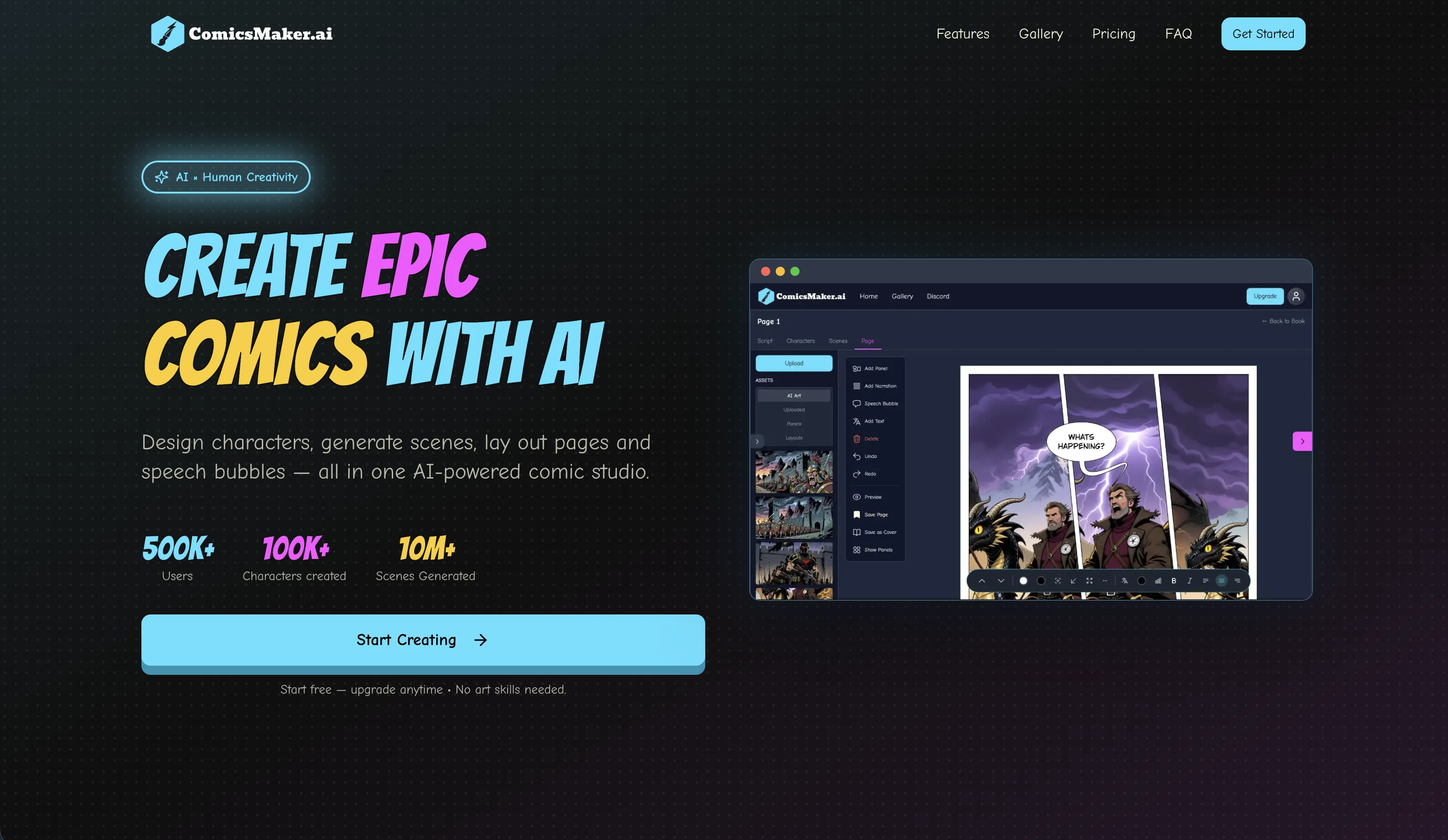
ComicsMaker.ai is an AI-enabled tool designed to assist users in creating comic content. Utilizing advanced AI techniques, this platform simplifies the process of bringing stories to life in the form of comics.
Despite being a high-tech tool, it is user-friendly, making it suitable for comic enthusiasts of all skill levels. By providing an online platform, it allows users to create and access their comics from anywhere at any time.
Its core functionality lies in the AI-powered comic generator, which assists in plot creation, character development, and visual components of comic-making.
Users need to enable JavaScript to fully access and enjoy the capabilities of this tool. However, it's important to note that while this tool eases the process of comic creation, it may not eliminate the need for creative input from the user.
As a free tool, it offers a cost-efficient method for comic creation. Start and end times or requirement of premium features may vary.
Best for
Short scenarios where Comicsmaker tends to shine.
-
Bring stories to life with AI-powered comics.
Example outputs 1
Sample generations and before/after results for Comicsmaker.
Access & connections
Where you can use Comicsmaker.
Platforms
Capabilities
What this tool accepts, produces, and is strongest at.
Input
- Text
Output
- Image
Pros & cons
Pros
- Machine learning algorithm
- Custom layouts and designs
- Manga and anime styles
- Image variation creation
- ControlNet feature
- Converts sketches to panels
- Upload personal images
- Download in PDF or CBZ formats
Show 13 more
- Cost-efficient free tool
- User-friendly interface
- Accessible online platform
- Assists in plot creation
- Assists in character development
- JavaScript enabled
- Creates visual components
- Allows remote access
- Non-specialist friendly
- Comics saved on computer
- Variety of styles and designs
- Unique storytelling method
- Variation in image generation
Cons
- No mobile app
- Dependent on JavaScript
- No collaborative features
- Lacks artwork diversity
- No print option
- Single user accessibility
- Limited to comic style
- Can't handle complex designs
Show 1 more
- No storyboard assistance
Compare alternatives
Similar tools in the catalog — with a clear reason to open each one.

Komiko App ✓
PaidCreate comics, webtoons, & roleplay games with AI character
from $8.33/mo
Full comparison
Neuralcanvas ✓
PaidCreate AI-generated comics with custom illustrations
Why look Typically cheaper
Full comparison
Comicify ✓
FreeTransform dull text into comic adventures
Why look Fully free option
Full comparisonPeople also view
Tools that often show up alongside Comicsmaker in collections and comparisons.
Neuralcanvas ✓
PaidCreate AI-generated comics with custom illustrations

LlamaGen ✓
FreemiumAI-powered anime, comics, and games creation at scale
Komiko App ✓
PaidCreate comics, webtoons, & roleplay games with AI character

Dashtoon ✓
FreemiumCreate comics with AI magic

ComicInk ✓
Free TrialTurn Your Words into Stunning Comic Books
Comicify ✓
FreeTransform dull text into comic adventures

OpenToon ✓
Free TrialRead every manhwa in your language.

MangaMaker ✓
Free TrialTurn story ideas into full manga pages.
Releases 1
Imported reviews 1
It is a good tool, but it requires a good knowledge of prompting.
FAQ 12
What is ComicsMaker.ai?
How does ComicsMaker.ai use AI for comic creation?
What are the features of ComicsMaker.ai?
Can I use ComicsMaker.ai to create my own layouts?
Can ComicsMaker.ai convert my sketches into comic panels?
Can I upload my own images in ComicsMaker.ai?
In which formats can I download my created comics with ComicsMaker.ai?
Is ComicsMaker.ai easy to use for beginners?
Do I need to enable JavaScript for using ComicsMaker.ai?
Is ComicsMaker.ai a free tool or are there any premium features?
Is there a start and end time to use ComicsMaker.ai?
Can I use ComicsMaker.ai to create comics from anywhere?
Related tools
Recommended

LearningStudioAI ✓
Free TrialAI-powered authoring tool for effortless online course creation.

VenturusAI ✓
FreemiumBusiness idea analysis and reporting.

Stunning ✓
PaidBuild AI-powered websites in seconds

GPTExcel ✓
FreemiumGenerate spreadsheet formulas with AI

Scisummary ✓
Free TrialCutting-edge scientific articles summarization.

Stratup.ai ✓
FreemiumInnovative idea generation for businesses.