

from $10
Verdict
A quick read before you dig into the full page.
- Best if
- Run ComfyUI workflows online, instantly deploy APIs
- Skip if
- Limited to ComfyUI workflows
- Pick this when
- No Expensive Hardware Required
Considering PixieBrix instead? Compare side by side
Overview
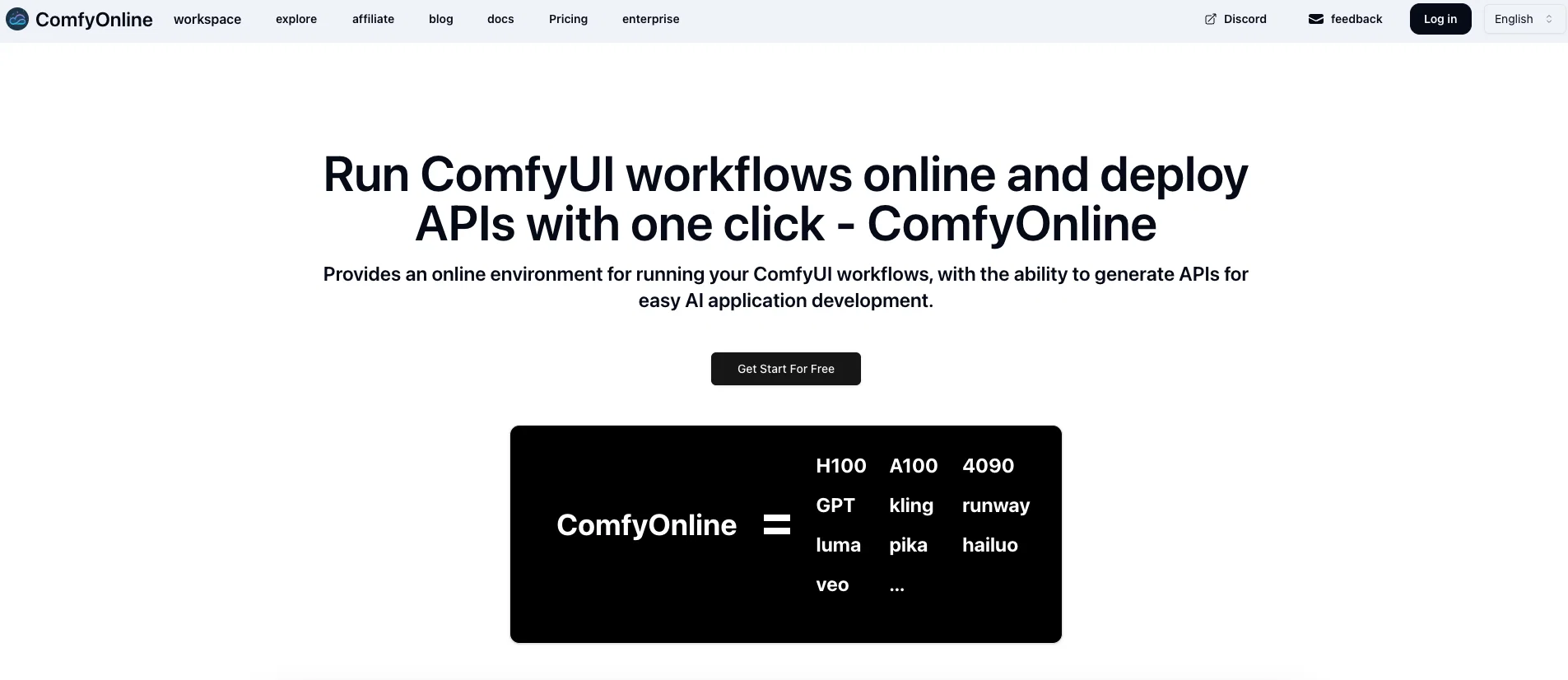
ComfyOnline is an online environment designed for the execution of ComfyUI workflows. It streamlines the process of deploying ComfyUI workflows by handling all associated complex requirements such as dependency installations and model downloads.
As a serverless solution, it's advantageous for users as it only charges for the time workflows are actively running, negating the need for upfront investment in expensive GPU devices.
The tool features a fast and lightweight model deployment system, automatically generating APIs that can be used for AI application development. In addition to this, ComfyOnline also offers scalability to manage traffic surges efficiently.
ComfyOnline supports a variety of AI services from advanced video generation to voice synthesis technology. It integrates with numerous image generation tools and supports leading large language models.
Developers can use this tool to enable capabilities like intelligent text generation and conversation. ComfyOnline is geared towards reducing infrastructure complications and making the ComfyUI workflow deployment process simpler and cost-effective.
Access & connections
Where you can use ComfyOnline.
Platforms
Capabilities
What this tool accepts, produces, and is strongest at.
Input
- Tabular
- Text
Output
- Audio
- Video
- API
- Image
Highlights
- API
Supported features
- API
Pros & cons
Pros
- No Expensive Hardware Required
- No Complex Setup or Installation
- Pay Only for Runtime
- Fast and Lightweight
- Automatic API Generation
- Scalable as You Grow
- Video Generation Support
- Image Generation Integration
Show 27 more
- Audio Support
- Large Language Models Support
- Intelligent Text Generation
- Conversation Capabilities
- Serverless Solution
- Cost-Effective
- One-Click Deployment
- Automatic Dependency Installation
- Model Downloads Handled
- No Infrastructure Headaches
- Handles Traffic Surges
- Advanced Video Generation
- Voice Synthesis Technology
- Leading Language Models
- Custom Node Support
- Extensive Integration Options
- No GPU Management Required
- No Surprise High Bills
- Streamlined Workflow Deployment
- Online Environment
- Instant API Deployment
- No Upfront Investment
- Automatic Scaling
- Diverse Creative Output Options
- Intelligent Conversation
- Text Generation Capabilities
- No Idle GPU Charges
Cons
- Limited to ComfyUI workflows
- Vendor lock-in
- No control over infrastructure
- Dependent on serverless model
- Scalability limitations
- API generation limitations
- Closed model support
- Custom node limitations
Show 2 more
- Pricing complexity
- Data ownership concerns
Compare alternatives
Similar tools in the catalog — with a clear reason to open each one.

PixieBrix ✓
FreemiumExtend your apps, accelerate work
Why look Freemium alternative
Full comparison


Unframe AI ✓
UnknownThe Managed AI Delivery Platform
Why look Higher community rating
Full comparison

WebFill ✓
FreemiumFilling forms and emails, solving MCQs, for students and professionals.
Why look Freemium alternative
Full comparisonReleases 1
Related tools
Recommended

Midjourney ✓
PaidExpand human imagination through AI-powered visuals.

Veo ✓
PaidGenerate high-quality, cinematic videos with AI.

Runway ✓
Free TrialAI-powered creative tools for content generation and editing

LTX Studio ✓
FreemiumAI-powered filmmaking platform for creators and studios.

Flawless ✓
UnknownCinematic AI tools that respect the art of filmmaking.

FilmmakerPRO ✓
FreeElevate your filmmaking with AI-powered storytelling.