Image coloring 2026 Rank: #3149
Colorize Black and White Photos ✓
AI colorization right in your browser
Free + from $9.99/mo
Verdict
A quick read before you dig into the full page.
- Best if
- AI colorization right in your browser
- Skip if
- Limited to black-and-white photos
- Pick this when
- Online functionality
Considering Palette instead? Compare side by side
Overview
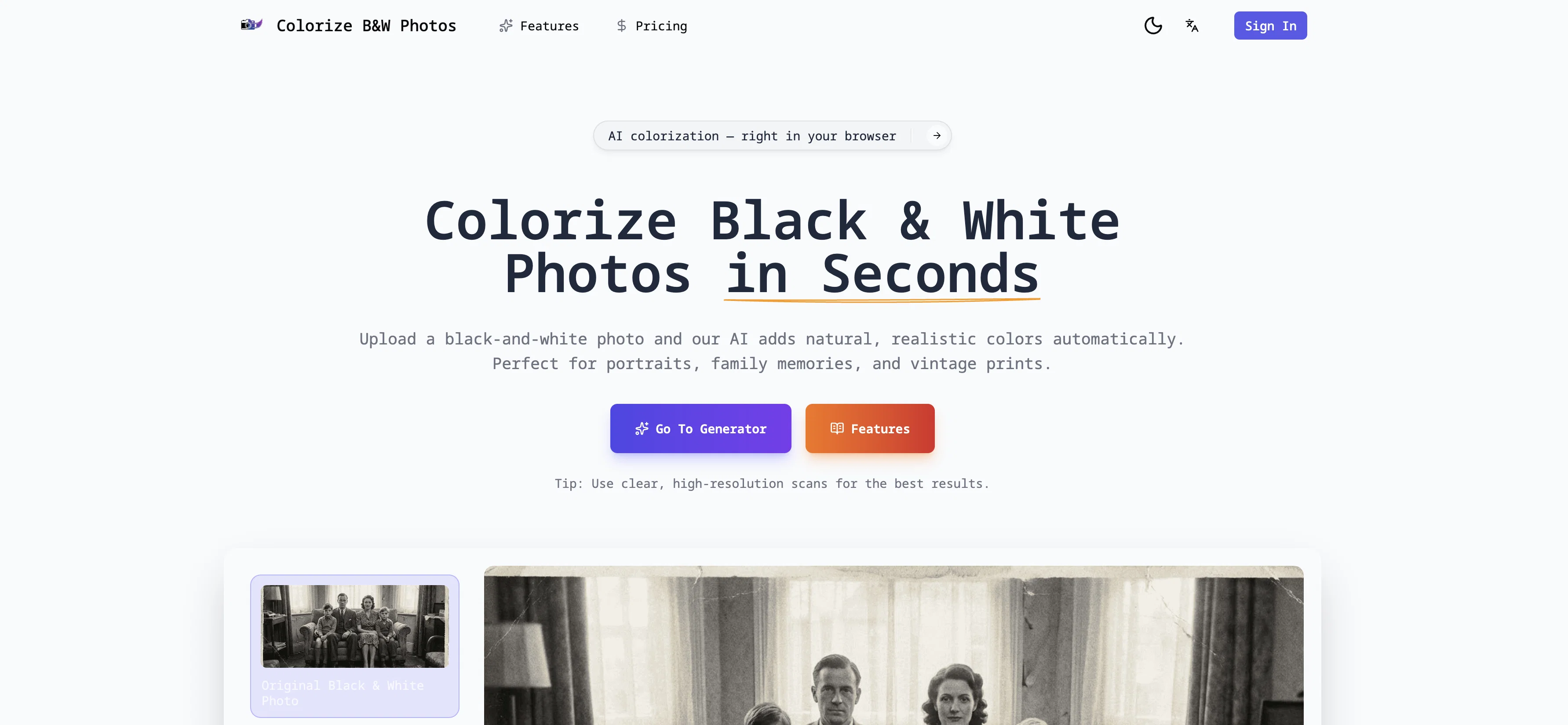
This is an online AI tool designed to seamlessly colorize black and white photos with natural, realistic results. It's specifically designed to handle old family photos, vintage prints, and portraits, converting them from the monochrome scale to an aesthetically pleasing, colorized version.
The tool uses sophisticated AI technology to analyze various elements in the photos such as facial features, clothing, backgrounds, and lighting. It then applies balanced, lifelike colors, with a special focus on details like skin tones, hair, and environmental aspects to ensure the final result feels authentic rather than artificial.The online tool is non-destructive, carefully preserving the original black and white image while producing a separate colorized copy for download and saving.
It is designed with simplicity in mind, requiring no manual editing or design skills from the user and is straightforward to use, providing results in seconds.
It's suitable for both personal and professional applications, from restoring family memories to bringing valuable visuals in historical archives to life.
As an online service, it can be accessed on any device, without the need for any software installation.
Access & connections
Where you can use Colorize Black and White Photos.
Platforms
Capabilities
What this tool accepts, produces, and is strongest at.
Input
- Image
Output
- Image
Supported features
- Image Edit
- Image Understanding
- Realism
Pros & cons
Pros
- Online functionality
- Fast processing
- Automatic colorization
- High-resolution downloads
- Before and after previews
- Keeps original intact
- Desktop and mobile access
- Detailed facial analysis
Show 27 more
- Accurate environmental analysis
- Preserves image details
- Handles vintage images
- Uniform color application
- Suits portraits
- Suits family photos
- Realistic skin tones
- Realistic hair color
- Contextual color application
- Balanced color scheme
- Non-destructive editing
- User-friendly design
- No design skills required
- Suitable for personal use
- Suitable for professional use
- Ideal for historical archives
- Supports heritage conservation
- Revives old memories
- User not required to install software
- Simultaneous side-by-side comparison
- Enhances image without altering original
- Browser based operation
- Revamps antiquated prints
- Natural results
- Instant before & after comparison
- Works on any device
- Zero manual editing needed
Cons
- Limited to black-and-white photos
- No manual color adjustment
- Restricted to high-resolution images
- Lacks batch processing feature
- No offline version available
- Inaccessible for color-blind users
- No support integration for third-party storage
- No editing of original photos
Show 1 more
- No version control for multiple attempts
Compare alternatives
Similar tools in the catalog — with a clear reason to open each one.

Palette ✓
FreemiumColorize photos with AI - free and no sign-up.
Why look Typically cheaper
Full comparison

AI Color Art ✓
FreeRevive memories with AI photo colorization.
Why look Fully free option
Full comparison
ColoringDaily ✓
Free TrialTurn any text or photo into a printable coloring page.
Why look Typically cheaper
Full comparison

Line Drawing Converter ✓
Free TrialConvert photos into clean line drawings online.
Why look Typically cheaper
Full comparison