Short videos 2026 Rank: #1992
ClipMatch ✓
Turn your camera roll into social-ready videos.
Verdict
A quick read before you dig into the full page.
- Best if
- Turn your camera roll into social-ready videos
- Skip if
- Limited to social-media-oriented use
- Pick this when
- Eliminates timeline editing
Considering Bytecap instead? Compare side by side
Overview
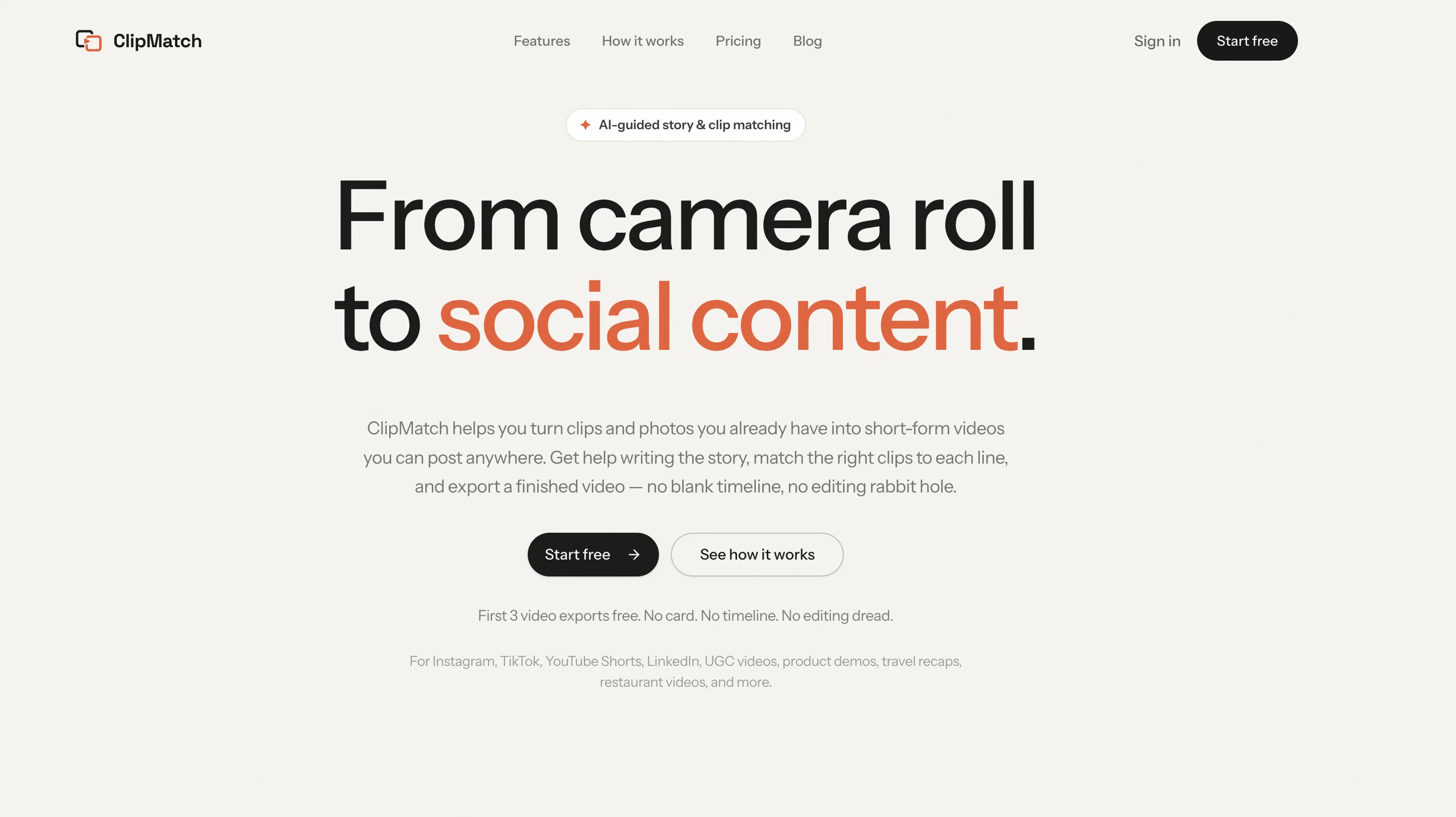
ClipMatch is an AI video editor designed to turn existing user content into short-form videos for social media platforms such as Instagram, TikTok, YouTube Shorts, and LinkedIn.
The tool aims to simplify the video editing process by eliminating the need for timeline editing. Users can start by uploading their clips and photos, upon which ClipMatch tags every scene.
The user then writes the narrative for the video, starting with an idea, rough notes, or a finished script. ClipMatch aids in shaping this into short video lines.
An AI-powered feature then matches each line of the script to the best corresponding clip. The user can review the selections, make any necessary adjustments, and export a vertical video ready to post.
ClipMatch is primarily targeted for UGC creators, aspiring content creators, and small businesses, aiming to make the video creation process less time-consuming, thus enabling regular and consistent content posting.
Access & connections
Where you can use ClipMatch, and what it plugs into.
Platforms
Capabilities
What this tool accepts, produces, and is strongest at.
Input
- Video
- Text
Output
- Video
Supported features
- Clipping
Pros & cons
Pros
- Eliminates timeline editing
- Tags every scene
- Assists in script writing
- User review and adjustments
- Exports vertical video
- Ideal for UGC creators
- Focus on consistent posting
- Ideal for SMEs
Show 21 more
- Targets social media platforms
- Turns photos into videos
- Supports multiple video formats
- Free initial video exports
- No credit card needed
- Great for content creators
- Helps in narrative creation
- Exports ready to post videos
- Easy script matching feature
- Helps avoid editing dread
- Time-saving video editing
- Encourages regular content creation
- Helps build UGC portfolio
- Supports fast video creation
- Turns everyday clips into videos
- Ideal for restaurant videos
- Ideal for travel recaps
- Helps with product demos
- Great for event highlights
- Assists with small business updates
- Turns personal moments into content
Cons
- Only supports vertical videos
- No timeline editing feature
- Requires narrative script preparation
- Relies on accurate tag matching
- Only short-form video editing
- No immediate video customization
- No in-depth editing tools
- Doesn't support lengthy file editing
Show 2 more
- Limited to social-media-oriented use
- User review required per selection
Compare alternatives
Similar tools in the catalog.






Releases 1
FAQ 12
What is ClipMatch?
What platforms does ClipMatch support?
Does ClipMatch suit both professional and beginner video editors?
How does ClipMatch simplify the video editing process?
How does ClipMatch's AI-drive feature work?
Are there any requirements for the videos or photos I can upload on ClipMatch?
What kind of narrative or script does ClipMatch support? Can it be very rudimentary or is a full script needed?
How does ClipMatch help with shaping user narratives?
Can I review or adjust the AI selected clips on ClipMatch?
What is the format of the exported video from ClipMatch?
Who are the main target users for ClipMatch?
Is ClipMatch useful for content creators?
Related tools
Recommended

LearningStudioAI ✓
Free TrialAI-powered authoring tool for effortless online course creation.

PostPerfect ✓
FreemiumAutomated social media posts.

AI Lawyer ✓
Free TrialInstant legal advice and document creation at your fingertips

Revmo AI ✓
Free TrialConversational AI that remembers every customer and completes every workflow

Marketing Assistant (Elsa AI) ✓
FreemiumDefine your ideal customers and craft a winning marketing strategy with Elsa.

Osum ✓
Free TrialSupercharge Your Market Research With AI ⚡