Cleanvoice AI Breath Remover ✓
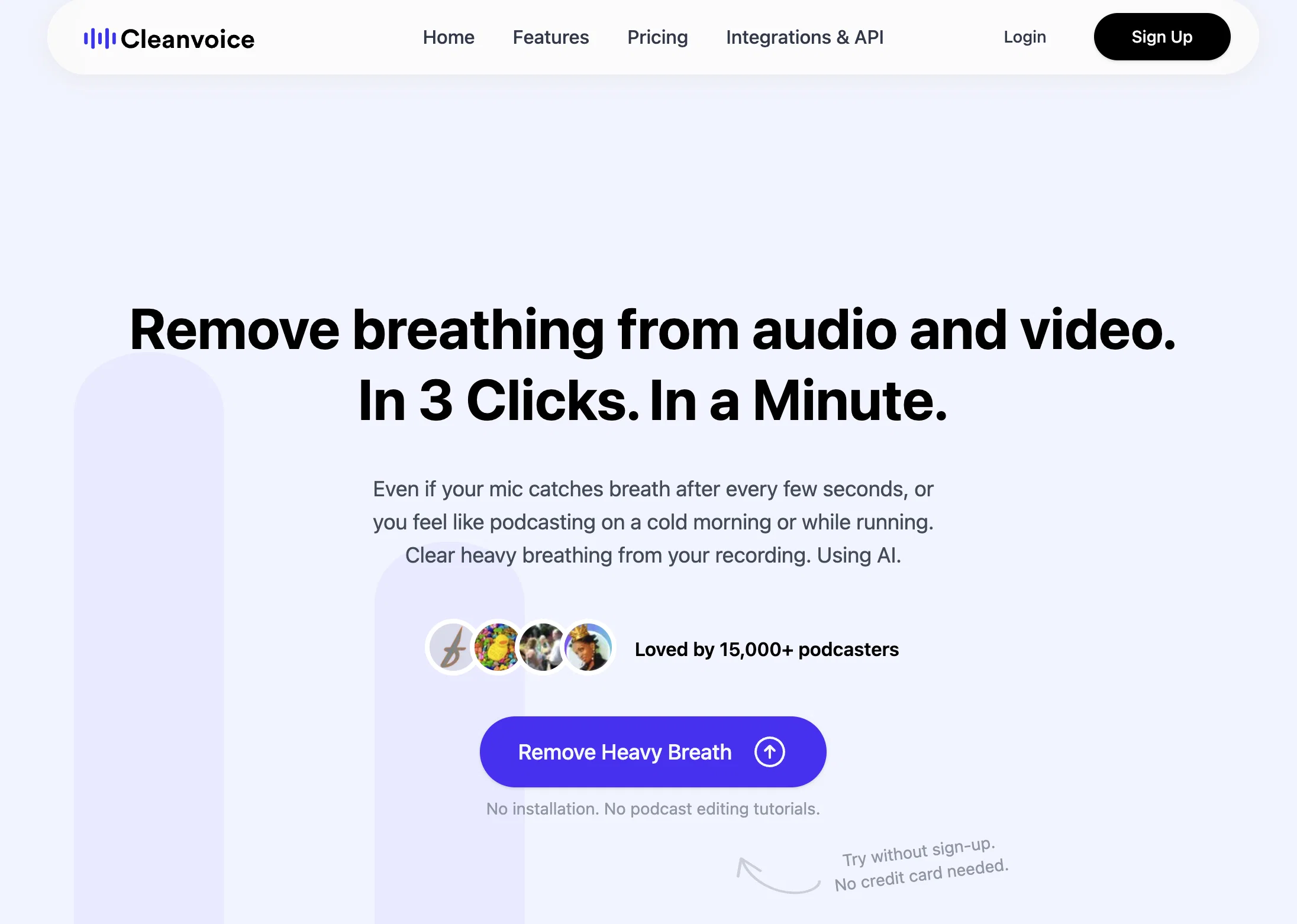
Remove breathing from audio and video in 3 clicks.
Trial; then from $11/mo
Verdict
A quick read before you dig into the full page.
- Best if
- Remove breathing from audio and video in 3 clicks
- Skip if
- No offline version
- Pick this when
- Quick process
Considering Adobe Audio Enhancer instead? Compare side by side
Overview
Cleanvoice AI is an AI-powered tool designed to eliminate breathing sounds from audio and video files. This tool is particularly useful in enhancing the quality of recorded audio files such as podcasts, voiceovers, audiobooks, and vocals by automatically removing unwanted breath sounds.
Cleanvoice AI offers a straightforward and quick process, requiring only a few clicks to deliver a breathing-free audio file without compromising sound quality.
This tool can efficiently distinguish between sighs and breaths ensuring that only the desired sounds are filtered out. Moreover, it allows users to either completely mute or reduce breath sounds depending on their preference.
Cleanvoice AI is designed to be user-friendly, requiring no installation or significant audio editing skills. It's an optimal solution for podcasters, creators, and anyone in need of high-quality, clear, and professional-sounding audio and video files.
Additional features include filler words remover, stutter remover, background noise remover, podcast transcription, and more.
Access & connections
Where you can use Cleanvoice AI Breath Remover.
Platforms
Capabilities
What this tool accepts, produces, and is strongest at.
Input
- API
- Video
- Audio
Output
- Audio
- Video
- API
Supported features
- Podcast
- Denoise
Pros & cons
Pros
- Quick process
- No sound quality compromise
- Distinguishes sighs and breaths
- Mute or reduce breaths
- User-friendly
- No installation needed
- Filler words remover
- Stutter remover
Show 34 more
- Background noise remover
- Podcast transcription
- Enhances audio quality
- Efficiently filters sounds
- No advanced audio editing skills required
- Useful for podcasters and creators
- Audio and video file enhancement
- Requires only few clicks
- Removes unwanted breath sounds
- Professional sounding audio and video
- Audio-filtering options available
- Interactive media support
- Content creation optimization
- Sound engineering benefits
- Helpful for audio post-production
- Optimal for podcast production
- Removes heavy breathing
- No sign up required
- No credit card needed
- Error-free podcasting
- Studio-sound result
- Breathe filtering
- Heavy breath removal
- Easy three step process
- Supports video and audio
- Allows muting or reducing sound
- Offers audio download or export
- Support for various audio formats
- Improves professional sounding audiobooks
- Automatic breath sound removal
- Mouth sounds remover
- Supports multitrack files
- Supports batch files
- File storage options
Cons
- No offline version
- Potential quality issues distinguishing sighs
- No explicit mention of multilingual support
- No real-time breathing removal
- Not suitable for live production
- Requires internet connection
- No customisation for breath filtering
- Lack of integrations with other software
Show 2 more
- Not compatible with multitrack files
- Lacks batch processing mode
Compare alternatives
Similar tools in the catalog — with a clear reason to open each one.

Adobe Audio Enhancer ✓
Free TrialClean up spoken audio with AI studio-quality filters.
Free + from $12.95/mo
Full comparison
Free AI Audio Cleaner Online ✓
UnknownRemove background noise from audio with AI.
No pricing
Full comparison
Xound ✓
FreemiumAI sound enhancement for content creators
Why look Typically cheaper
Full comparison
Voice Cleaner AI ✓
FreemiumRemove background noise from audio instantly with AI.
Why look Typically cheaper
Full comparison
AI Voice Cleaner ✓
Free TrialRemove background noise from audio instantly with AI.
Why look Typically cheaper
Full comparison
Releases 1
FAQ 12
What is Cleanvoice AI?
How does Cleanvoice AI remove breath sounds from audio and video files?
What other features does Cleanvoice AI offer besides breath removal?
Will Cleanvoice AI affect the overall sound quality during breath removal?
Can I control the level of breath sound reduction in Cleanvoice AI?
Is any installation or advanced audio editing skills required to use Cleanvoice AI?
Who can benefit from using Cleanvoice AI?
Does Cleanvoice AI offer transcription features?
How can Cleanvoice AI help in producing professional audios?
Does Cleanvoice AI offer a feature for background noise removal?
Can Cleanvoice AI distinguish between sighs and breaths?
What does the process of audio enhancement in Cleanvoice AI involve?
Related tools
Recommended

Stratup.ai ✓
FreemiumInnovative idea generation for businesses.

Eightify
UnknownAI-powered YouTube video summarizer extracting key ideas for quick content assessment.

Business Idea Generator AI ✓
FreeGenerate innovative business ideas with AI

Stunning ✓
PaidBuild AI-powered websites in seconds

D-ID ✓
FreemiumCreate AI-generated videos with ease

AI Lawyer ✓
Free TrialInstant legal advice and document creation at your fingertips