

Free + from $17/mo
Verdict
A quick read before you dig into the full page.
- Best if
- AI coding agent for terminal & IDE
- Skip if
- Requires Monthly Subscription
- Pick this when
- Understands entire codebases
Considering Cursor instead? Compare side by side
Overview
Claude Code is an artificial intelligence coding tool specifically designed to comprehend entire codebases. It has the functionality to edit files, execute commands, debug issues, and facilitate a quicker software shipping process.
The tool can be utilized directly through different platforms such as a terminal, an Integrated Development Environment (IDE), Slack, or on the web. Simply put, it functions as a coding assistant that helps streamline the process of coding through its understanding of the codebase and its various editing and debugging features.
This allows users to efficiently address coding issues and deliver software at a faster pace. Its flexibility in terms of platform compatibility enhances its accessibility, making it useful for developers in diverse coding environments.
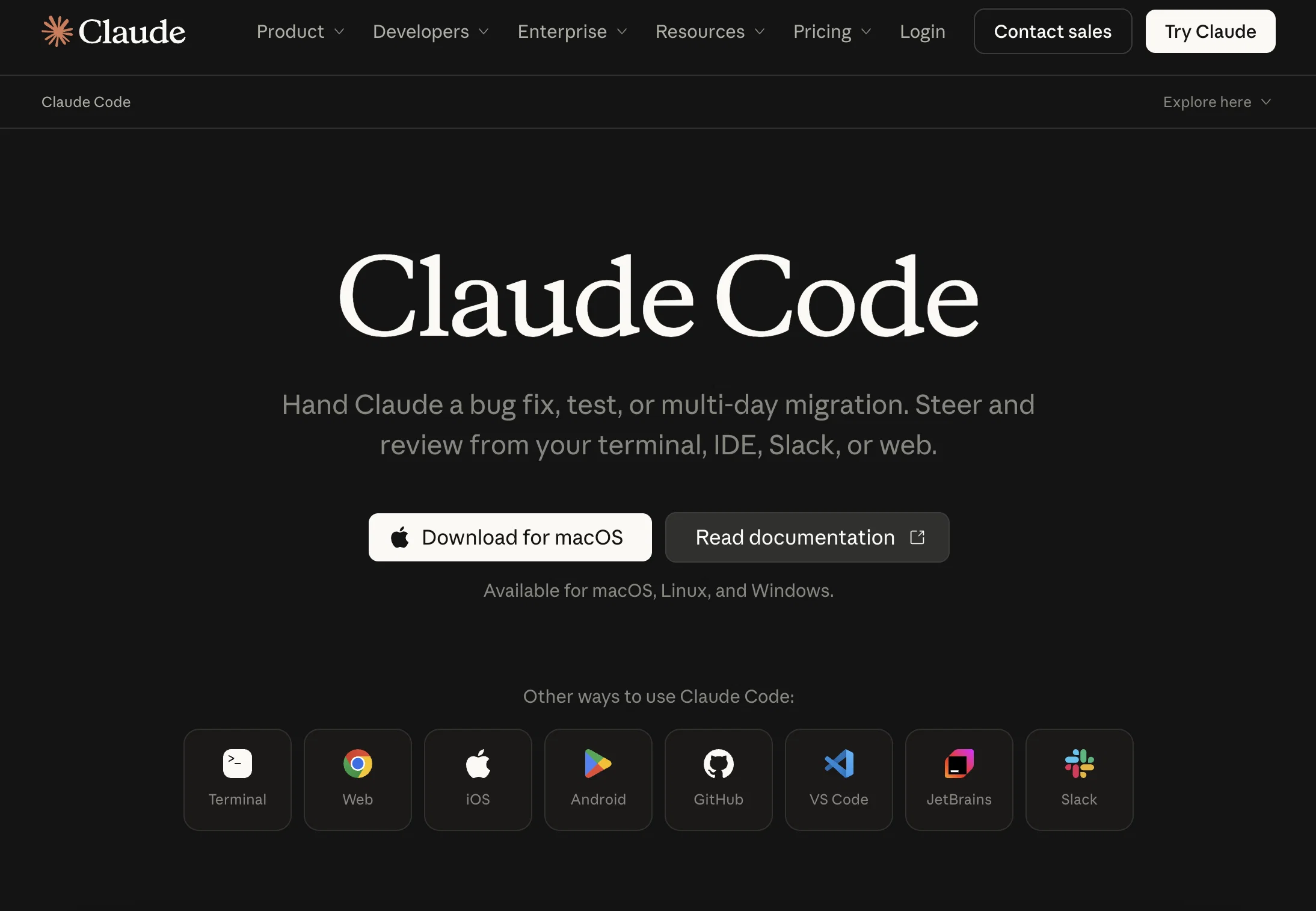
Access & connections
Where you can use Claude Code, and what it plugs into.
Platforms
Integrations
Capabilities
What this tool accepts, produces, and is strongest at.
Input
- API
- Text
Output
- Code
- API
Highlights
- Agents
Supported features
- Agents
- IDE
- Code Assistant
- Computer Use
- SVG
- CLI
Pros & cons
Pros
- Understands entire codebases
- Editing file functionality
- Executes commands
- Debugging feature
- Quicker software shipping
- Platform Compatibility
- Terminal use
- Integrated Development Environment (IDE) use
Show 14 more
- Slack Integration
- Web integration
- Efficient Coding
- Quick Software Delivery
- Developers tool
- Coding Assistant
- Integrated with diverse coding environments
- Streamlined coding process
- Cross-platform tool
- Develop, debug, ship diretly
- Visual diff in IDE
- Integration with CLI tools
- Interactive via web and iOS
- Slack Workspace deployment
Cons
- No support for mobile development
- Limited IDE Integrations
- No ML Codebase Understanding
- No Backend as a Service
- Unspecified Pricing for Enterprises
- Requires Monthly Subscription
- No performance metrics
- Lacks test case generation
Show 2 more
- Does not mention cross-platform compatibility
- No peer review process guide
Compare alternatives
Similar tools in the catalog — with a clear reason to open each one.


OnSpace.AI - No Code App Builder ✓
FreemiumBuild Apps with AI, No Code
Free + from $20/mo
Full comparison

Github Copilot ✓
FreemiumAI-powered coding assistant for faster development
Why look Typically cheaper
Full comparison
CodingFleet ✓
FreemiumAI wizard transforms instructions into code snippets.
Why look Typically cheaper
Full comparison
Releases 1
Imported reviews 2
It helps understand and produce deliverable results
Since the VSC extension became available, I've been using IDEs just to install the extension and run Claude Code in them.
In the peak of my dev frenzy, I was running nine Claude Code instances in three projects on two computers. Cognitive strain was also extreme, but the amount of code and solutions deployed at that time was extreme as well.
FAQ 12
How does Claude Code comprehend entire codebases?
What platforms is Claude Code compatible with?
Does Claude Code integrate with Slack?
Can Claude Code be directly used through the terminal?
How does Claude Code facilitate a quicker software shipping process?
How does Claude Code streamline the coding process?
Is Claude Code suitable for all developers or specific fields?
What coding issues can Claude Code efficiently address?
Can Claude Code edit files and execute commands?
What debugging features does Claude Code offer?
How does Claude Code work in an Integrated Development Environment (IDE)?
Is Claude Code accessible on the web?
Related tools
Recommended

Claude ✓
FreemiumBuilding reliable, interpretable AI systems

Claude Cowork ✓
PaidGive Claude access to your files for instant organization.

ChatGPT Codex ✓
FreemiumA cloud-based software engineering agent for codebase questions.

Midjourney ✓
PaidExpand human imagination through AI-powered visuals.

Lovable ✓
Free TrialBuild software products using chat

Google Antigravity ✓
FreeLift your development into the agent-first era
More from this creator
Claude ✓
FreemiumBuilding reliable, interpretable AI systems

Claude in Chrome ✓
FreemiumBring Claude's AI assistance to your browser.

Anthropic Healthcare ✓
UnknownHealthcare AI development tools and resources.

Claude for Healthcare ✓
FreemiumHIPAA-ready AI for healthcare workflows.

Claude for Life Sciences
FreemiumAccelerate science from discovery through translation with AI.
Claude Cowork ✓
PaidGive Claude access to your files for instant organization.
Built with

PhotoMentor ✓
FreemiumStop guessing if your photo is good. Get instant, objective feedback.

Spytrend ✓
FreemiumSpy on competitor ad networks, not just creatives.

FIRSTVERSE ✓
Free TrialWrite it in your voice. FIRSTVERSE drafts the page.

Yo MaaS (Marketing-as-a-Service) ✓
Free TrialStop guessing, start growing your business with AI.

Kvorum ✓
Free TrialFive AI advisors who disagree with each other and with you

TrustGrowth ✓
FreemiumKnow what AI and Google actually see on your site.