
Writingmate ✓
All the best AI models in one place
from $6.99/mo
Verdict
A quick read before you dig into the full page.
- Best if
- All the best AI models in one place
- Skip if
- Complex for the non-technical users
- Pick this when
- Supports over 30 models
Considering FlowPost instead? Compare side by side
Overview
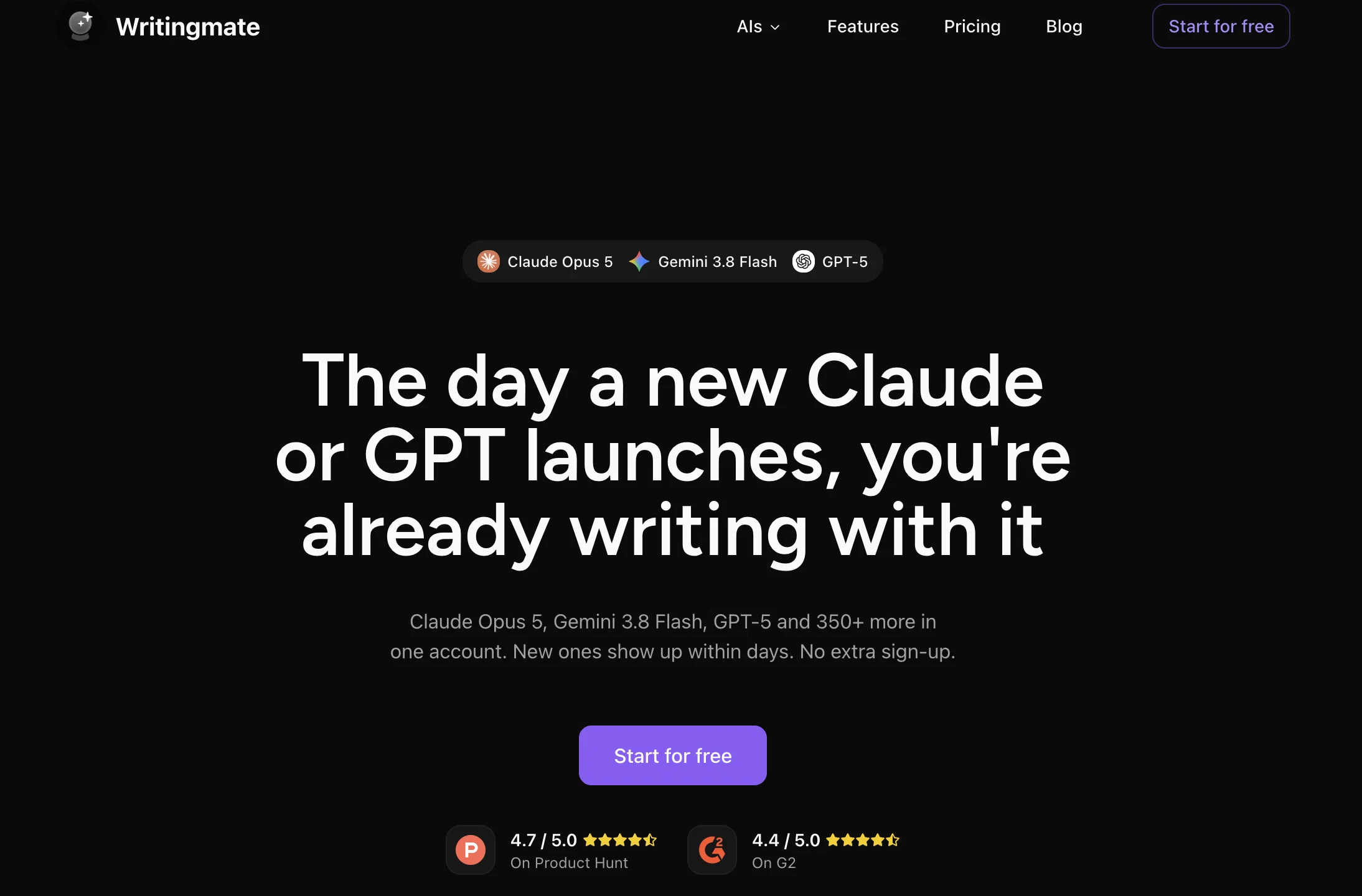
Writingmate is a centralized platform offering access to various AI models from different providers. It has integrated several advanced tools like OpenAI, Claude, Gemini, Llama, Groq, Mistral, and others to provide users with a variety of AI functionalities.
The platform provides support for more than 30 professional models, maximizing efficiency in AI-related tasks. Users can utilize the tools to chat, write, web search, and even generate images with models like DALL-E 3 and Stable Diffusion.
The additional features provided by ChatLabs include AI assistants and bots which can be pre-set or personalized for users' specific needs. Users can also use the platform to generate AI-derived images and utilize voice input for text-to-speech functionalities.
Advanced features like pinned chats and search functionalities ensure efficiency in chat organization at larger scale. Users have the ability to upload documents, PDFs, images and gather relevant information from these files.
A notable function is the split-screen mode which allows for a side by side comparison of the performance of different AI models. Compatible with the Chrome browser, users can bring AI functionalities to every tab.
The platform offers two subscription plans, 'Bring your Keys Plan' and 'Professional Plan', both providing different levels of access to AI models and features.
Access & connections
Where you can use Writingmate, and what it plugs into.
Platforms
Integrations
Capabilities
What this tool accepts, produces, and is strongest at.
Input
- Tabular
- Image
- Text
- Audio
Output
- API
- Text
- Image
Pros & cons
Pros
- Supports over 30 models
- Split-screen mode
- Chrome browser compatible
- Voice input functionality
- Search functionality
- Chat pinning feature
- File upload support
- PDF support
Show 16 more
- Image upload support
- Provides performance comparison
- Two subscription plans
- API keys Plan
- Professional Plan
- Pre-built and custom assistants
- Prompt library for quick access
- Web browsing information update
- Detailed image generation
- Quick web access
- API keys not required for Professional Plan
- Integration of top LLMs
- Organized prompts for efficiency
- Stable Diffusion and DALL-E 3 support
- Instant online data access
- Trusted by 50,000+ users
Cons
- Chrome browser dependent
- Limited support for other languages
- Subscription needed for advanced features
- Complex for the non-technical users
- No mobile application
- Split screen model comparisons may be overwhelming
- Reliant on personal API keys
- Professional Plan can be expensive
Show 2 more
- Limited customer support potentials
- Limited access under 'Bring your Keys' plan
Compare alternatives
Similar tools in the catalog — with a clear reason to open each one.


EasyAI – AI Flow - No Code Content (Video/Image) Ge... ✓
Free TrialChain AI tasks with no-code into workflows for chatbots, video, documents, and
Why look Offers a public API
Full comparison
RightBlogger ✓
FreemiumAutomate blogging, SEO, and publishing in one simple platform
Why look Freemium alternative
Full comparison
myAIninja ✓
Free TrialAI-powered content creation for social media, 10x faster
Why look Higher community rating
Full comparison
Easy-Peasy.AI ✓
FreemiumAccelerates content creation.
Why look Freemium alternative
Full comparison
Releases 1
Imported reviews 1
The best I've ever used, recommended
FAQ 12
What are the key features of ChatLabs?
How many AI models does ChatLabs support?
What functions does the split-screen mode in ChatLabs provide?
Can I upload documents and images on ChatLabs?
What additional AI functionalities does ChatLabs offer?
How can users utilize AI models on ChatLabs?
What are some of the AI models integrated in ChatLabs?
Is ChatLabs compatible with the Chrome browser?
What are 'Bring your Keys Plan' and 'Professional Plan' in ChatLabs?
Does ChatLabs allow for text-to-speech functionalities?
How does ChatLabs help in chat organization?
Can ChatLabs generate AI-derived images?
Related tools
Recommended

Thunderbit ✓
FreemiumScrape leads & other data in just 2-clicks.

LearningStudioAI ✓
Free TrialAI-powered authoring tool for effortless online course creation.

VenturusAI ✓
FreemiumBusiness idea analysis and reporting.

Automateed ✓
Free TrialCreate eBooks effortlessly with Automateed, the AI-powered writing tool.

Blend AI ✓
FreemiumYou favorite AI, all in one place (-20% with TAAFT at checkout)

Nouswise ✓
FreemiumYour personal search engine for trusted information.