

ChatGPT+ Google Sheet ✓
Supercharge Google Sheets with ChatGPT - no API needed
from $99
Verdict
A quick read before you dig into the full page.
- Best if
- Supercharge Google Sheets with ChatGPT - no API needed
- Skip if
- Limited to ChatGPT quota
- Pick this when
- Integration under 60 seconds
Considering SheetAI App - AI For Sheets instead? Compare side by side
Overview
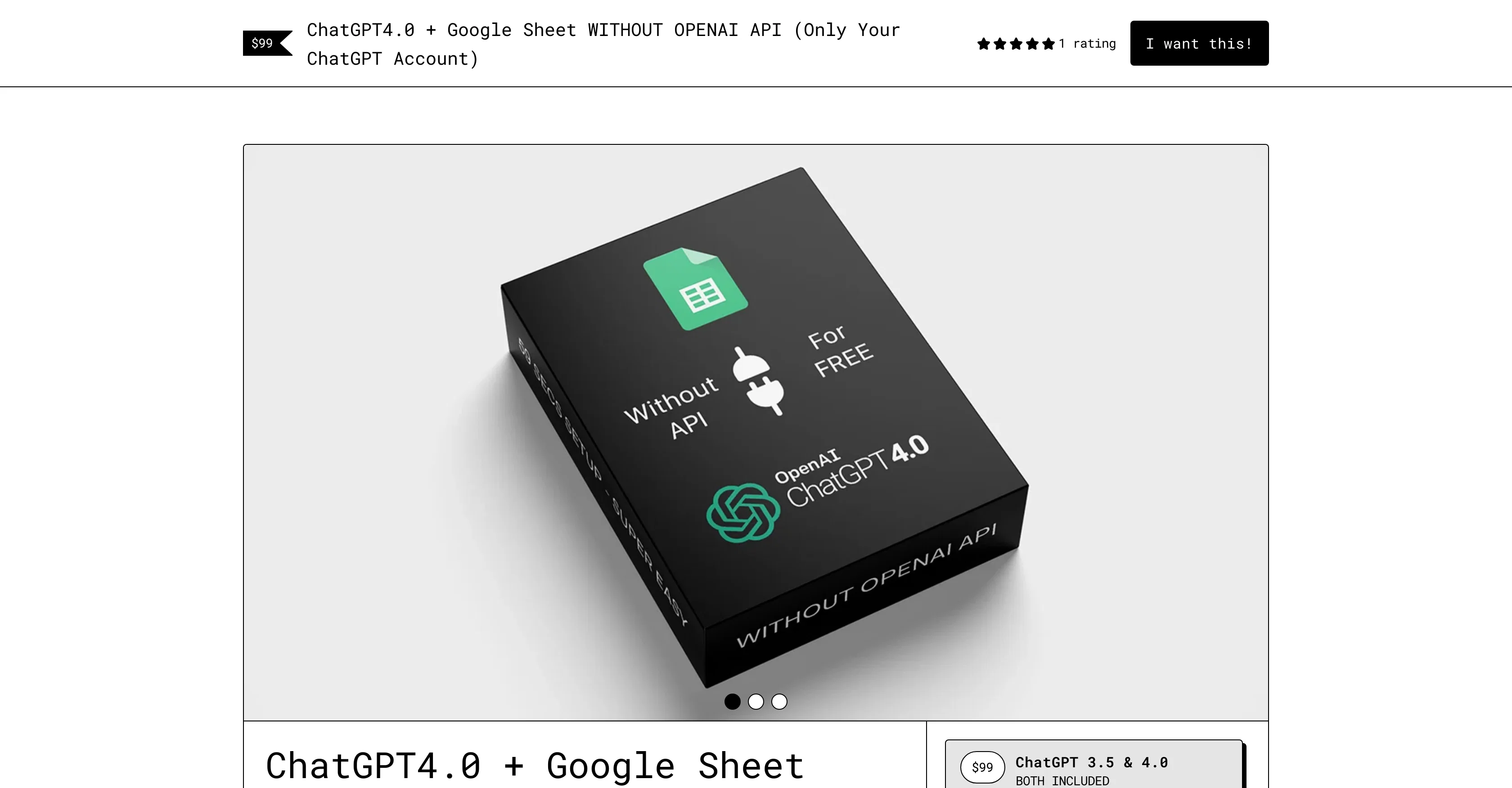
This tool aims to empower users by providing direct access to ChatGPT in Google Sheets without requiring OpenAI API access. It focuses on amplifying the users' productivity by seamlessly integrating with Google Sheets, providing instant access to ChatGPT and fitting perfectly into an existing workflow.
This tool claims to offer an easy-to-use and versatile ChatGPT integration, reducing the setup time significantly. Moreover, it offers a comprehensive video tutorial to assist with the setup.
The tool opens up the prospect of utilizing ChatGPT for various purposes ranging from data cleanup, text classification to translation, summarization, and data enrichment.
It encourages users to explore innovative ways to utilize ChatGPT in their work. The tool comes with a dedicated support team to assist users along the journey.
In addition, an optional use of ChatGPT3.5 is provided for users who exceed their GPT4.0 quota or for those utilizing a free account. Javascript is required to buy this tool.
Notably, this tool does not require OpenAI API access as it leverages your ChatGPT account.
Access & connections
Where you can use ChatGPT+ Google Sheet, and what it plugs into.
Platforms
Integrations
Capabilities
What this tool accepts, produces, and is strongest at.
Input
- Tabular
Output
- Text
Supported features
- Data Analysis
Pros & cons
Pros
- Integration under 60 seconds
- Comprehensive video tutorial
- Versatile applications
- Text classification functionality
- Data cleanup function
- Translation feature
- Summarization feature
- Data enrichment feature
Show 12 more
- Unlock creativity
- Affordable price
- Dedicated support team
- Seamless Google Sheets integration
- Optional ChatGPT3.5 for free users
- Harness ChatGPT power instantly
- Boosts productivity
- Saves time
- Fits into existing workflow
- Innovative use-cases
- Supercharges workflow
- Only requires JavaScript
Cons
- Requires Javascript
- Only works with Google Sheets
- Single user license
- Limited to ChatGPT quota
- No detailed technical documentation
- Setup tutorial only video-based
- Lacks multi-language support
- Not open source
Show 1 more
- Quota dependent on ChatGPT account
Compare alternatives
Similar tools in the catalog — with a clear reason to open each one.

SheetAI App - AI For Sheets ✓
FreemiumAI with brain power inside Google Sheets
Why look Freemium alternative
Full comparison
Sourcetable — AI spreadsheet & data analyst ✓
FreemiumAI spreadsheet & data analyst. 10x your productivity.
Why look Freemium alternative
Full comparison
TabTabTab ✓
FreemiumTurn Google Sheets into your personal research assistant.
Why look Freemium alternative
Full comparison
Grist ✓
FreemiumBuild complex spreadsheet workflows with AI in minutes.
Why look Freemium alternative
Full comparison
ChatGPT in Google Sheets ✓
Free TrialChatGPT in Google Sheets: Automate insights from your data.
Why look Typically cheaper
Full comparison
Numerous ✓
Free TrialAI-powered plugin to automate spreadsheet tasks
Why look Typically cheaper
Full comparisonReleases 1
FAQ 12
Does ChatGPT4.0 + Google Sheet WITHOUT OPENAI API require any APIs?
What functionalities does ChatGPT4.0 + Google Sheet WITHOUT OPENAI API offer?
What's the installation process of ChatGPT4.0 + Google Sheet WITHOUT OPENAI API?
How can ChatGPT4.0 + Google Sheet WITHOUT OPENAI API integrate with my existing Google Sheets?
Can I access ChatGPT4.0 + Google Sheet WITHOUT OPENAI API immediately after purchase?
Can I use ChatGPT4.0 + Google Sheet WITHOUT OPENAI API for translation?
Does ChatGPT4.0 + Google Sheet WITHOUT OPENAI API offer support for data cleaning?
What kind of support is provided with ChatGPT4.0 + Google Sheet WITHOUT OPENAI API?
Does the tool offer text classification capabilities?
Is there a tutorial available for ChatGPT4.0 + Google Sheet WITHOUT OPENAI API setup?
What are the requirements to buy ChatGPT4.0 + Google Sheet WITHOUT OPENAI API?
Can I use this tool even if OpenAI API is down?
Related tools
Recommended

LearningStudioAI ✓
Free TrialAI-powered authoring tool for effortless online course creation.

VenturusAI ✓
FreemiumBusiness idea analysis and reporting.

MagicSlides.app AI PPT Maker ✓
FreemiumCreate Stunning PPTs in Seconds with the AI PPT Maker

TutorAI ✓
FreemiumInstant knowledge on any topic

Hyperis ✓
FreemiumOrganized task prioritization.

Agentgpt ✓
FreemiumDeploy autonomous AI Agents effortlessly in your browser.