

ChatDiagram | Flowchart Generator ✓
Turn text into flowcharts instantly.
Free + from $15.9/mo
Verdict
A quick read before you dig into the full page.
- Best if
- Turn text into flowcharts instantly
- Skip if
- Limited customization options
- Pick this when
- Transforms text into flowcharts
Considering Flowova AI instead? Compare side by side
Overview
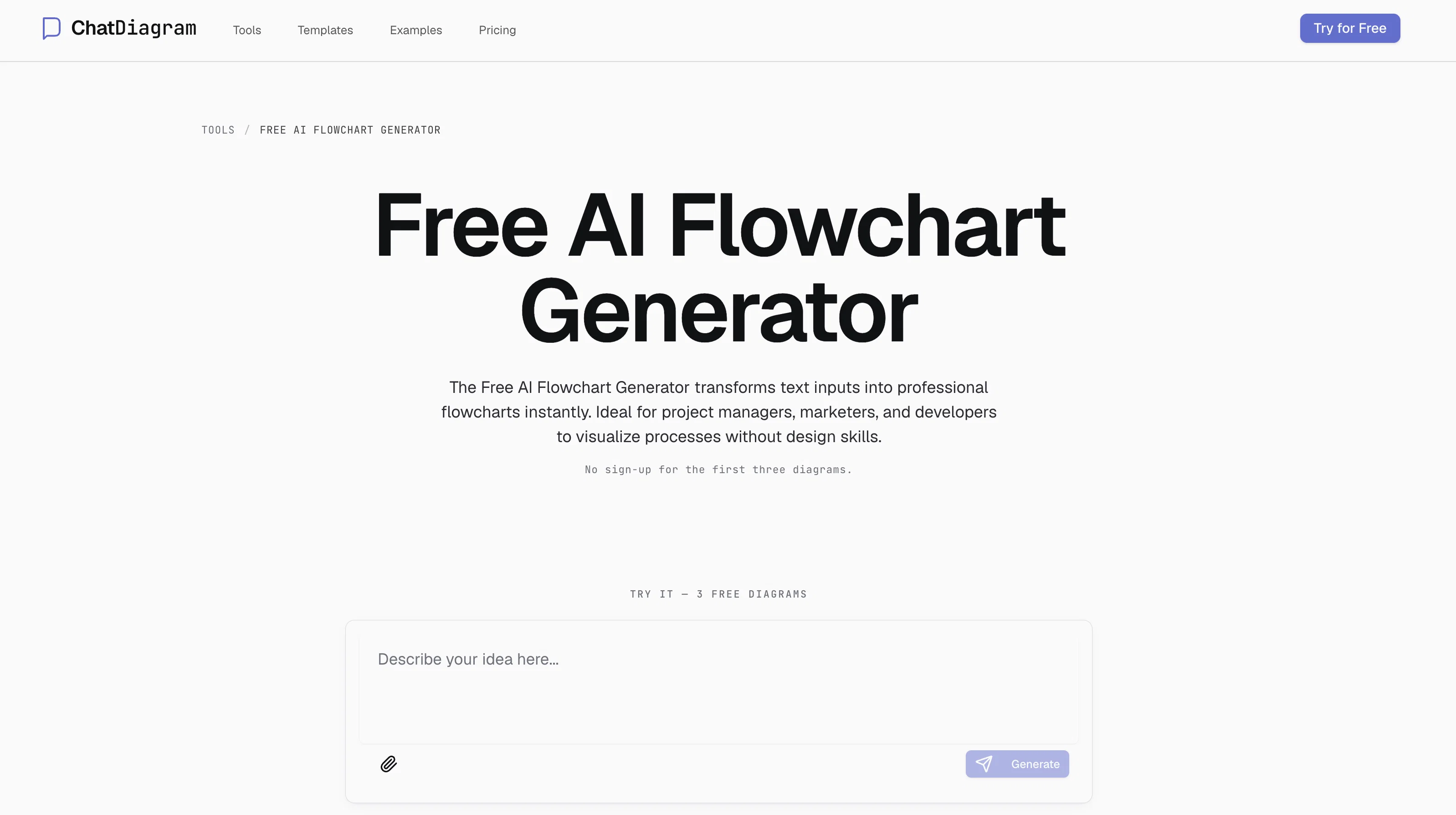
The Free AI Flowchart Generator is a tool that uses AI technology to instantly transform text-based descriptions into professional flowcharts. It is designed for a range of users, including project managers, marketers and developers, and does not require any design skills.
The process starts by describing your ideas or uploading a file that outlines your workflow or process. Following that, the AI analyses this input and creates a professional flowchart based on the provided description.
Users are then given the option to fine-tune the flowchart before exporting or sharing it. The platform supports various file formats for export, including PNG, SVG, PDF, and editable files, offering flexibility to the users.
The tool is free for use and does not require signup for generating the first three diagrams. Also, it facilitates sharing your flowcharts via a shareable URL for enabling online collaboration.
The tool can create several types of flowcharts, including process maps, data flowcharts, BPMN diagrams among others. Users can simply describe their flowchart in simple language, and the AI generates a diagram for them, eliminating the need for any design skills and offering ease of use.
Access & connections
Where you can use ChatDiagram | Flowchart Generator.
Platforms
Capabilities
What this tool accepts, produces, and is strongest at.
Input
- Text
Output
- Image
Highlights
- No Signup
Supported features
- Image Understanding
- Visual Creation
- Team Collaboration
- No Signup
Pros & cons
Pros
- Transforms text into flowcharts
- No design skills necessary
- Multiple user roles
- Uploading for workflow outline
- Flowchart customization
- Exports in various formats
- PNG, SVG, PDF, Editable files
- First three diagrams free
Show 16 more
- No signup required
- Collaboration via shareable URL
- Generates several flowchart types
- Process maps
- Data flowcharts
- BPMN diagrams
- Plain language descriptions
- No locking: export flexibility
- In-app quick iterations
- Document or image import
- Transformation from ideas to diagrams
- Can extract logic from files
- Ideal for project managers
- Ideal for marketers
- Ideal for developers
- Visualizes processes
Cons
- Limited free diagrams
- No mobile app
- Relies on accurate descriptions
- Lacks structured data input
- No live collaboration feature
- No real-time editing
- Limited supported file formats
- Unclear update frequency
Show 1 more
- Limited customization options
Compare alternatives
Similar tools in the catalog — with a clear reason to open each one.

Flowova AI ✓
FreemiumTurn text, images & docs into professional flowcharts in seconds
Why look Typically cheaper
Full comparison
DiagramMatic ✓
FreeConvierte descripciones en diagramas Mermaid con precisin lingstica.
Why look Fully free option
Full comparison
Flowsage ✓
FreemiumEffortless AI-powered flowcharting for your ideas.
Why look Typically cheaper
Full comparison
Dezyn ✓
PaidTurn architectural diagrams into interactive experiences.
Why look Typically cheaper
Full comparison
Flowchart AI ✓
FreemiumTurn text or images into editable flowcharts instantly.
Why look Typically cheaper
Full comparison
