
CaptionKit ✓
Create subtitles for videos effortlessly.
Verdict
A quick read before you dig into the full page.
- Best if
- Create subtitles for videos effortlessly
- Skip if
- Limited language options
- Pick this when
- Precision in text recognition
Considering Captioner.io instead? Compare side by side
Overview
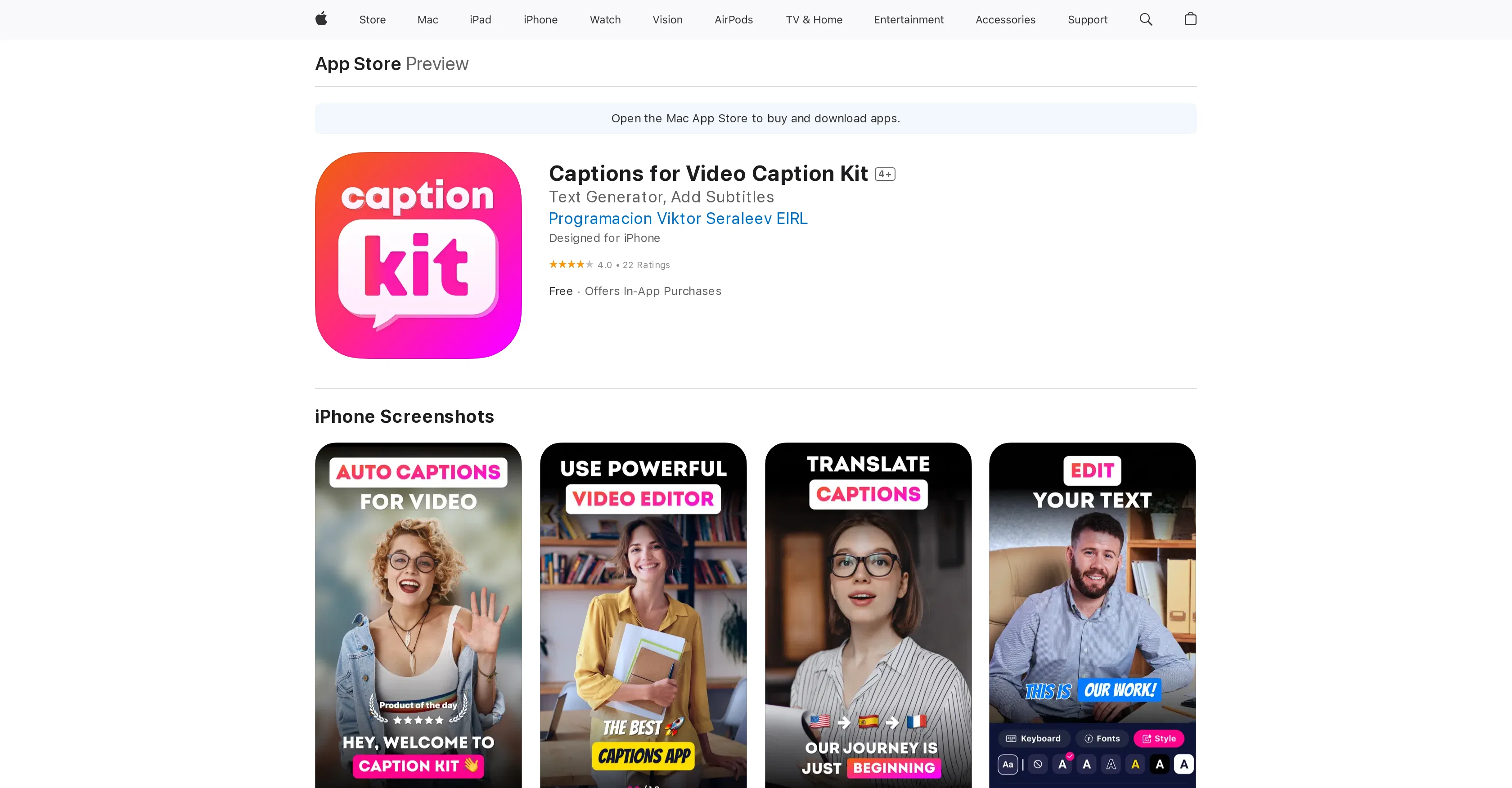
CaptionKit is an AI-powered tool designed to create and customize subtitles for videos. This app allows users to add subtitles to their video content in a few simple steps and supports a wide range of languages, making it versatile for various user types across the globe.
A standout feature of CaptionKit is its precision in text recognition, as it uses proprietary AI technology to ensure maximum accuracy. CaptionKit offers a selection of more than 20 ready-made subtitle templates, along with a text editor for customizing font, color, outline, background, and even adding shadows to subtitles.
Additionally, users can choose from various subtitle animations to enhance their videos. This tool also provides an option to translate subtitles into different languages, making it a convenient choice for creators aiming to reach a global audience.
Users can preview their videos before publishing to see how the captions will appear on different social media platforms like Instagram or TikTok. The tool also equips users with functionality to add and adjust background music.
CaptionKit caters to content creators, influencers, and anyone seeking to enhance their video content with professional-quality subtitles.
Access & connections
Where you can use CaptionKit, and what it plugs into.
Platforms
Integrations
Capabilities
What this tool accepts, produces, and is strongest at.
Input
- Text
- Video
Output
- Video
- Text
Pros & cons
Pros
- Precision in text recognition
- Supports multiple languages
- 20+ subtitle templates
- Customizable font
- Customizable color
- Outline customization
- Background customization
- Shadow addition to subtitles
Show 17 more
- Subtitle animations available
- Translation of subtitles
- Preview before publishing
- Social media platform optimization
- Background music addition
- Volume adjustment for audio
- Ideal for content creators
- Appeals to Global Audience
- New-Timing feature
- Manual duration control
- Merge and split functions
- Segmentation and analysis in distribution
- Eliminates dangling words
- Improved synchronization
- In-app purchases
- More than 100 languages supported
- Reusable subtitle styles
Cons
- No Android support
- In-app purchases required
- Limited template selection
- Requires iOS 16.4 or later
- Data linked to User Identity
- Compatibility dependent on Apple devices
- Features tied to visionOS
- Limited language options
Show 2 more
- Privacy concerns
- Potential data tracking across apps
Compare alternatives
Similar tools in the catalog — with a clear reason to open each one.

Captioner.io ✓
Free TrialAdd accurate, multilingual subtitles to videos - fast, right in your browser.
Why look Typically cheaper
Full comparison
RenderCut ✓
Free TrialAdd stylish subtitles to short videos instantly.
Free + from $15/mo
Full comparison
Animaker Subtitles ✓
FreemiumGenerate subtitles for videos with AI in one click.
Free + from $15/mo
Full comparison

AddSubtitle ✓
FreemiumTranslate video subtitles into 100+ languages instantly.
Why look Higher community rating
Full comparison
Releases 1
FAQ 12
How does CaptionKit use AI technology in subtitle creation?
How many languages does CaptionKit support for subtitling?
What customizations can be made to the subtitles using CaptionKit?
Can I preview my subtitles on social media platforms with CaptionKit before publishing?
What types of animations can be added to the subtitles with CaptionKit?
Can I translate subtitles into different languages with CaptionKit?
How precise is the text recognition in CaptionKit?
Can CaptionKit add background music to my videos?
Are there ready-made subtitle templates available in CaptionKit?
How does the customization of subtitles in CaptionKit work for font, color, and other features?
How can I use CaptionKit to make my content accessible to a global audience?
Can I see how the captions will appear on different platforms like Instagram or TikTok before publishing?
Related tools
Recommended

AI YouTube Title Generator ✓
Free TrialGenerate eye-catching YouTube titles that boost views and engagement.

SongGenerator.io ✓
FreemiumTransform text into AI-generated music instantly.

Musick.ai ✓
FreemiumCreate songs instantly with AI music generation

Music AI ✓
PaidGenerate stunning music from text with AI.

GPTExcel ✓
FreemiumGenerate spreadsheet formulas with AI

Scisummary ✓
Free TrialCutting-edge scientific articles summarization.