
Canva Online Translator ✓
Auto-translate designs with AI in 100+ languages.
Free + from $15/mo
Verdict
A quick read before you dig into the full page.
- Best if
- Auto-translate designs with AI in 100+ languages
- Skip if
- Limited multimedia format translations
- Pick this when
- Translates 100+ languages
Considering Glotera AI instead? Compare side by side
Overview
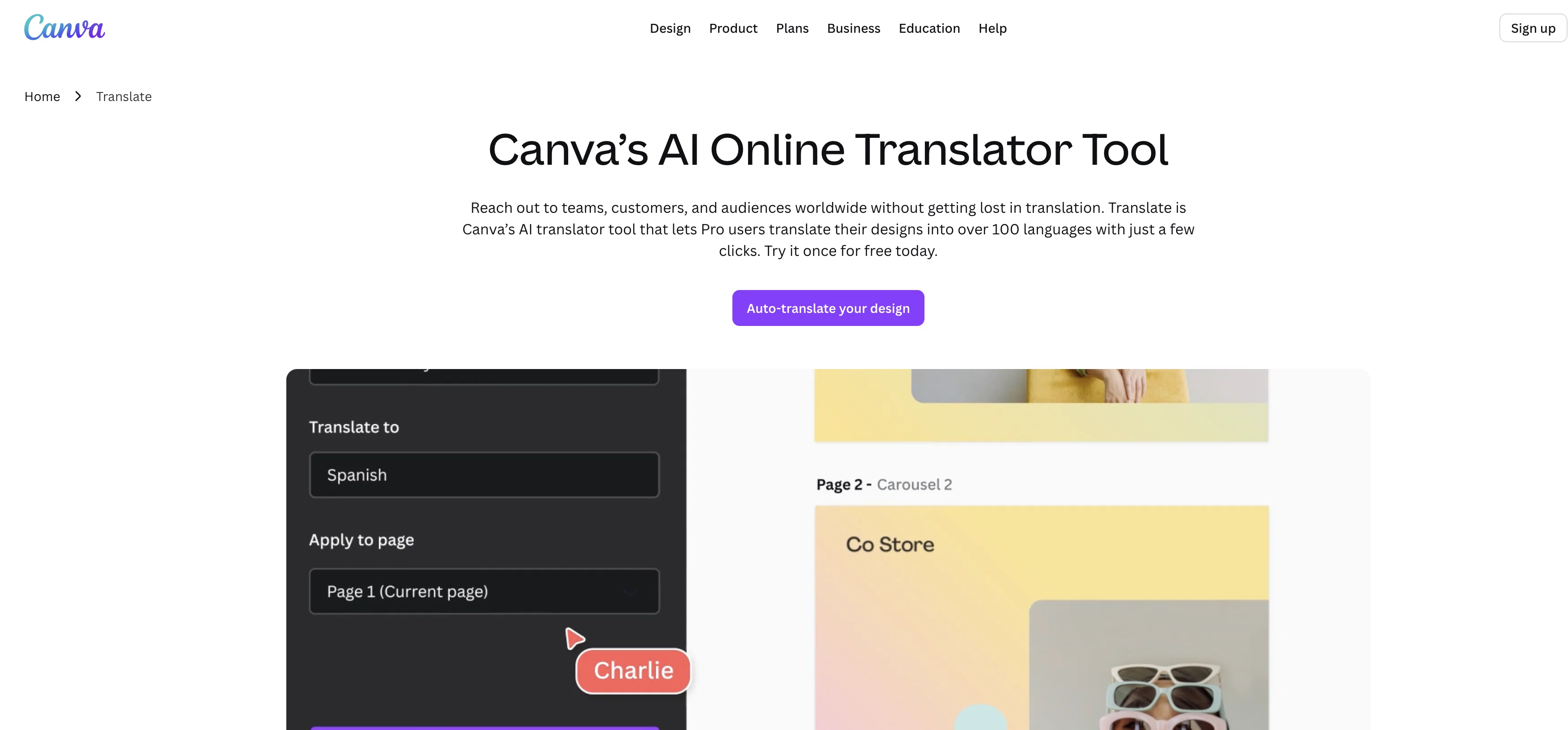
The Canvas Online Translator is an artificial intelligence tool crafted to enable seamless designing and translating needs beneficial to global team collaborations, marketing and business necessities.
The AI translator tool is available within the Canva Pro suite and allows authors to automatically translate their designs into over a hundred different languages.
The tool utilizes advanced machine learning technology to provide clear and natural interpretations of text. This allows users the ability to break language barriers and connect with international audiences with ease and precision.
Additionally, the tool ensures the original layout of the design is maintained, even when translating between left-to-right and right-to-left languages such as English to Arabic and vice versa.
This holistic tool obviates the need for a separate translation software by allowing users to translate their content while designing, with the added ability to edit, download, share or print the translated creations.
The online translator tool provides an avenue for users to swiftly translate large volumes of content monthly, including internal documents, presentations, videos and more, fostering better communication within global teams.
Access & connections
Where you can use Canva Online Translator, and what it plugs into.
Platforms
Integrations
Capabilities
What this tool accepts, produces, and is strongest at.
Input
- Tabular
- Text
Output
- Tabular
- Text
Supported features
- Translation
Pros & cons
Pros
- Translates 100+ languages
- Maintains original design layout
- Right-to-left language support
- Internal documents translation
- Marketing content translation
- Integrates with Canva Pro
- Automated translation during designing
- Edit, share, print functions
Show 29 more
- Large volume translation
- Maintains design while translating
- Automates design translation
- Integrated software solution
- Enhances global collaboration
- Speedy translation process
- Efficient content localisation
- Swift translation tool
- Artificial Intelligence powered translations
- Online editing capability
- Business useful tool
- Connects international audiences
- Ease of use
- Helps break language barriers
- Video translation capability
- Multimedia translation option
- Real-time collaboration feature
- Access on any device
- Cloud storage for designs
- Autosave feature
- Brand Kit Integration
- Automated document resizing
- One-click background remover
- One-click design resizing
- Drag-and-drop editing tools
- Access to numerous fonts
- Millions of free images
- Multilingual design tool
- Easy sharing and exporting
Cons
- Only in Canva Pro suite
- Possible translation errors
- No separate translation software
- May alter design layout
- Only online access
- Limited communication tools
- Translate large volumes monthly
- RTC language conversion errors
Show 2 more
- Limited multimedia format translations
- Can't translate mobile designs
Compare alternatives
Similar tools in the catalog — with a clear reason to open each one.
Glotera AI ✓
FreemiumType naturally and translate immediately in any app.
Why look Typically cheaper
Full comparison
Immersive Translate ✓
FreemiumSeamless bilingual translation for web and documents
Why look Typically cheaper
Full comparison
Machinetranslation ✓
FreemiumInstantly deliver the best machine translation output.
Free + from $12.75/mo
Full comparison
SeamlessExpressive ✓
UnknownAI-powered seamless translation across 100 languages.
No pricing
Full comparison
Transor ✓
FreemiumBreak language barriers with one click.
Why look Typically cheaper
Full comparison
Doc2Lang ✓
Free TrialAI-powered document translation in one click
Why look Typically cheaper
Full comparisonReleases 1
FAQ 12
What is Canva Online Translator?
How many languages does the Canva Online Translator support?
Is Canva Online Translator available for all Canva Pro suite subscribers?
Does the Canva Online Translator maintain the original layout even in RTL languages?
Can I edit my designs after translating it with Canva Online Translator?
Can I share or print my translated designs directly from the Canva platform?
How accurate are the translations using Canva Online Translator?
Does Canva Online Translator utilize machine learning technology for translations?
How does Canva Online Translator ensure natural interpretations of text?
Does Canva Online Translator support translation of multimedia content like videos?
Can I use the Canva Online Translator for internal communication within my global team?
How does Canva Online Translator assist in localizing marketing content?
Related tools
Recommended

TransGull ✓
FreemiumAI translation for conversations, speech, images and videos.
Translation-API.com ✓
PaidCompare and integrate top translation APIs effortlessly.

Alexa Translations A.I. ✓
UnknownBreaking the Language Barrier

VMEG Video Translation ✓
FreemiumBreak Down Language Barriers with Video Translation

CoeFont Interpreter ✓
FreemiumAI-powered voice interpretation for multilingual teams

MeeLang ✓
FreemiumLive AI subtitles for every meeting.
More from this creator

remove.bg ✓
FreemiumRemove image backgrounds in 5 seconds with one click
Canva Magic Design ✓
FreemiumAuto-generate designs with AI

Canva Visual Suite ✓
UnknownDesign for the new visual era

Unscreen Pro ✓
PaidUnscreen Remove video background

Canva AI Code Generator ✓
FreemiumTransform designs into interactive experiences without coding.

Canva Magic Write ✓
FreemiumAI writer for fast first drafts.