

Transor ✓
Break language barriers with one click.
Free + from $5/mo
Verdict
A quick read before you dig into the full page.
- Best if
- Break language barriers with one click
- Skip if
- Limited subtitle platforms
- Pick this when
- Multi-platform availability
Considering Glotera AI instead? Compare side by side
Overview


Transor is an AI-powered translation tool designed to facilitate real-time language translation across various platforms and formats. The tool is equipped to translate websites, subtitles from video streaming platforms such as YouTube and Netflix, PDF documents, and images.
This makes it particularly suitable for users who need to comprehend content in foreign languages for personal, academic, or professional purposes. Transor's real-time translation feature permits immediate understanding of the content, thereby saving time and enhancing productivity.
The tool is available on multiple platforms such as the Web, via a Chrome extension, and on mobile and desktop operating systems including Android, iOS, Windows, and Mac.
This universal availability allows users to access its functionalities on the platform of their choice. As a point of note, Transor requires JavaScript to be enabled to function properly, as is suggested on their official website page.
With a single click, it strives to break language barriers, making content accessible across various international regions and for users of diverse linguistic backgrounds.
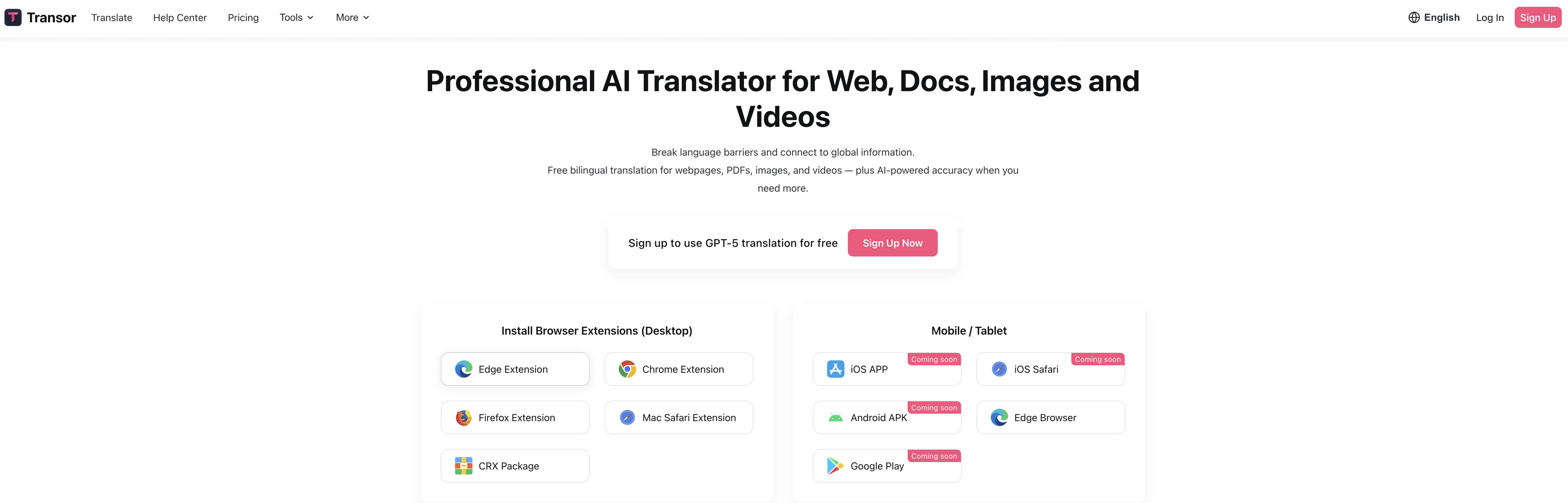
Access & connections
Where you can use Transor, and what it plugs into.
Platforms
Capabilities
What this tool accepts, produces, and is strongest at.
Input
- API
- Image
- Text
- Video
Output
- Video
- API
- Text
- Image
Highlights
- MCP
- Local
- Open Source
Supported features
- MCP
- Runs Locally
- Open Source
- Translation
Pros & cons
Pros
- Multi-platform availability
- One-click translation
- Translates websites
- Translates media subtitles
- PDF document translation
- Image translation
- Available as Chrome extension
- Real-time translation feature
Show 14 more
- Enhances productivity
- Supports professional use
- Supports personal use
- Supports academic use
- Promotes content accessibility
- Facilitates cross-cultural communication
- Universal accessibility
- JavaScript enablement for functionality
- User-friendly UI
- Supports multilingual users
- Translates Netflix subtitles
- Translates YouTube subtitles
- Comprehensive language tool
- Breaks language barriers
Cons
- Requires JavaScript enabled
- Limited for restricted environments
- Only one-click translations
- Inflexibility in translation options
- May struggle with images
- Limited subtitle platforms
- No offline mode
- No multiple translation profiles
Show 2 more
- No translation revision history
- No version for Linux
Compare alternatives
Similar tools in the catalog — with a clear reason to open each one.

Glotera AI ✓
FreemiumType naturally and translate immediately in any app.
Why look Typically cheaper
Full comparison
Immersive Translate ✓
FreemiumSeamless bilingual translation for web and documents
Free + from $9.99/mo
Full comparison
Machinetranslation ✓
FreemiumInstantly deliver the best machine translation output.
Free + from $12.75/mo
Full comparison
SeamlessExpressive ✓
UnknownAI-powered seamless translation across 100 languages.
No pricing
Full comparison

Reverso ✓
FreemiumTranslate texts instantly across multiple languages
Free + from $7.41/mo
Full comparisonReleases 1
FAQ 12
What does Transor do?
What platforms is Transor available on?
How does Transor handle the translation of various media types?
Does Transor support translation of subtitles from Netflix and YouTube?
How does Transor translate images and PDF documents?
What is the 'one-click action' feature of Transor?
Is JavaScript necessary for Transor to work optimally?
Can Transor be limited by certain browser settings?
What is the intended user experience with Transor?
Can Transor be utilized for professional document translation?
How can Transor aid with tasks involving foreign language content?
What is the real-time translation service offered by Transor?
Related tools
Recommended

TheLibrarian.io ✓
Free TrialYour WhatsApp AI assistant for instant productivity.

DeepSeek ✓
FreeUnravel the mystery of AGI with curiosity

remio: Your Personal ChatGPT ✓
FreemiumGet Tailored Answer with Your Personal ChatGPT

Grist ✓
FreemiumBuild complex spreadsheet workflows with AI in minutes.

Recall ✓
FreemiumSummarize Anything, Forget Nothing!

Kin - Personal AI Advisors ✓
FreePrivacy-first & designed your for mind, and life at work