

BCalendar ✓
Scan calendars to your phone with AI
Verdict
A quick read before you dig into the full page.
- Best if
- Scan calendars to your phone with AI
- Skip if
- Limited digital image compatibility
- Pick this when
- Translates paper-based calendars
Considering Smart Calendars AI — Plan fast & easy instead? Compare side by side
Overview
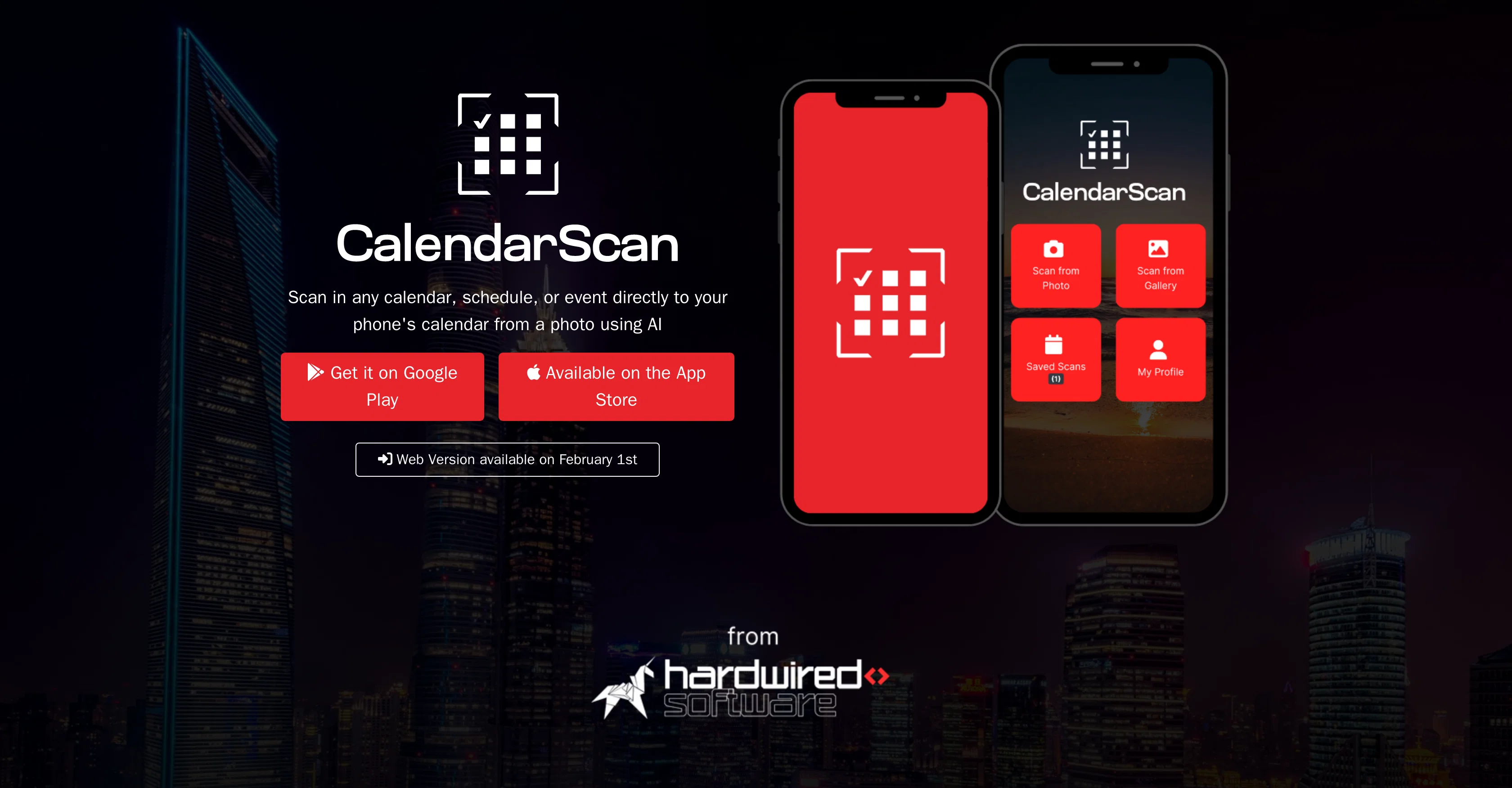
BCalendar is an artificial intelligence powered tool designed to help users manage their calendars more efficiently. The central function of the tool is to translate paper-based calendars, schedules, or events into a digital format.
The process involves capturing a photo of the calendar or schedule. The tools AI capabilities can interpret the data from the image and directly import it into the user's mobile phone calendar.
Its functionality does not only limit to physical calendars or schedules but can also work with digital images of such documents. This allows users to save time and streamline their schedule management process.
The tool is available for download on Google Play and the App Store, making it compatible with both Android and iOS devices. Additionally, there will also be a web version of the tool, expected to be launched soon, to broaden its user base beyond mobile users and for improved accessibility.
The main purpose of BCalendar is to simplify and enhance calendar management by using AI-powered technology to eliminate manual data entry. It is ideal for individuals seeking an easier way to manage their schedules digitally from various sources.
Access & connections
Where you can use BCalendar.
Capabilities
What this tool accepts, produces, and is strongest at.
Input
- Image
Output
- Tabular
Pros & cons
Pros
- Translates paper-based calendars
- Captures calendar photo
- Interprets data from image
- Imports data into phone
- Also compatible with digital images
- Available on Google Play
- Available on App Store
- Web version soon available
Show 12 more
- Eliminates manual data entry
- Direct scan to phone
- Streamlines schedule management
- Simplifies calendar management
- Ideal for various sources
- Time-saving tool
- Enhances efficiency
- Supports Android and iOS
- Supports digital transformation
- Good for time management
- Text interpretation feature
- Optimized for mobile application
Cons
- Requires photographing physical documents
- Dependent on image quality
- No integration with desktop calendars
- Delay in web version launch
- No support for non-mobile devices
- Limited digital image compatibility
- Doesn't support handwritten calendars
- No collaborative sharing options
Show 2 more
- Only works with English text
- No mention of security measures
Compare alternatives
Similar tools in the catalog — with a clear reason to open each one.

Smart Calendars AI — Plan fast & easy ✓
FreemiumSchedule without effort: speak, snap, paste — plan and adapt as you
Why look Higher community rating
Full comparison

Vimcal ✓
FreemiumThe world's fastest calendar for remote work
Why look Higher community rating
Full comparison

Toki AI ✓
FreemiumAI calendar assistant that manages your schedule.
Why look Higher community rating
Full comparisonReleases 1
FAQ 12
What is BCalendar?
How does BCalendar work?
What are the AI capabilities of BCalendar?
Can BCalendar work with digital images of calendars or schedules?
What platforms is BCalendar available on?
Is BCalendar compatible with both Android and iOS devices?
How does BCalendar streamline the schedule management process?
What is the main purpose of BCalendar?
Is there a web version of BCalendar available?
Who would benefit most from using BCalendar?
How does BCalendar help with time management?
Does BCalendar support paper-to-digital conversion?
Related tools
Recommended

Kin - Personal AI Advisors ✓
FreePrivacy-first & designed your for mind, and life at work

Summarist ✓
FreeAI-powered book summaries in seconds

IllumiChat ✓
FreemiumFrom Ticket Backlog to Instant Answers Powered by AI

TutorAI ✓
FreemiumInstant knowledge on any topic

Limecube ✓
FreemiumTransforming the way websites are created with AI.

DealSize.ai ✓
FreePowered by AI. Made for Traders.