

Verdict
A quick read before you dig into the full page.
- Best if
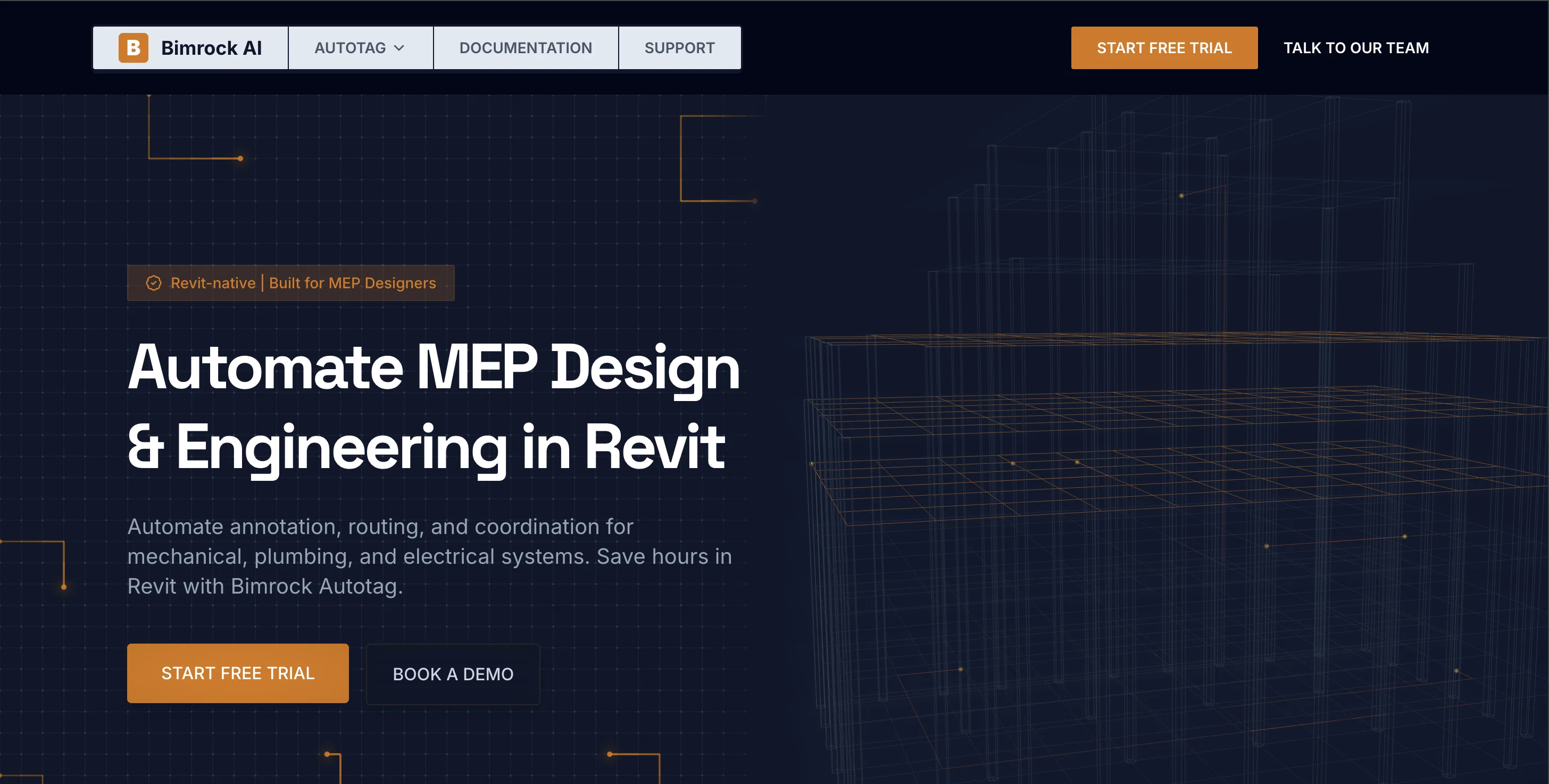
- Automate MEP design and engineering in Revit
- Skip if
- Filtering can become complex
- Pick this when
- Automates MEP design
Considering Easy MCP AI - Wordpress Connector for Claude ChatGPT instead? Compare side by side
Overview







Check us out directly on the Autodesk App Store
https://marketplace.autodesk.com/apps/c859eb8f-c9c7-459b-a614-0036cbe69c10
Access & connections
Where you can use Autotag by Bimrock AI, and what it plugs into.
Integrations
Capabilities
What this tool accepts, produces, and is strongest at.
Input
- Tabular
- Text
Output
- Text
Highlights
- API
- Local
Supported features
- API
- Runs Locally
Pros & cons
Pros
- Automates MEP design
- Streamlines annotation process
- Enhances routing and coordination
- Precision tagging
- Avoids tag overlaps
- Prevents colliding tags
- Clean, professional presentation
- Customizable features
Show 41 more
- User-defined rules
- Consistent tagging across views
- Smart tag placement algorithm
- Automatic fallbacks
- Elements filtration options
- Batch-processing for large projects
- Supports all MEP disciplines
- Supports architectural elements
- Works with any Revit model
- Sharing standards across team
- Reduces design inconsistencies
- Scalable licensing options
- Saves hours of work
- Interns' sheets match experienced designers
- Overlap-free tag placement
- Reduces QC time
- Batch annotate entire building
- Filter criteria options
- Automatic tag overlap organization
- Revit-native integration
- No special families required
- Works with linked models
- Works with cloud models
- Place parameter defined on elements
- Single operation full documentation processing
- Automates repetitive tagging
- Transparent pricing
- Built-in default profiles
- Community support
- Team collaboration tool
- Guided onboarding
- Priority support for firms
- Dedicated account representative for Enterprise
- Early access to future tools
- Compatible with Revit 2023-2026
- Supports linked and cloud models
- Works with existing Revit templates
- MEP-specific tool
- Supports custom families and native families
- Shareable profiles feature
- Cloud processing
Cons
- Only supports Revit
- No offline working capability
- Requires continuous licensing renewal
- Not compatible with other design programs
- Dependency on cloud infrastructure
- Limited tag editing options
- Limited customization beyond tagging
- Filtering can become complex
Show 2 more
- No single user licenses
- No specified data protection mechanisms
Compare alternatives
Similar tools in the catalog — with a clear reason to open each one.

Easy MCP AI - Wordpress Connector for Claude ChatGPT ✓
FreeThe Most Complete End-to-End MCP for WordPress
Why look Fully free option
Full comparison
Post MCP Ai - Ai For Social Media Scheduling ✓
FreemiumYour social media, on AI autopilot.
Why look Typically cheaper
Full comparison
Vital Care Finder MCP Server ✓
UnknownFind and call US care providers without leaving your AI chat.
Doctor search
Full comparison
Image MCP Server ✓
PaidOne server for every AI image task.
Why look Typically cheaper
Full comparison
WhatsApp MCP by TimelinesAI ✓
Free TrialControl WhatsApp with a prompt.
Why look Typically cheaper
Full comparison
BlueAlpha MCP ✓
UnknownDo next week's marketing work in the next hour.
Marketing optimization
Full comparisonReleases 1
FAQ 12
What is Bimrock AI Autotag?
How does Bimrock AI Autotag streamline annotation, routing, and coordination in Revit?
What is the key feature of Bimrock AI Autotag?
How does Bimrock AI Autotag help in avoiding overlaps and colliding tags?
What kind of customization does Bimrock AI Autotag offer?
Can you apply consistent tagging logic across views using Bimrock AI Autotag?
How does the intelligent tag placement algorithm in Bimrock AI Autotag work?
What criteria does Bimrock AI Autotag use for element filtering?
How does Bimrock AI Autotag automate the batch processing of a building's documentation?
What MEP disciplines does Bimrock AI Autotag support?
Can Bimrock AI Autotag work with any model loaded in Revit?
How can you share standards across a team using Bimrock AI Autotag?
Related tools
Recommended

VidFlux - Image to Video AI ✓
PaidTransform any image into stunning videos.

Framehouse Design ✓
Free TrialAI interior design for any room.

PixScript ✓
FreemiumVideo to Text in Seconds

WriteSong AI ✓
FreemiumTransform prompts into complete songs with AI vocals.

Serno ✓
FreemiumCustom AI experts that map what one AI can't

Movie Maker Gemini ✓
FreeGenerate watermark-free AI videos with your Gemini key