

BgSub ✓
Remove or replace image backgrounds instantly, without uploading
Verdict
A quick read before you dig into the full page.
- Best if
- Remove or replace image backgrounds instantly, without uploading
- Skip if
- Limited to image backgrounds
- Pick this when
- Fast background removal
Considering Remove Background by Picsart instead? Compare side by side
Overview
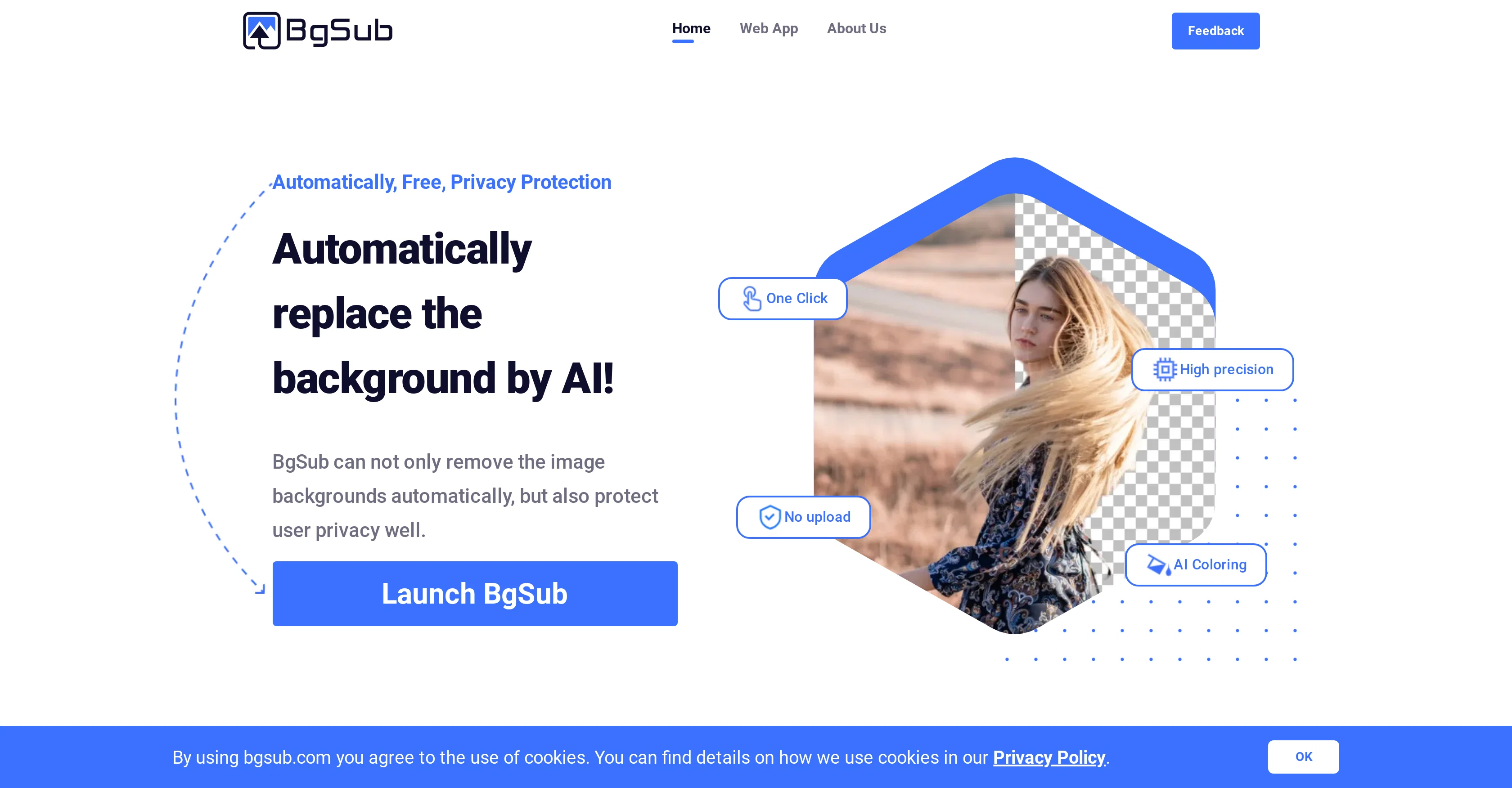
BgSub is a highly-automated web application that utilizes AI technology to efficiently remove or replace backgrounds from images. The tool's functionality doesn't require image uploads, thus offering significant privacy protection to users.
It features high precision, and for further visual enhancement, it includes an AI Coloring feature which intelligently adjusts the color of the processed images.
Beyond just removing backgrounds, BgSub also allows users to replace them with a choice of color, gradient, or a different image. It provides free adjustment of size, position, and mirroring as well as the opportunity to apply various artistic effects.
BgSub is exceptionally beneficial for individuals wanting to modify their social media photos, web/app developers needing attractive images, photographers looking to change backgrounds without the use of a green screen, e-commerce sites needing to enhance product images, and anyone in media or marketing requiring eye-catching images.
Despite the AI-based complexity of the tool, BgSub offers an easy-to-use interface and quick results, making image background alterations a simple task.
Access & connections
Where you can use BgSub.
Platforms
Capabilities
What this tool accepts, produces, and is strongest at.
Input
- Image
Output
- Image
Pros & cons
Pros
- Fast background removal
- Precise background replacement
- Intelligent color adjustment
- Advanced artistic effects
- High privacy protection
- No image upload required
- High resolution support
- Free commercial usage
Show 17 more
- API access
- Batch processing
- Suitable for individuals
- Ideal for web/app developers
- Beneficial for photographers
- Useful for e-commerce
- Effective for media marketing
- Offers size adjustment
- Provides positioning adjustment
- Allows image mirroring
- Social media photo friendly
- Requires no green screen
- Flexible customization
- One-click color adjustment
- Enhances image appeal
- Creates attractive images
- High precision processing
Cons
- Limited to 200 megapixels
- No image storage
- Depends on internet connection
- No simultaneous multi-image processing
- Lack of customisation options
- No offline version
- Limited to image backgrounds
- Web-based operation only
Compare alternatives
Similar tools in the catalog — with a clear reason to open each one.

Remove Background by Picsart ✓
FreemiumInstantly remove backgrounds for clean, transparent images—perfect for products, designs, and creative
Why look Offers a public API
Full comparison
Merchant Floor | Background Remover ✓
FreemiumRemove the background & retouch your product photos
Free + from $20
Full comparison
remove.bg ✓
FreemiumRemove image backgrounds in 5 seconds with one click
Why look Offers a public API
Full comparison
AI Background Remover - Picsman ✓
Free TrialInstantly remove image backgrounds with AI
Why look Stronger for image work
Full comparison
Removal.AI
FreemiumAI tool for instant automated image background removal and editing.
Why look Stronger for image work
Full comparisonReleases 1
Imported reviews 1
it's lovely.
FAQ 12
What is BgSub?
What kind of technology does BgSub use?
How quickly can BgSub process images?
Does BgSub store any of my uploaded images?
Can I use BgSub commercially?
What is the maximum resolution that BgSub supports?
Can BgSub handle complex tasks?
Who can benefit from using BgSub?
Does BgSub only remove backgrounds or can it also replace them?
What are the image adjustment features of BgSub?
Can I use my own images to replace the background with BgSub?
Does BgSub offer batch processing or API access?
Related tools
Recommended

Color-anything ✓
FreeCreate AI coloring pages from your imagination.

Unlimitedbg ✓
FreeAutomatically remove photo backgrounds, unlimited and offline.

Erase.bg ✓
FreemiumRemove background from images for free

Findsight ✓
FreeCompare non-fiction ideas from multiple sources.

AI Background Generator by PhotoRoom ✓
FreemiumGenerate infinite unique AI backgrounds from text descriptions.

Pixian.AI ✓
FreemiumRemove image backgrounds instantly, no signup required.