

BeautiAI ✓
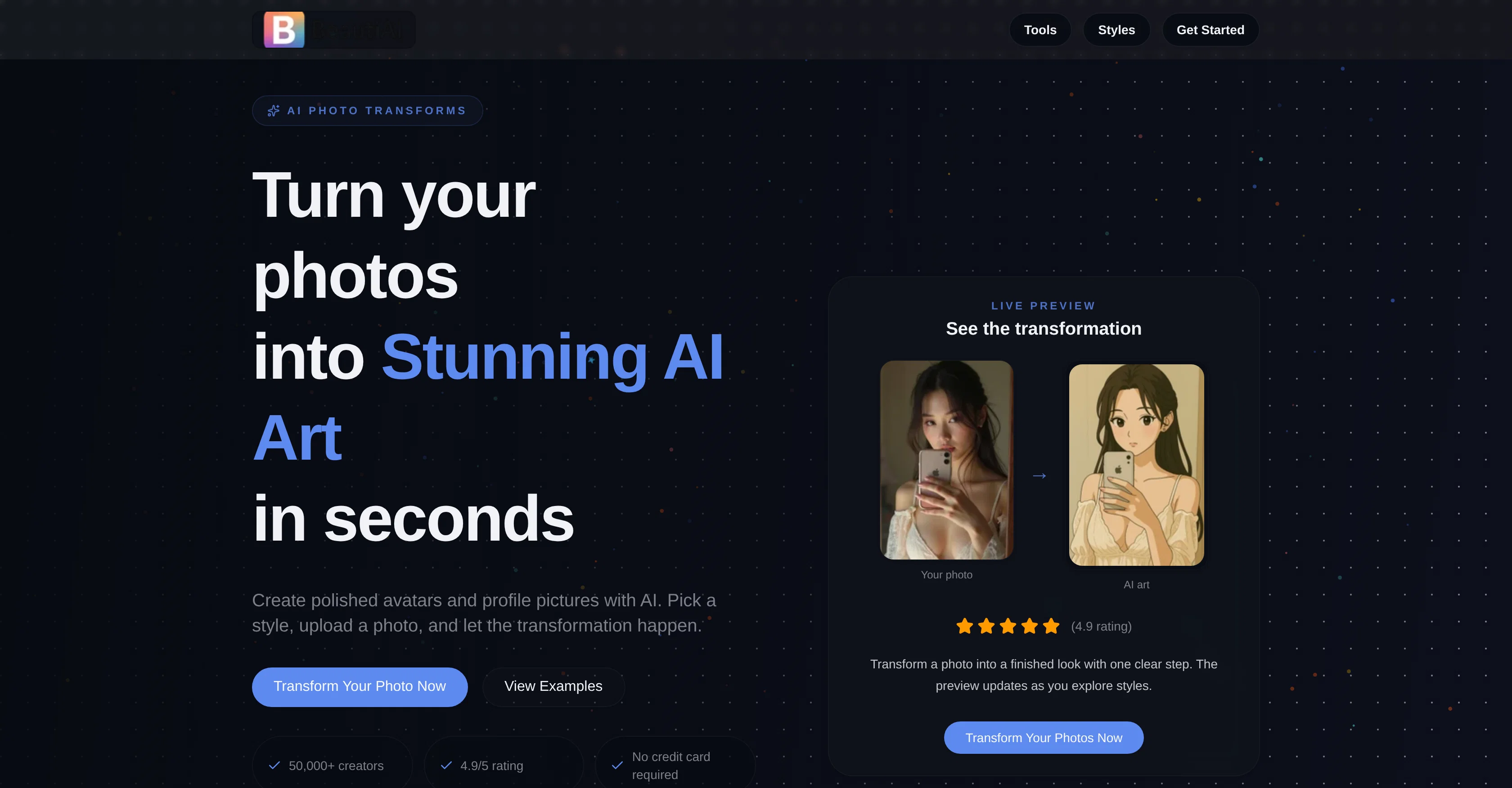
Turn your photos into stunning AI art in seconds.
Free from $15/mo
Verdict
A quick read before you dig into the full page.
- Best if
- Turn your photos into stunning AI art in seconds
- Skip if
- Restricted transformations per credit
- Pick this when
- Uses Google Nano Banana
Considering ArchOne AI instead? Compare side by side
Overview
BeautiAI is an AI-powered photo editor that helps transform user photographs into artistic creations. The tool utilizes state-of-the-art AI models, including Google Nano Banana and Flux, to generate its transformative effects.
BeautiAI aims to simplify the editing process with its style-based system, allowing users to turn their photos into different types of artwork with ease.
From preppy fashion and anime effects to traditional painting techniques, the tool offers a range of styles for users to select from. The editor works by users uploading a photo, choosing an artistic style, and letting the AI manage the transformation.
The result is a high-quality, stylized version of the original photograph. Moreover, BeautiAI is built to cater to different needs, whether it's crafting polished avatars for social media or creating engaging content for personal use.
According to user testimonials, the platform helps in boosting engagement, saving time, and introducing unique visual styles to personal and professional projects.
Regular updates and integration of the latest in AI technology ensure that the tool remains up-to-date with the newest developments in AI image processing.
Access & connections
Where you can use BeautiAI.
Platforms
Pros & cons
Pros
- Uses Google Nano Banana
- Uses Flux
- Style-based system
- Multiple artistic styles
- High-quality transformations
- User-friendly interface
- Suitable for social media
- Boosts engagement
Show 29 more
- Saves time
- Introduces unique visual styles
- Regular updates
- Real-time updates
- Various output needs
- Transformative effects
- Single upload art creation
- Live preview
- 50,000+ active creators
- 2M+ images generated
- Used by content creators
- User testimonials
- Trusted by 50,000+ creators
- 4.9/5 user rating
- Increase in active creators
- Increasing images generated
- Positive reviews
- Selection from 15+ styles
- Steps defined for transformation
- Various pricing options
- Credit-based pricing
- Failed transformations refunded
- No subscriptions required
- Credits never expire
- Responsive customer service
- No subscription required
- Flexible credit packs available
- Secured checkout
- Good for personal projects
Cons
- Requires internet connection
- Limited style range
- Paid service
- Restricted transformations per credit
- No offline use
- Potential privacy issues
- No bulk transformations
- Not suited for raw images
Show 2 more
- No professional adjustment tools
- Unsuitable for large scale projects
Compare alternatives
Similar tools in the catalog — with a clear reason to open each one.

ArchOne AI ✓
FreemiumAll-in-One AI Spatial Design Visualization Platform
Why look Typically cheaper
Full comparison
Monipix ✓
FreemiumUpscale blurry photos to 4K & 16K instantly.
Free + from $16.58/mo
Full comparison
Vireel AI French Kiss Generator ✓
PaidCreate personalized AI kiss scenes in seconds.
Why look Typically cheaper
Full comparison


Supawrite ✓
PaidAutomated SEO blog posts that actually rank.
Why look Better for writing
Full comparisonReleases 1
FAQ 12
What is BeautiAI?
What AI models does BeautiAI use?
How does the style-based system of BeautiAI work?
What types of artwork styles does BeautiAI offer?
How does the editing process work in BeautiAI?
Can BeautiAI create avatars for my social media profiles?
How does BeautiAI help in boosting engagement?
How often does BeautiAI update its AI models?
How does the credit system of BeautiAI work?
What can I do if I am not satisfied with the photo transformation by BeautiAI?
What is the process of transforming photos using BeautiAI?
How do I upload my photo in BeautiAI?
Related tools
Recommended

VenturusAI ✓
FreemiumBusiness idea analysis and reporting.

LearningStudioAI ✓
Free TrialAI-powered authoring tool for effortless online course creation.

IllumiChat ✓
FreemiumFrom Ticket Backlog to Instant Answers Powered by AI

Otio ✓
FreemiumFastest Way To Read & Write - Your Research Focused AI Workspace

Beeyond AI ✓
Free TrialBeeyond AI: Unlock 50+ AI tools under one subscription

Photo AI ✓
PaidCreate beautiful AI photos and videos of real people