

Atomic Mail ✓
Encrypted email you can trust
Free + from $5/mo
Verdict
A quick read before you dig into the full page.
- Best if
- Encrypted email you can trust
- Skip if
- Limited to 10 aliases
- Pick this when
- End-to-end encryption
Considering hi ai instead? Compare side by side
Overview
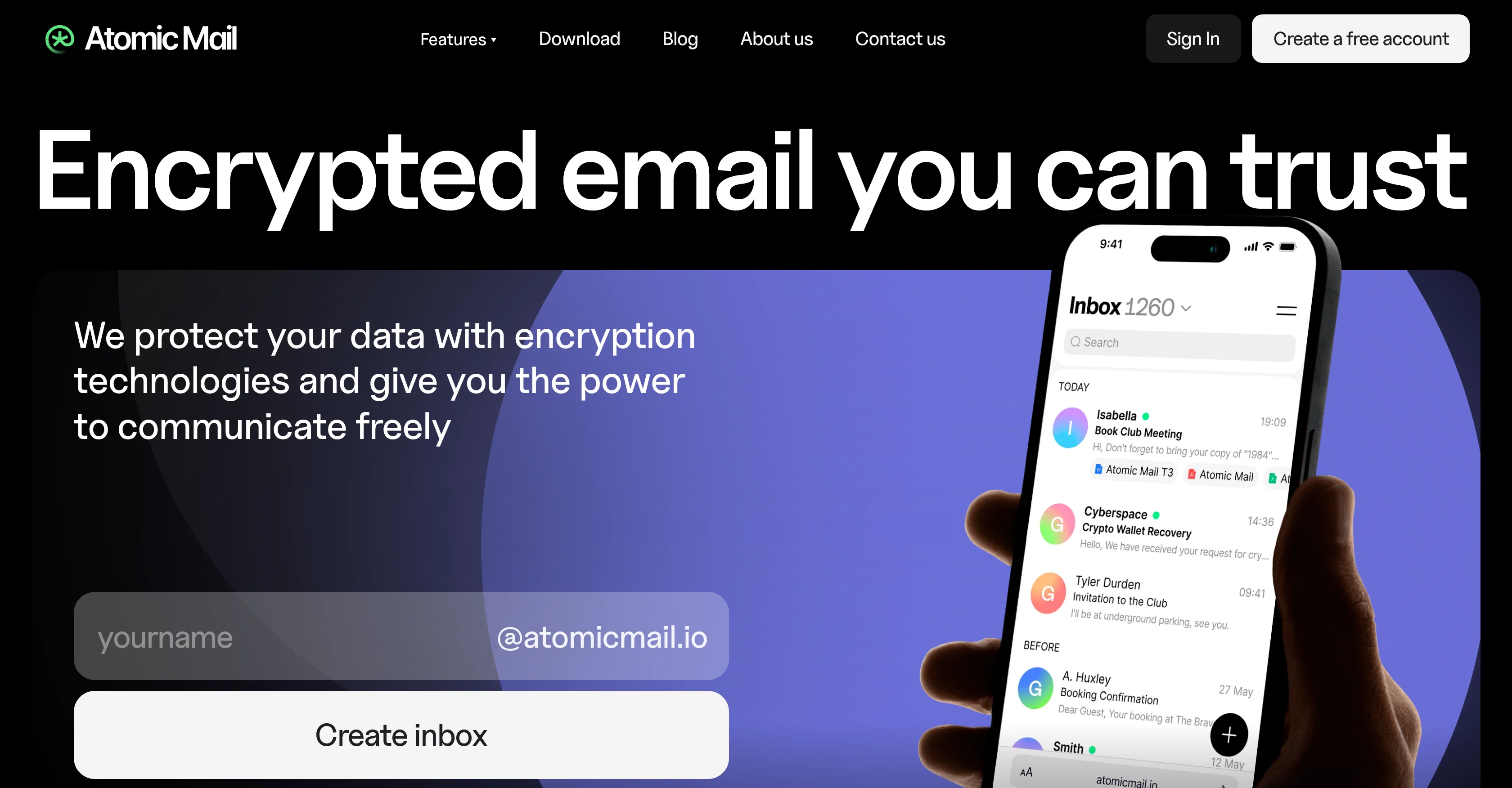
Atomic Mail is an email hosting provider with a focus on user privacy and security. It offers several features designed to protect user communication, such as end-to-end encryption and zero access encryption, ensuring content of emails and files are stored in a way that the provider cannot access.
The creation of multiple email aliases allows users to maintain their privacy, while email password protection offers an added layer of security. Another noteworthy feature is the ability to recover account access using a seed phrase, a functionality made possible without requiring personal data.
For convenience and productivity, Atomic Mail also offers various AI-powered functions: a 'Security Helper' that recommends encryption for potentially sensitive data, text-to-voice and voice-to-text tools for hands-free email handling and dictation respectively, an 'Email Summarizer' to distil lengthy messages into concise summaries, and an AI rewriter and writing assistance tool to create and manage emails more efficiently.
Additionally, the service ensures a consistent user experience across various devices.
Best for
Short scenarios where Atomic Mail tends to shine.
-
Encrypted email you can trust
Example outputs 1
Sample generations and before/after results for Atomic Mail.
Access & connections
Where you can use Atomic Mail.
Platforms
Capabilities
What this tool accepts, produces, and is strongest at.
Input
- Text
- Audio
Output
- Audio
- Text
Supported features
Pros & cons
Pros
- End-to-end encryption
- Zero-access encryption
- Alias creation feature
- Password protection for emails
- Account recovery with seed phrase
- No personal data required for recovery
- Text-to-voice converter
- Voice-to-text converter
Show 15 more
- Security Helper for sensitive content
- Compatible across multiple devices
- Privacy-centric email hosting
- GDPR compliant
- Two-Factor Authentication
- Spam free with unique filter
- Secure native email apps
- Biometric login options
- Recover access with seed phrase
- Cross-platform email encryption
- Create up to 10 aliases
- Password protected emails for external recipients
- Hide-My-Email aliases
- POP3/IMAP encryption bridge
- No ads and free storage
Cons
- No direct support
- Limited alias creation
- Potential overreliance on seed phrase
- No business functionality yet
- Limited to 10 aliases
- No mentioned integration with third-party apps
- No specified encrypted large file storage
- Requires password for every email
Compare alternatives
Similar tools in the catalog — with a clear reason to open each one.

Canary Mail ✓
FreemiumAutomated productivity, content, and inbox management.
Free + from $20/yr
Full comparison
Re:GPT ✓
FreemiumEnhanced email productivity with faster composition.
Free + from $8/mo
Full comparison
Agentic Mail | Hostinger ✓
PaidEmail infrastructure built for AI agents.
Why look Typically cheaper
Full comparison
Arch AI ✓
FreeThe first AI email copilot to boost productivity.
Why look Fully free option
Full comparisonPeople also view
Tools that often show up alongside Atomic Mail in collections and comparisons.

hi ai ✓
PaidSend emails instantly using AI.
Agentic Mail | Hostinger ✓
PaidEmail infrastructure built for AI agents.

Superhuman ✓
PaidAI-powered email for blazing speed and productivity
Re:GPT ✓
FreemiumEnhanced email productivity with faster composition.
Canary Mail ✓
FreemiumAutomated productivity, content, and inbox management.
Arch AI ✓
FreeThe first AI email copilot to boost productivity.
NewsForYou ✓
Free TrialGet personalized insights on topics that matter.

HeyHelp ✓
Free TrialAI Email Assistant in Gmail that saves you 1 hour each day.
Releases 1
Imported reviews 1
unexpectedly nice email service with useful ai features. heavily recommended.
FAQ 12
What is end-to-end encryption in Atomic Mail?
How does Atomic Mail's zero-access encryption work?
How safe are my emails on Atomic Mail?
What is the 'alias creation' feature in Atomic Mail?
How can I set passwords for my emails in Atomic Mail?
What happens if I forget my Atomic Mail password?
How does Atomic Mail's 'recover account access with seed phrase' feature work?
What AI tools does Atomic Mail provide?
How does the text-to-voice converter in Atomic Mail function?
What is the role of the AI summarizer in Atomic Mail?
How can the 'help me write' feature assist me in Atomic Mail?
How does the Security Helper protect my sensitive content in Atomic Mail?
Related tools
Recommended

Sellinger AI ✓
Free TrialFully autonomous LinkedIn outreach that builds real conversations and books calls

David One ✓
FreemiumProductivity-focused AI companion powered with tools from video understanding to web search

TheLibrarian.io ✓
Free TrialYour WhatsApp AI assistant for instant productivity.

Jason AI ✓
PaidAI-powered assistant for B2B sales outreach

remio: Your Personal ChatGPT ✓
FreemiumGet Tailored Answer with Your Personal ChatGPT

Supernormal App ✓
FreemiumThe AI assistant app that turns meetings into completed work