

Face swap 2026 Rank: #2269
Animove AI ✓
Swap faces in any video with AI.
Verdict
A quick read before you dig into the full page.
- Best if
- Swap faces in any video with AI
- Skip if
- Paid users get priority processing
- Pick this when
- Character swapping capability
Considering Swap Me In instead? Compare side by side
Overview
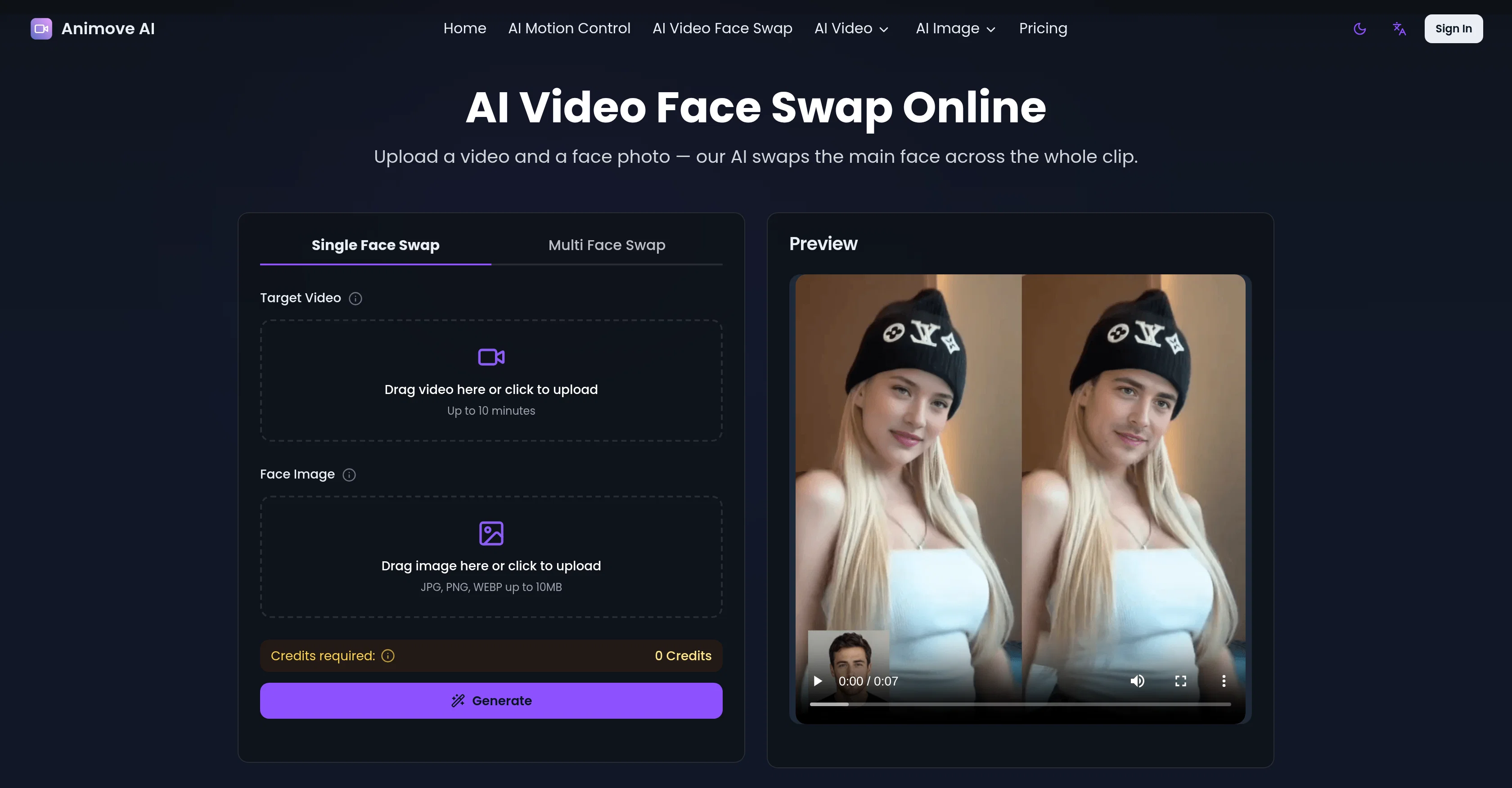
Animove's AI Video Face Swap tool is an online AI-based application designed to swap faces in video footage. Users can upload a video along with a face image, and the AI system replaces the main face in the video with the uploaded image.
The tool is capable of swapping single-face and multi-face within a video, making it versatile for various use-cases. The AI works meticulously to craft realistic face swaps by matching skin tone, facial angle, and details to create a natural-looking output rather than a pasted-on appearance.
It also conserves original facial expressions, head movement, and scene lighting to ensure the swapped face remains convincing throughout the entire video.
Animove's AI video face swap is highly user-friendly, requiring no installation, and operates entirely online, without any need for powerful hardware on the user's end, making it accessible from any device.
Furthermore, it's suitable for a range of applications including content creation, memetic culture, indie filmmaking, marketing, education, and gaming.
This tool is designed to simplify the face swapping process, handling all tracking, blending, and lighting adjustments automatically while providing a quick turnaround.
Despite its ease of use, the results delivered are detailed and high resolution, ready for usage across multiple platforms.
Access & connections
Where you can use Animove AI.
Platforms
Capabilities
What this tool accepts, produces, and is strongest at.
Input
- Tabular
- Image
- Video
Output
- Video
Pros & cons
Pros
- Character swapping capability
- Animation features
- Reference video facial expression capture
- Detailed performance replication
- Character replacement in videos
- Maintains original lighting and tones
- Perfect lip-sync functionality
- Relighting LoRA for lighting match
Show 43 more
- User-friendly process
- High-fidelity character video generation
- Beneficial to various professionals
- Face swapping in any video
- Automatic facial expression conservation
- Skin tone matching
- Single-face and multi-face swap
- Detailed and realistic swaps
- Entirely online functionality
- No installation required
- Hardware independence
- Fast processing and turnaround
- Detailed high resolution outputs
- Support for various applications
- Handles tracking, blending, lighting
- User upload your media
- Ready to share outputs
- Practical for diverse use cases
- Video face swap online
- Seamless new face integration
- Expression and lighting match
- Focused single-face swap
- HD video output
- Runs from any browser
- Powerful models for fast processing
- Automatic tracking, blending, lighting
- Powerful cloud-based processing
- Tips for best results provided
- Versatile real-world applications
- Free credits for testing
- Match lighting, skin tone, movement
- No editing experience required
- Data privacy and security
- Terms and conditions transparency
- Commercial usage allowed
- Frame-specific face replacement
- Compatible with common video formats
- Low learning curve
- Custom avatars and roleplay
- Supports memetic culture
- Adaptable for indie filmmaking
- Educational purposes
- Marketing and branding usage
Cons
- Limited to single-face swap
- Requires high quality media
- Results vary by server load
- Paid users get priority processing
- Potential privacy concerns
- Usage restrictions for commercial projects
Compare alternatives
Similar tools in the catalog — with a clear reason to open each one.

Swap Me In ✓
FreemiumSwap any face into any video in seconds.
Why look Freemium alternative
Full comparison
EasyFaceSwap ✓
FreeFree online AI face swap: Create undetectable photos and videos in seconds.
Why look Fully free option
Full comparison
VideoSwap.app ✓
Free TrialAll-in-one AI video swap for creators.
Free + from $21.9/mo
Full comparison
Filter Remover ✓
Free TrialRemove filters. Restore the real photo.
Why look Stronger for image work
Full comparison
Releases 1
FAQ 12
What is the Wan 2.2 Animate model used by Animove AI?
How does Animove AI perform character swapping and animation?
What kind of data does Animove AI use for character animation?
How can Animove AI make images look like lively characters?
What does Animove AI's lip-sync capability offer?
What is the role of Relighting LoRA in Animove AI?
What type of files can I upload on Animove AI for character animation?
How does Animove AI extract and learn motion and expression data?
Who can benefit from using Animove AI?
How does Animove AI manage to maintain original performance, lighting, and color tones while character swapping?
Does Animove AI support photo animation?
What kind of motion capture capabilities does Animove AI have?
Related tools
Recommended

Notis ✓
Free TrialThe first WhatsApp assistant that runs on your ChatGPT and Claude subscriptions

Jason AI ✓
PaidAI-powered assistant for B2B sales outreach

Kick ✓
FreemiumAccounting software that does the work for you

Gemini ✓
FreemiumGemini: Google's most capable AI model yet

Younet ✓
Free TrialAI Agent Orchestration and Automation. Build your agentic business.

ChatPlayground AI ✓
PaidThe #1 Platform for Comparing AI Models